
What equipment should you choose for jewelry photography?
Through these tutorials, discover the essentials for macro photography and jewelry photography for your e-commerce.
Gemstones, polished metals, settings: consistent visuals

With jewelry, lighting, sharpness and consistent shots make all the difference.
Bring out the brilliance of the stones without letting reflections hide the details.
Control reflections on polished gold, silver and platinum.
Get a sharp image of a piece only a few millimeters in size, from front to back, even when a single focus point is not enough.
Keep the same look from one collection to the next, even when several people use the studio.
Show a ring in 360°, with consistent sharpness throughout the rotation.
Photograph a whole necklace, from the chain and bail to the pendant and clasp, despite the differences in size and depth.
Photograph new pieces and restocks in-house, without waiting for an outside provider.
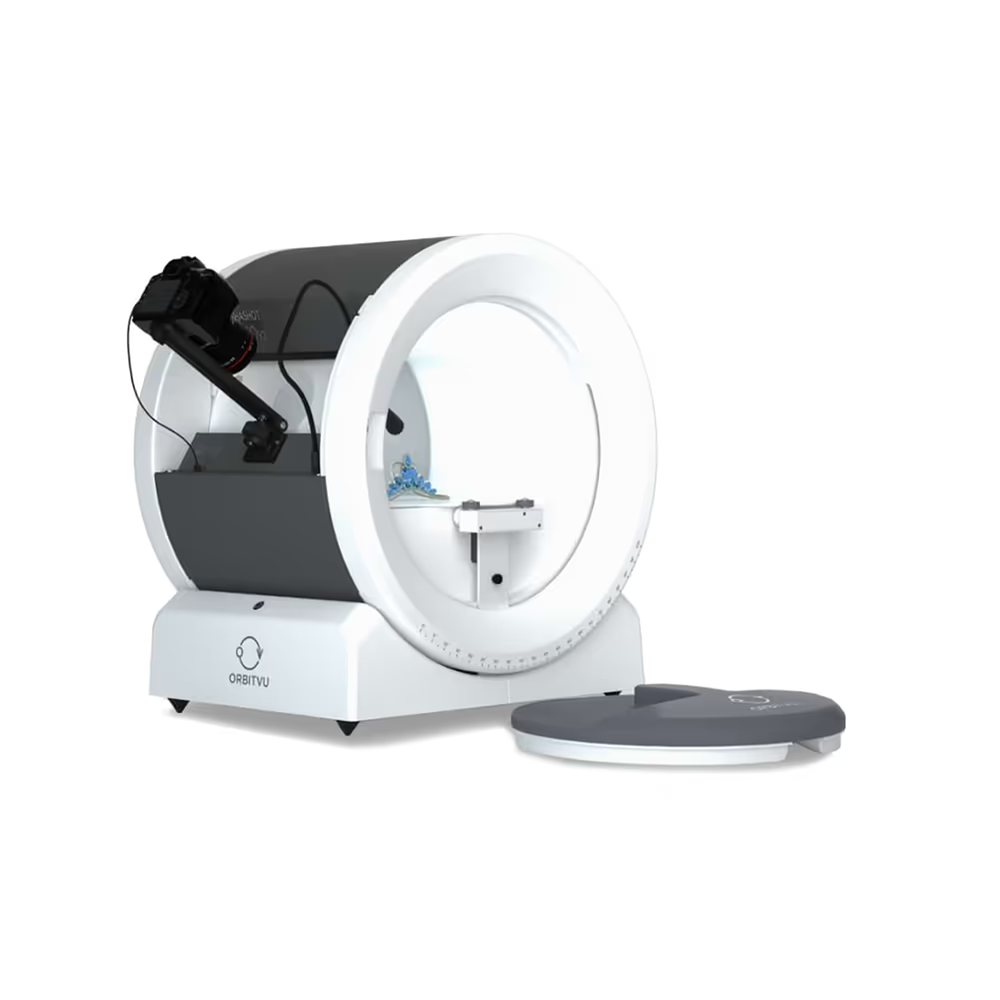
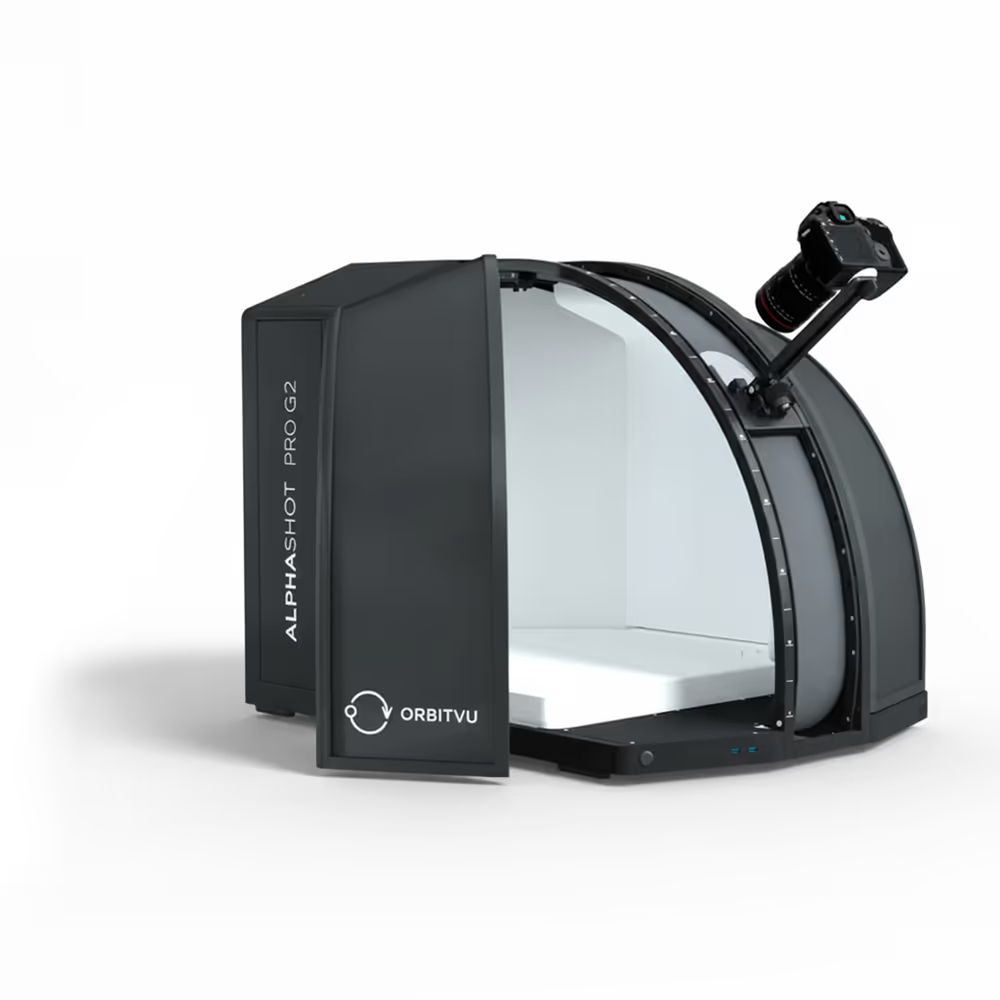
Sharp, consistent photos of every piece, produced on your premises, with two systems: the Alphashot Micro Pro v2 and the Alphashot Pro G2.
Automated retouching and background removal, on the photo of the real piece.
From the catalog to 360° views, the same settings let you present your different collections consistently.
A new collection reuses the saved settings of the previous one: same background, same lighting, same framing. Rings, pendants and earrings are presented the same way, from the catalog to the online store.
A consistent look, season after season
Each metal, stone or size variant is photographed under the same conditions, cut out within the workflow, then exported to the store.
Product pages you can compare from one variant to the next
The ring turns on the Alphashot Micro Pro v2 turntable; with Superfocus, the animation stays sharp throughout the rotation, ready for the product page.
The mounting, the setting and the stone visible before purchase
Automated Orbitvu photo studios selected to meet the constraints of your industry.
Through lighting first: gemstones need light to show their fire, polished metal needs controlled light. On the Alphashot Pro G2, the AI Photo Assistant suggests a lighting setup suited to the product. After the shot, AI Retoucher can soften unwanted reflections.
It merges several photos taken at different focus points to get a piece that is sharp from front to back. In Orbitvu Station, the Superfocus assistant guides the stacking and suggests the parameters, including during a 360° animation.
Not today: Orbitvu Station generates neither worn images nor virtual models. Orbitvu has announced an On-model feature, with no date; we do not present it as available.
Yes: background removed by AI Masking, views from several angles and 360° animations exported for your product pages. Saved settings align each new reference with the previous ones.
It depends on the size of the pieces: the Alphashot Micro Pro v2 up to 18 cm long, the Alphashot Pro G2 beyond that, up to 35 × 35 × 40 cm according to Orbitvu. For a necklace, measure the presentation you want: beyond 18 cm, choose the Pro G2. On the Micro Pro v2, a semi-transparent holder, available as an optional accessory, suspends chains and necklaces without appearing in the image. Camera, lens and lighting: see our guide “What equipment should you choose for jewelry photography?” in the resources on this page.
By appointment, by video call or in person. In person, bring four representative pieces: a set ring, a polished metal piece, a chain or necklace, and an engraved piece. We photograph them in front of you and check together the reflections, the rendering of stones and settings, sharpness with Superfocus and the repeatability of the saved settings. You leave with the choice of the right system: Micro Pro v2, with or without accessories, or Pro G2.
A demonstration with your own pieces, the choice of the right system and support from PackshotCreator, official Orbitvu distributor.
30 minutes with an expert. See our systems in action on your own products.
Estimate your savings in 3 minutes. Personalized and immediate results.
Through these tutorials, discover the essentials for macro photography and jewelry photography for your e-commerce.
Control your camera settings to photograph your jewelry. ISO, aperture, speed: all the parameters explained for professional photos.
Master the demanding art of jewelry photography with our exclusive tips: advanced lighting, Hyperfocus technology, and 360° animations. Discover how to enhance diamonds and precious stones for your jewelry e-commerce store.
Discover 8 tips for shooting a ring by mastering the framing, lighting and background for exceptional visuals!