Bottle Photography: Master the Glass, the Light and the Labels
Glass that reflects, liquid that changes color, a label that must stay legible: a bottle combines the difficulties of product photography. An Orbitvu automated photo studio saves lighting, framing and processing in templates: your packshots start again from a consistent base, adjusted to each bottle.
PackshotCreator, official Orbitvu distributor in France and Switzerland, advises you on the choice of studio and installs it. Training for your teams is offered separately.
Glass, liquid, label: what a bottle demands of a photo shoot
Glass, liquid, label and capsule do not reflect light in the same way. The lighting therefore has to be adjusted to each bottle.
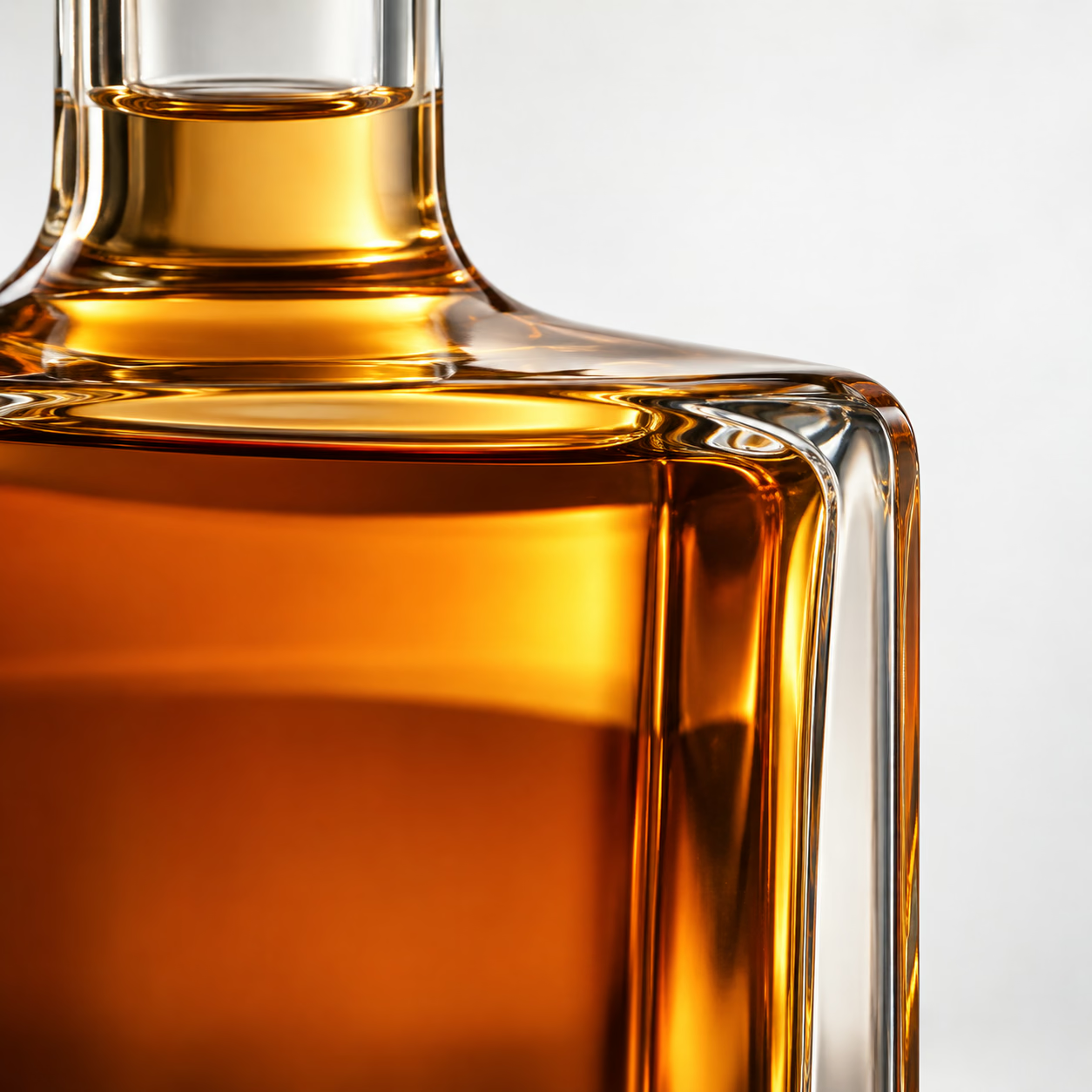
Clear glass and liquid
The glass reflects the light sources and its surroundings. In high definition, a speck of dust or a fingerprint shows.
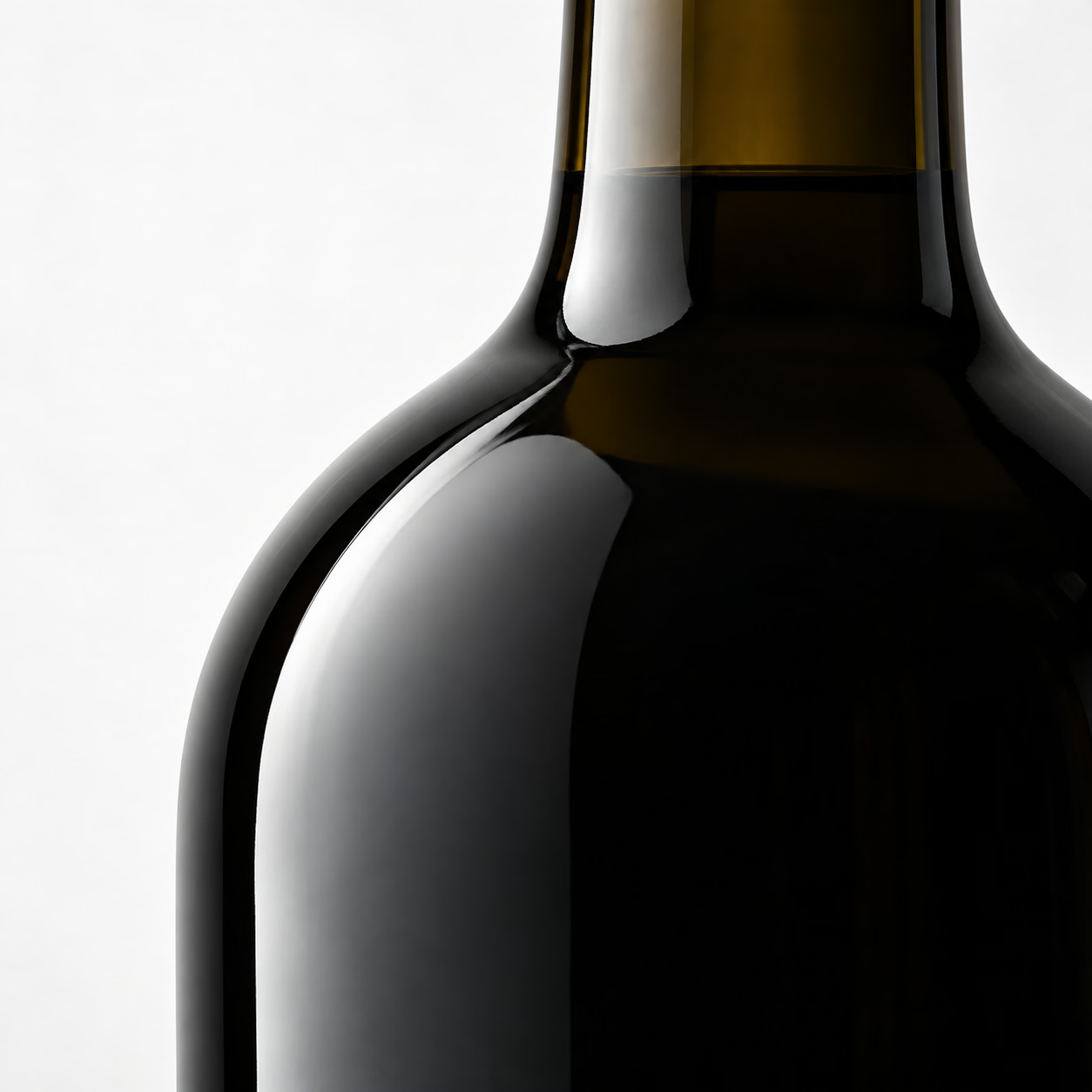
Dark glass
On a red wine, a light-colored turntable is reflected in the bottom of the glass. It is the reflections that draw the shoulder and the edges.
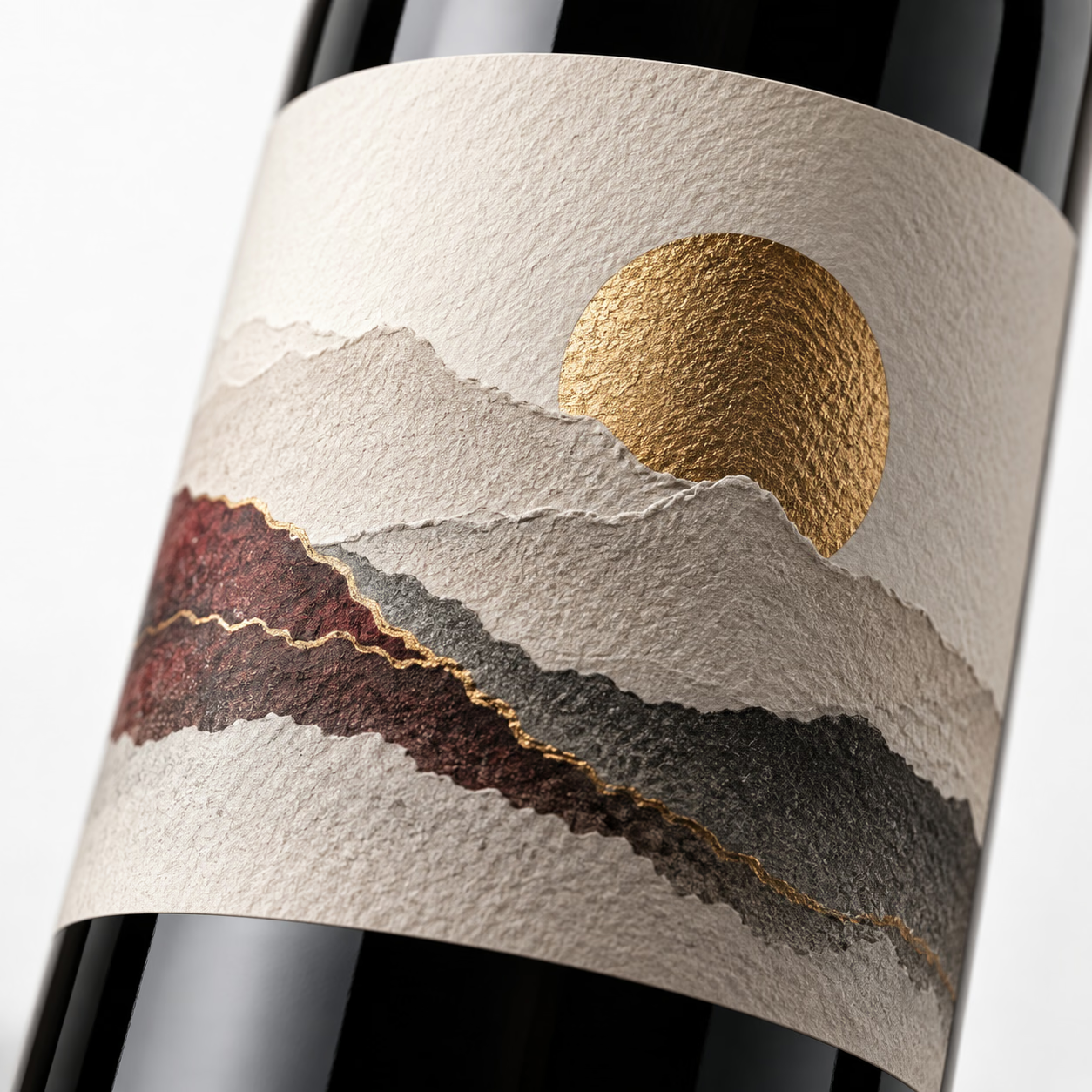
Label
Lit only from behind, it comes out darker than the glass. Textured paper, gilding, embossing: each finish catches the light in its own way.
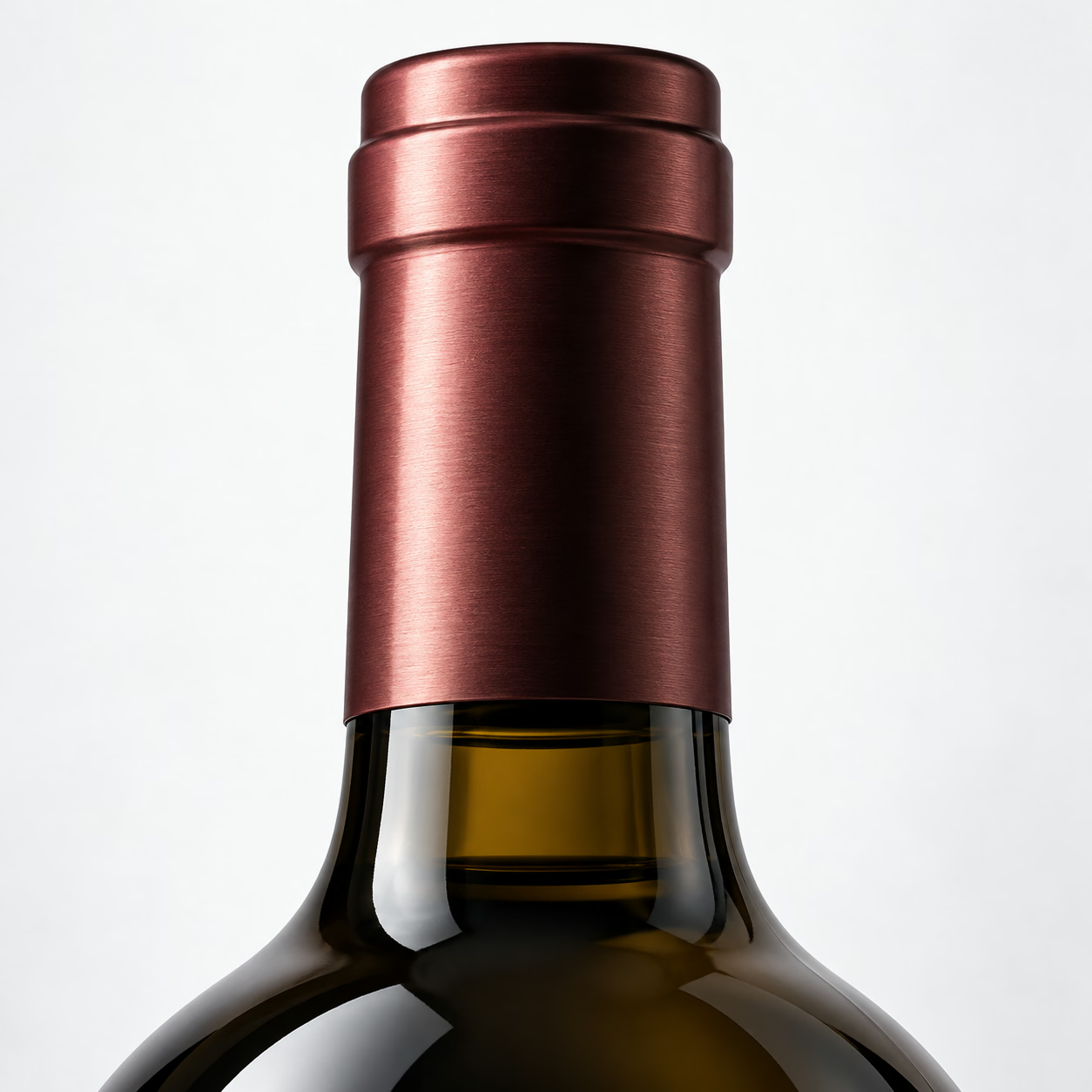
Capsule and neck
A metal capsule, a wire cage or a stopper reflect light at different angles from the body of the bottle.
How to light a bottle without losing the label
To photograph a wine bottle, diffuse light is preferred: from the front, direct light creates hard reflections on the glass. Each source has its role, detailed in the diagram: backlighting reveals the liquid, side lights the shape, a directed light the label, dark surfaces the edges. On a dark bottle, a raised holder avoids the reflection of the turntable.
The balance between these sources is set bottle by bottle. Complex shapes, such as some spirits flasks, need more fill light.
In an Orbitvu studio, these settings carry over from one session to the next:
lighting is controlled from Orbitvu Station; on the Alphashot XL G2, each of the 170 LED panels can be adjusted in direction and intensity;
a bottle holder, available as an accessory, raises the product; Orbitvu Station detects transparent holders and removes them from the image;
anti-reflection accessories and a black cover limit reflections from the surroundings;
the chosen setting is saved in a template, together with the camera and processing settings.
1Marker 1: Camera, facing the label.
2Marker 2: Diffused backlight: transparency and color of the liquid.
3Marker 3: Diffusing side panel: shape of the glass.
4Marker 4: Diffusing side panel: shape of the glass.
5Marker 5: Light directed at the label: it makes up for the darkening caused by the backlight.
6Marker 6: Dark surfaces: they outline the edges of the glass.
Principle diagram, seen from above. Positions vary with the bottle and the studio.
Consistent photos from one bottle to the next
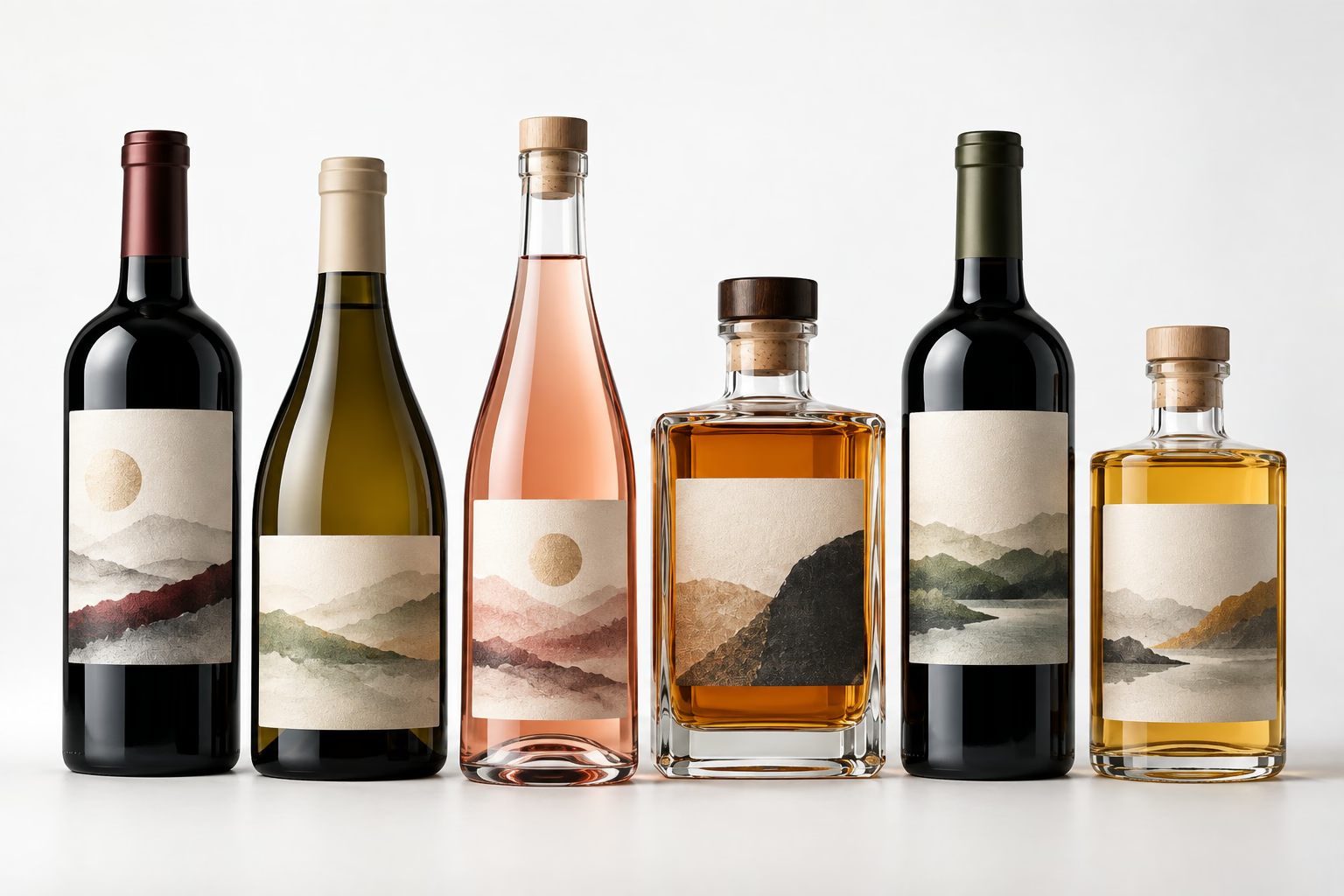
A Bordeaux bottle, a Burgundy bottle, a flute or a spirits flask do not have the same format. The color of the glass, the dimensions and the finishes change too. Settings must adapt to each bottle while keeping a consistent presentation across the whole range.
An Orbitvu Station template stores the number of images, the lighting, the angles, the camera position, the aperture, the shutter speed and the background removal. It is a reusable base, not a universal setting: you adjust it to the shape, dimensions, glass and finishes of each bottle. Station keeps one template per product type, one per format if your range requires it. A correction can then be applied to a whole series of images.
Which images should you plan for each bottle?
Depending on your needs, plan in particular:
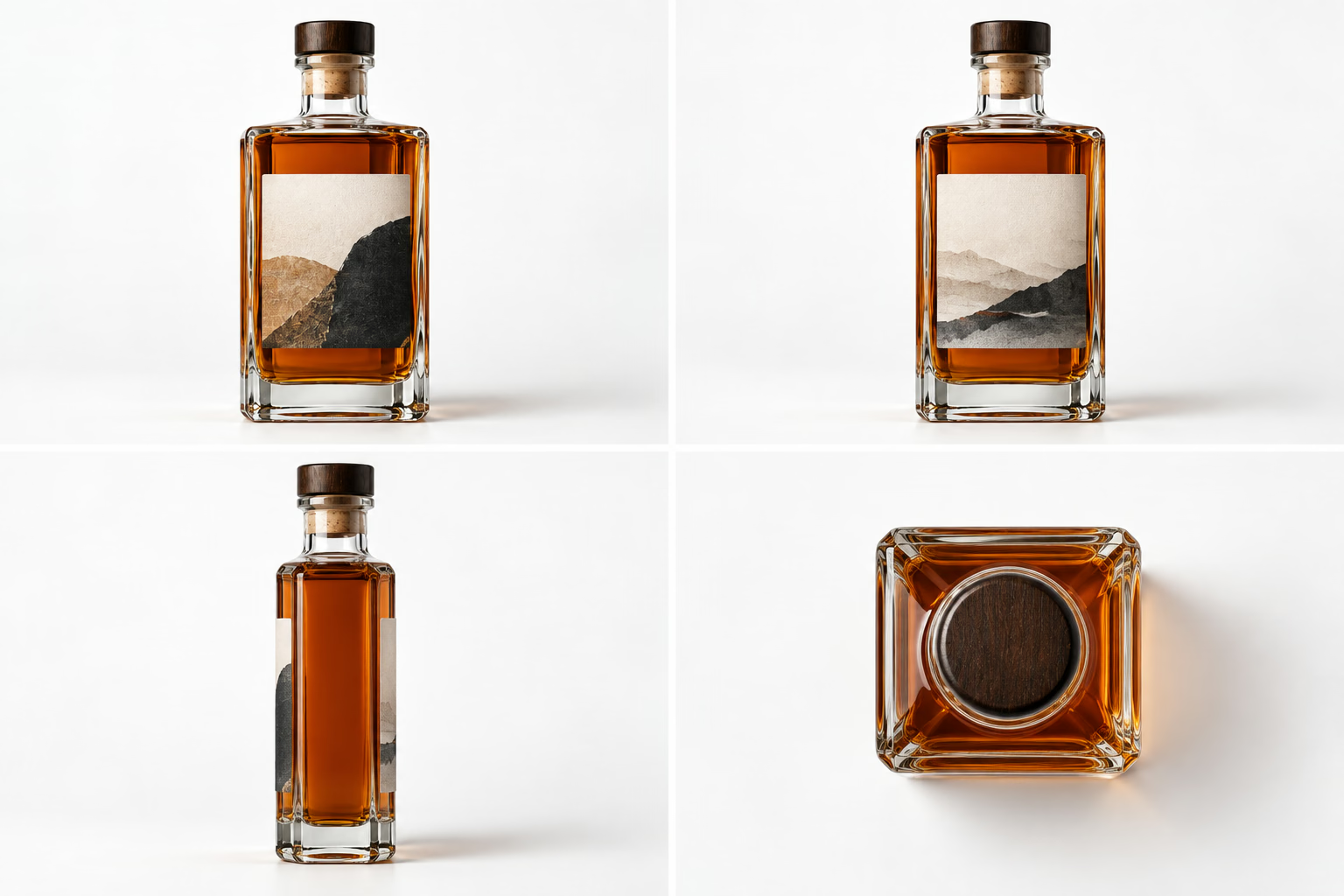
the front, the back label and the profile;
a top view of the capsule, if the studio is equipped with a top camera mount;
a 360° rotation, from 6 to 180 images, exported as HTML5 or video;
short product videos.
The same files serve the product page, the catalog and the visuals sent to distributors and importers.
Before the session, list for each reference the views you expect, close-ups included: relief of the glass, neck and capsule, gilding or embossing of the label. Also set the file naming by reference, cuvée, vintage and sales destination: with each new vintage, you know which views to reshoot.
From the bottle to published files
Everything starts from a real photograph of the bottle. The operator steps in whenever a choice or a check is needed.
Step 01Operator
Prepare
Dust the bottle and handle it with cotton gloves: glass keeps every mark.
Step 02Operator
Place
Set the bottle in the center of the turntable, on its holder if necessary.
Step 03
Capture
Run the template: photos, 360° rotation, video. The software controls the lighting, the camera and the turntable.
Step 04Operator
Remove the background
Orbitvu Station removes the background during the shoot (IQ Mask or AI Masking), including in transparent mode. The operator checks the result on screen.
Step 05Operator
Retouch
AI Retoucher can soften unwanted reflections, clean up blemishes and adjust colors, starting from the real photo. According to Orbitvu, strong reflections on glass may require manual retouching. The operator approves the result.
Step 06Operator
Check the label data (option)
AI OCR reads the text printed on several views of the same bottle and sorts it into fields. The operator checks the data before saving it.
Step 07
Publish
Export the formats you need, or publish to Shopify, Shopware, Magento, PrestaShop or WooCommerce.
The AI features of Orbitvu Station are reserved for subscriptions. AI OCR and AI Retoucher were announced in beta in June 2026.
Two studios to photograph your bottles
We recommend two studios for bottles. The choice is made with you, based on your references: bottle height and weight, number of references, views needed, need for label data or measurements.
Alphashot XL Pro v2
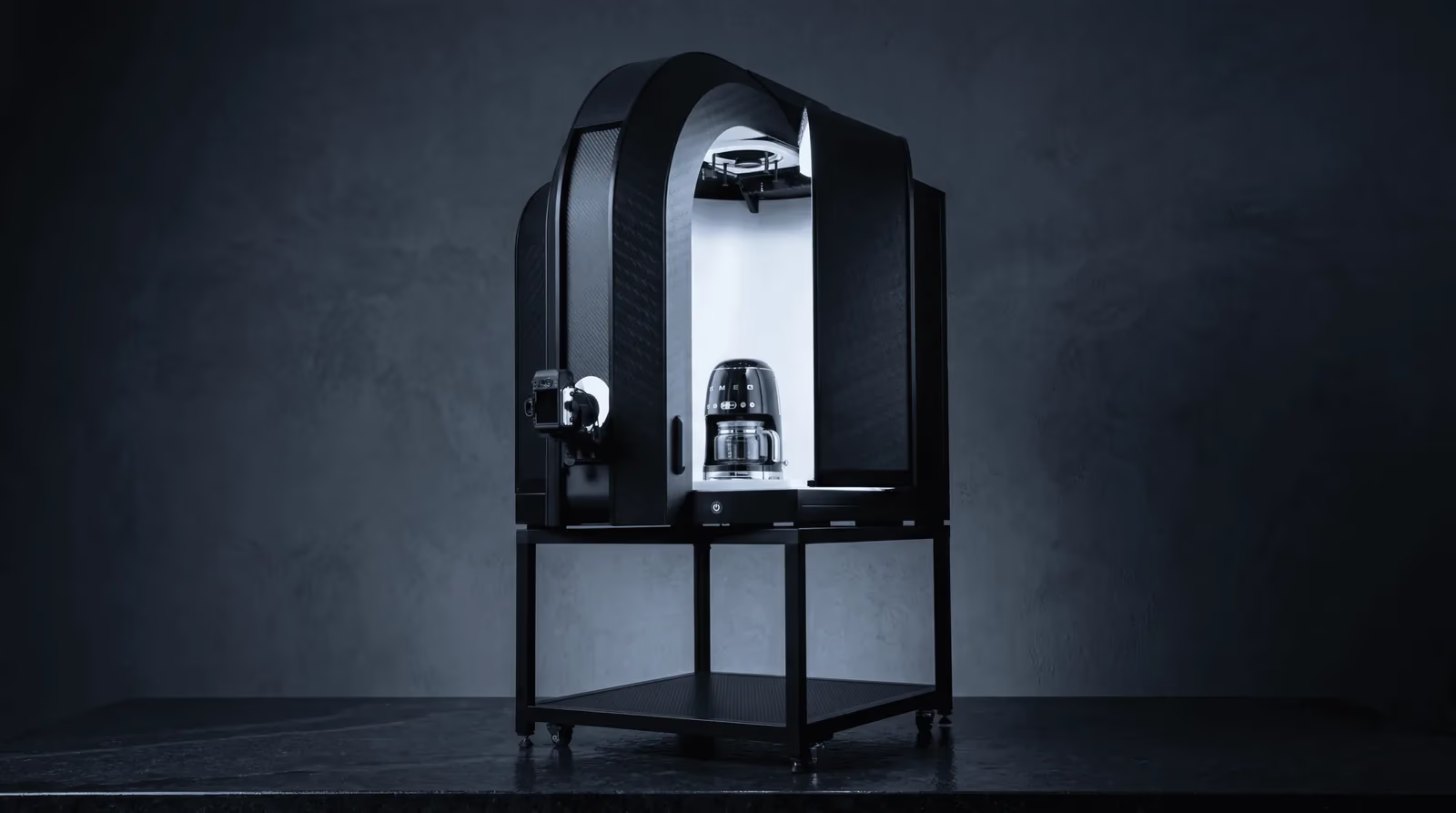
The XL-range studio we recommend for bottles. Orbitvu has used it on glass bottles with dedicated accessories.
Bottle holder, anti-reflection kit and black fabric cover
How do you photograph a wine bottle without stray reflections?
+
By favoring diffuse light rather than direct light from the front. Backlighting reveals the transparency of the liquid, side lights shape the glass, a directed light illuminates the label. A raised holder and dark surfaces limit reflections from the turntable and the surroundings. The setting is saved and reused; some strong reflections still require retouching.
Can you photograph bottles of different formats with a consistent look?
+
Yes, starting from a common base. Orbitvu Station keeps one template per product type: you can create one per format, with the same lighting and framing, then adjust it to the bottle. The studio is chosen according to the largest bottle in the range.
How do you show the back label and the capsule?
+
The turntable records the angles: front, back and profile in the same pass. A top view of the capsule requires a top camera mount. To show the whole bottle, a 360° rotation of 6 to 180 images is exported as HTML5 or video.
Is background removal automatic for a transparent bottle?
+
Orbitvu Station removes the background during the shoot, through a second exposure (IQ Mask) or with AI (AI Masking), including in transparent mode. Transparent holders are detected and removed. The operator checks the result on screen before export.
Do you need a photographer to use the studio?
+
Not necessarily. Orbitvu states that the Alphashot XL G2 can be operated after a short training, and settings saved in templates are reused from one session to the next. Training for your teams is offered separately from the studio.
Can AI read the information on the label?
+
With AI OCR, Orbitvu Station reads the text printed on several views of the same bottle and sorts it into the fields you define. The operator checks the data before saving it. The feature is reserved for subscriptions; it was announced in beta in June 2026.
Talk about your bottle photography project
Describe your references: formats, glass colors, label finishes, number of bottles to photograph, views you need.
A first demonstration can take place by video call. To judge on your own bottles, an in-person demonstration can be arranged by appointment.
Discover through our guide, how Orbitvu photo studios help you enhance your transparent products such as perfume bottles, glasses or bottles, whether in photos, videos or even by creating a 360° animation.
Learn how to get the perfect white background without clipping for your products. This method is facilitated by the Orbitvu Station software and mandatory for perfect videos of your products.
Learn why multi-source lighting is essential in product photography and how Orbitvu automated studios optimize light for professional, sharp, true-to-life images.