For over 20 years, PackshotCreator has enabled thousands of companies to produce professional-quality visuals in-house thanks to automated photography solutions. However, in 2025, many users contacted us with the same problem: lost PackshotCreator software, a studio not recognized by Windows 11, or inability to reinstall the system after changing computers.
If this applies to you, here is the up-to-date information you need to understand the situation and find out what solutions are available.
Why is your software no longer available?
All the software supplied with PackshotCreator studios between 2003 and 2024 was developed by Ortery Technologies, a Taiwan-based company and a pioneer in automated photography since 2001.
For over 20 years, PackshotCreator was the exclusive distributor of Ortery in EMEA, marketing these software and hardware solutions under its own brand. But since the end of 2024:
- PackshotCreator no longer distributes Ortery software
- The PackshotCreator support for these solutions officially ended on December 31, 2024
Software development continues at Ortery. For any technical questions, reinstallation or license requests, you must contact the publisher directly.
What should you do if you lost the software or changed your PC?
Here are the steps to follow if you run into problems:
Step 1: Identify your hardware

- Studio name (e.g. PackshoTone, R3 Mark II, Spin O3T...)
- Serial number, if available
- Year of purchase and the software version used
Step 2: Contact Ortery Technologies
Ortery is now your only point of contact to:
- Download PackshotCreator or PackshotSpin software
- Reactivate a license
- Get technical support for previous versions
Ortery Technologies B.V.
Cypresbaan 45 BG, 2908LT Capelle aan den Ijssel, Rotterdam, Netherlands
+31 64121-8909
https://www.ortery.eu/contact-ortery-technologies-inc
Significant compatibility issues
Even if you find the software, it is important to be aware of some limitations:
Ortery solutions have limited compatibility with Windows 11. You may run into problems if your camera is no longer recognized. Installing the software may fail or freeze on recent systems.
In these cases, getting the studio working again is seldom possible. It is then time to consider a migration to a modern solution that is compatible with current standards.
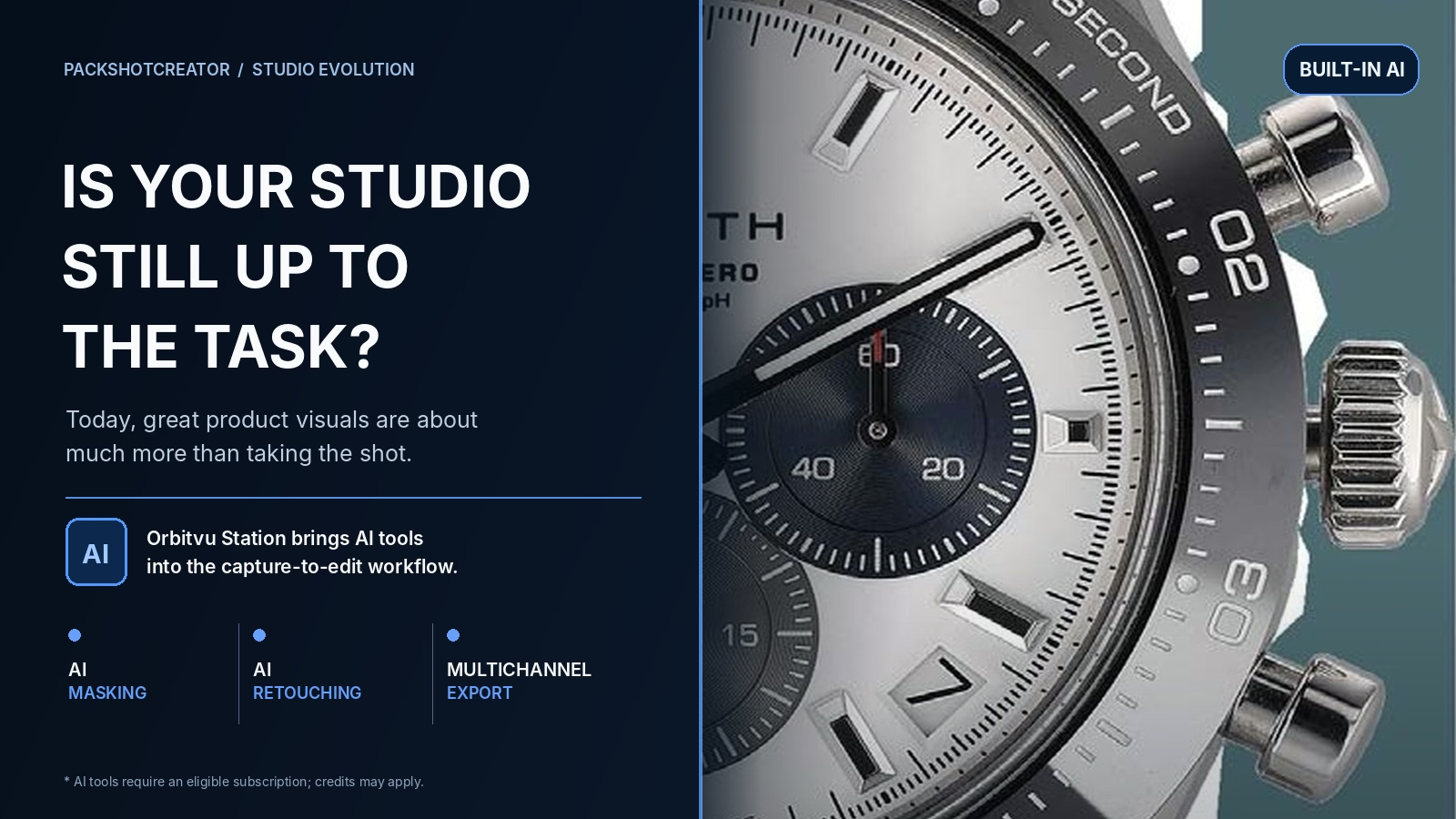
Orbitvu: the new generation of automated studios
Since 2023, PackshotCreator has served as official distributor of Orbitvu solutions, which are faster, more intuitive and compatible with modern technologies (Windows 11, Mac, cloud...).
The advantages of modern Orbitvu solutions
- AI photo assistant built in to guide your shots
- Virtual lighting with 74 lamps that can be controlled separately
- Automated background removal and retouching to save time
- E-commerce export in one click to the main platforms
- 360° animation and product videos of professional quality
- Full compatibility with Mac/PC, PIM, DAM, marketplaces, e-commerce
Key advantages of Orbitvu compared to older studios
Modern Orbitvu solutions offer several major advantages over the old PackshotCreator/Ortery solutions:
- Extensive compatibility: full support for Windows 11 and macOS, unlike the old studios, which were limited to Windows XP, 7 or 10
- Automatic background removal: backgrounds removed instantly, with no manual handling
- Intuitive user assistant: step-by-step guidance, even for beginners
- Automated e-commerce export: considerable time savings when putting products online
- Advanced and controllable lighting: precise control via multiple virtual light sources
See also: Comparison of Alphashot XL PRO vs PackshotCreator R3
Why reinternalize your visual production?
The new Orbitvu tools allow you to:
- Reduce your external costs
- Speed up the online launch of your products
- Maintain consistent visual quality
- Automate background removal, naming and export
See also: Is it useful to internalize your packshot photo production?
In summary
If you have lost your PackshotCreator or PackshotSpin software: contact Ortery Technologies, the publisher and developer, directly.
If your hardware is no longer compatible with Windows 11: schedule an Orbitvu demo to discover modern alternatives.
Our team is here to support you.
Before deciding, our article on how to upgrade or replace a legacy PackshotCreator studio sets out the criteria to check.
Need more information? Contact our team or visit our site to discover all of our Orbitvu solutions.