
Make a 360° animation for shoes in 9 steps
Create a 360 shoe animation in 9 steps. Enhance your e-commerce visuals with interactive and immersive rendering.
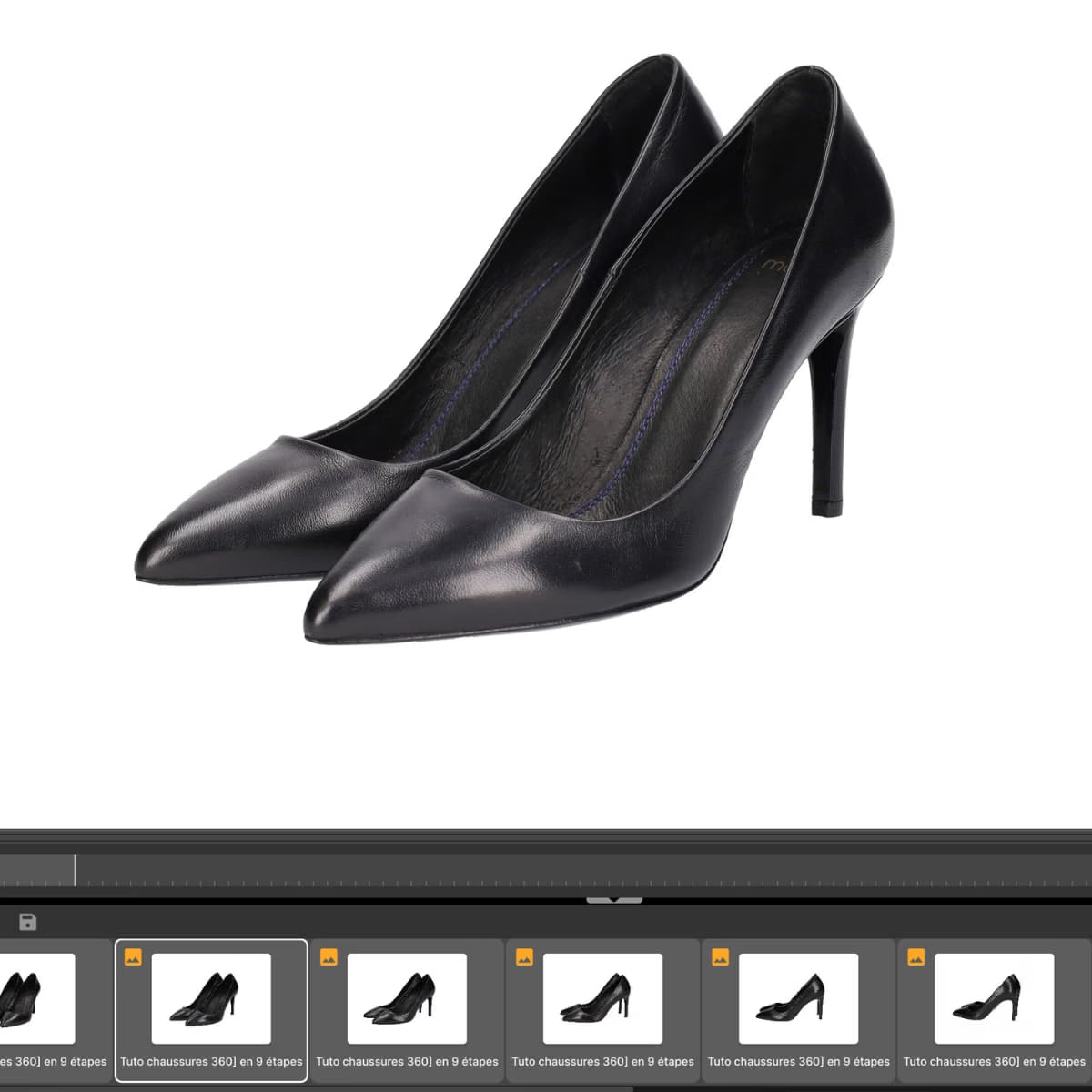
In this tutorial, our experts guide you step by step to create a 360° animation of shoes. 👠
Thanks to an assembly of 24 to 360 photographs, it is possible to design a immersive animation, ideal for showcasing your shoe collections whether sneakers, boots or street shoes on an e-commerce site. 💻
This interactive and dynamic format offers your visitors the unique opportunity to examine the product from every angle, revealing every detail, even the most subtle. With this technology, your customers can explore the product as if they had it in their hands.
Result: a comprehensive and immersive presentation that inspires confidence, reinforces engagement and greatly facilitates the purchase decision. 💳
And good news, a single shoe or product is enough to create a quality 360° animation.
Also discover our tutorial on multi-angle shoe photography.
On your marks: clean your shoe
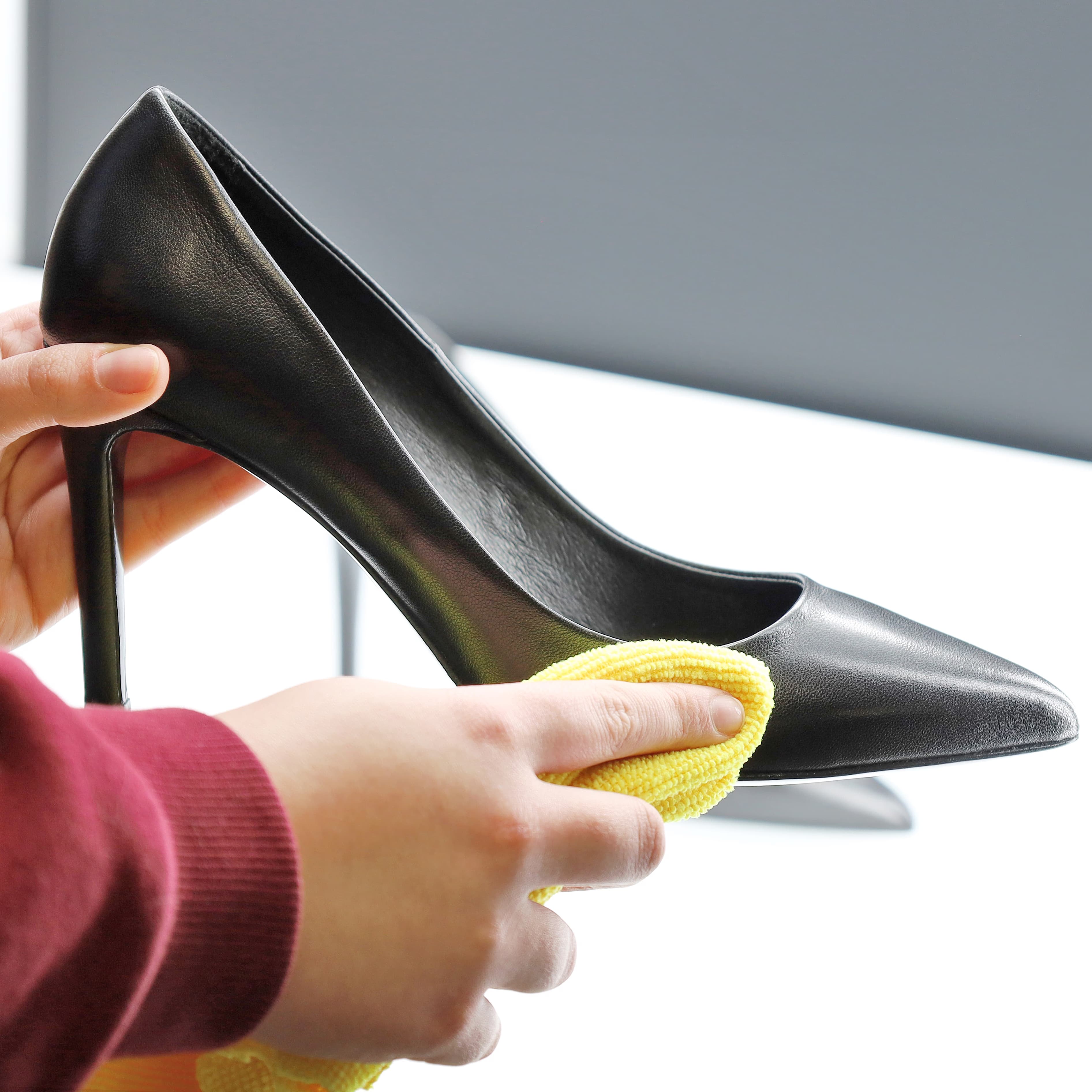
🧽Depending on the material of the shoe, use a rag or brush to remove all traces of dust.
💨 On a suede pump, we recommend using a dust remover aerosol.
Some shoe models made of leather or soft fabric require a paper upholstery to keep their shape when shooting in the studio.
Position it in your photo studio (0'30 minutes)
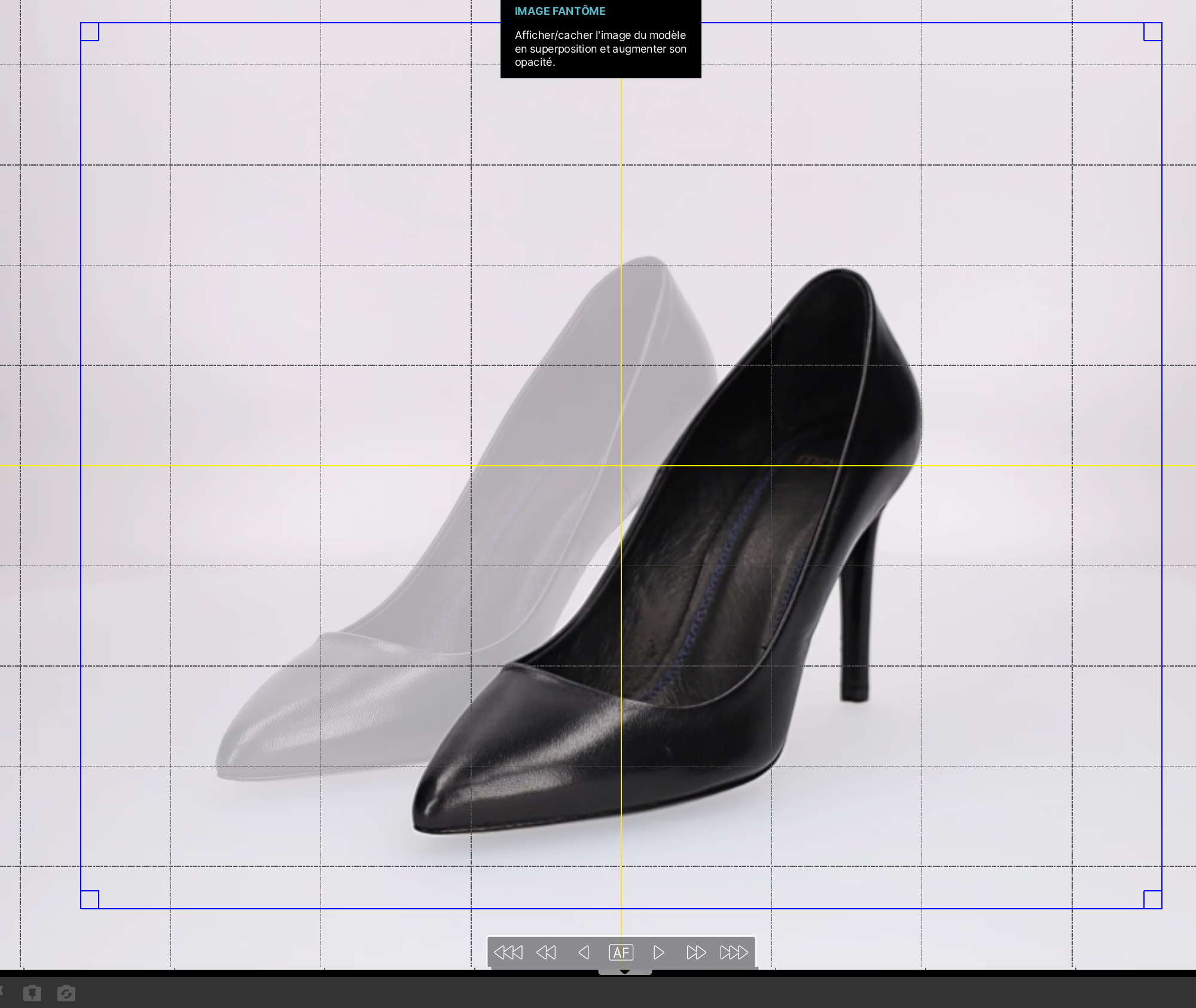
📍 Place the pump In profile in the studio, in the center of the turntable using the coordinate system located in the center of the turntable or trigger The positioning laser from the software. For this tutorial we used Orbitvu's Alphashot XL studio, which is the most suitable for shooting shoes.
Once your shoe is perfectly centered, create a Phantom image. The exact position of the pump is stored by the software on a profile. This phantom image will later be used to make it easier for you to position similar products.
On a thin heel pump, use a small Tip of paste to fix to prevent any movement during the rotation of the platter. 🔄
Set up the camera (0'15 seconds)
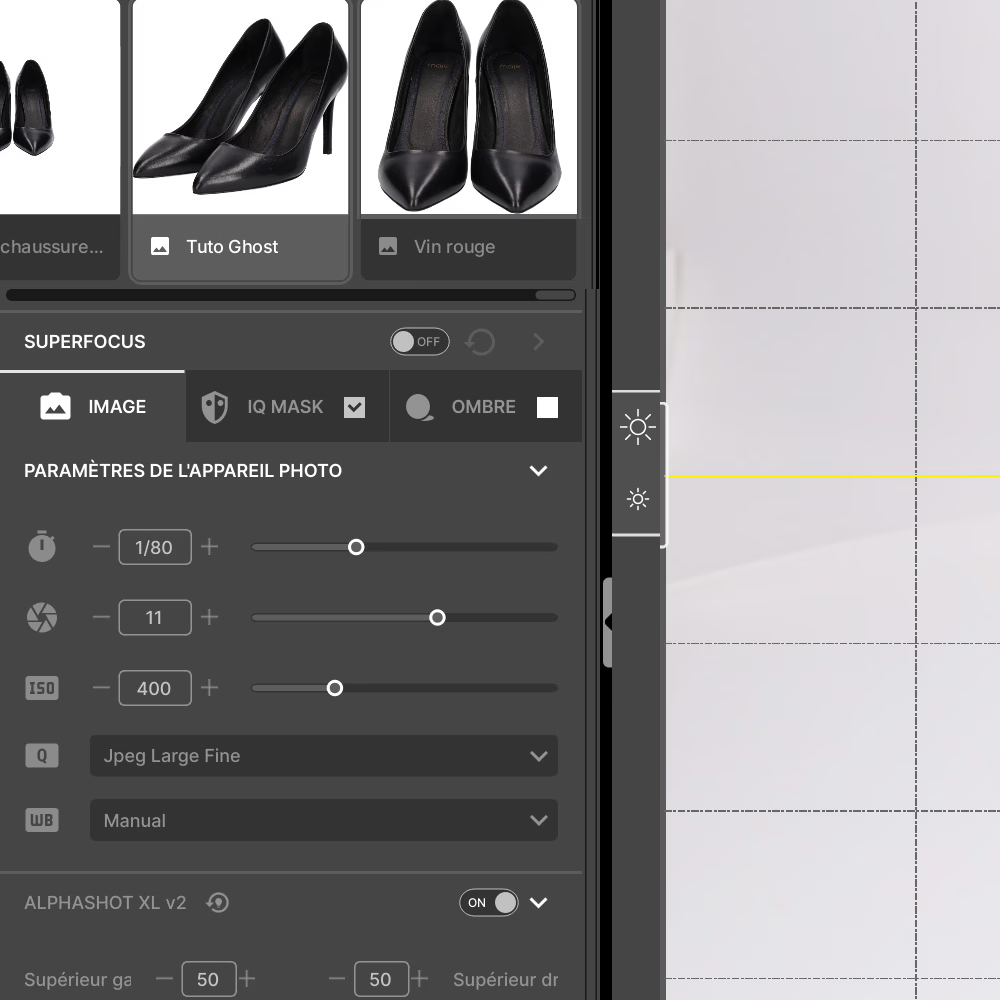
✔ Set the ISO on a value between 200 and 400.
✔The opening out of 11 for completely clear photos.
✔ The speed at 1/80.
Ready? Choose the ideal lighting for your pump (1 minute)
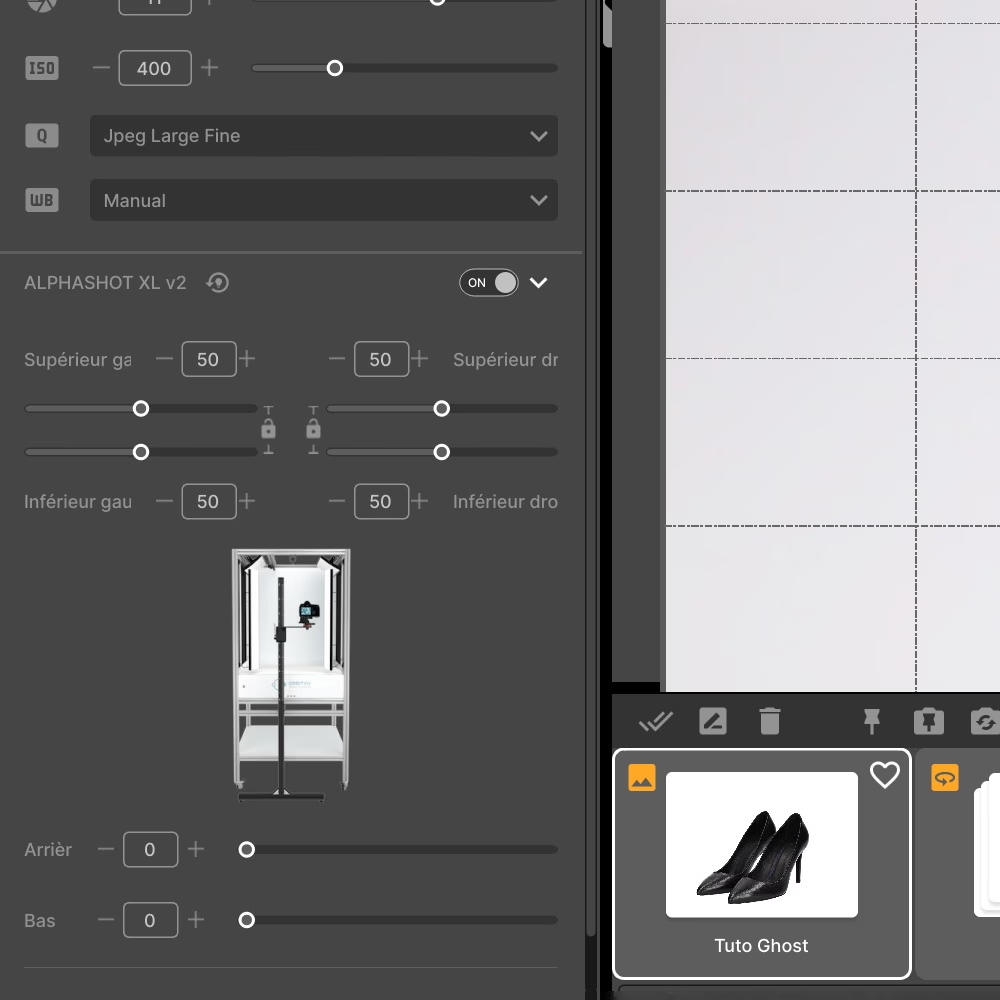
Adjust the intensity of 6 different lighting sources Studio LEDs: front, rear, columns or even turntable backlighting. If you need inspiration, try the Templates by default.
You can also adjust the white balance to make the light warmer or colder, or leave it as it is.
✔ All Orbitvu studios are set to get the as natural light as possible by default (daylight).
IQ Mask profile creation and verification
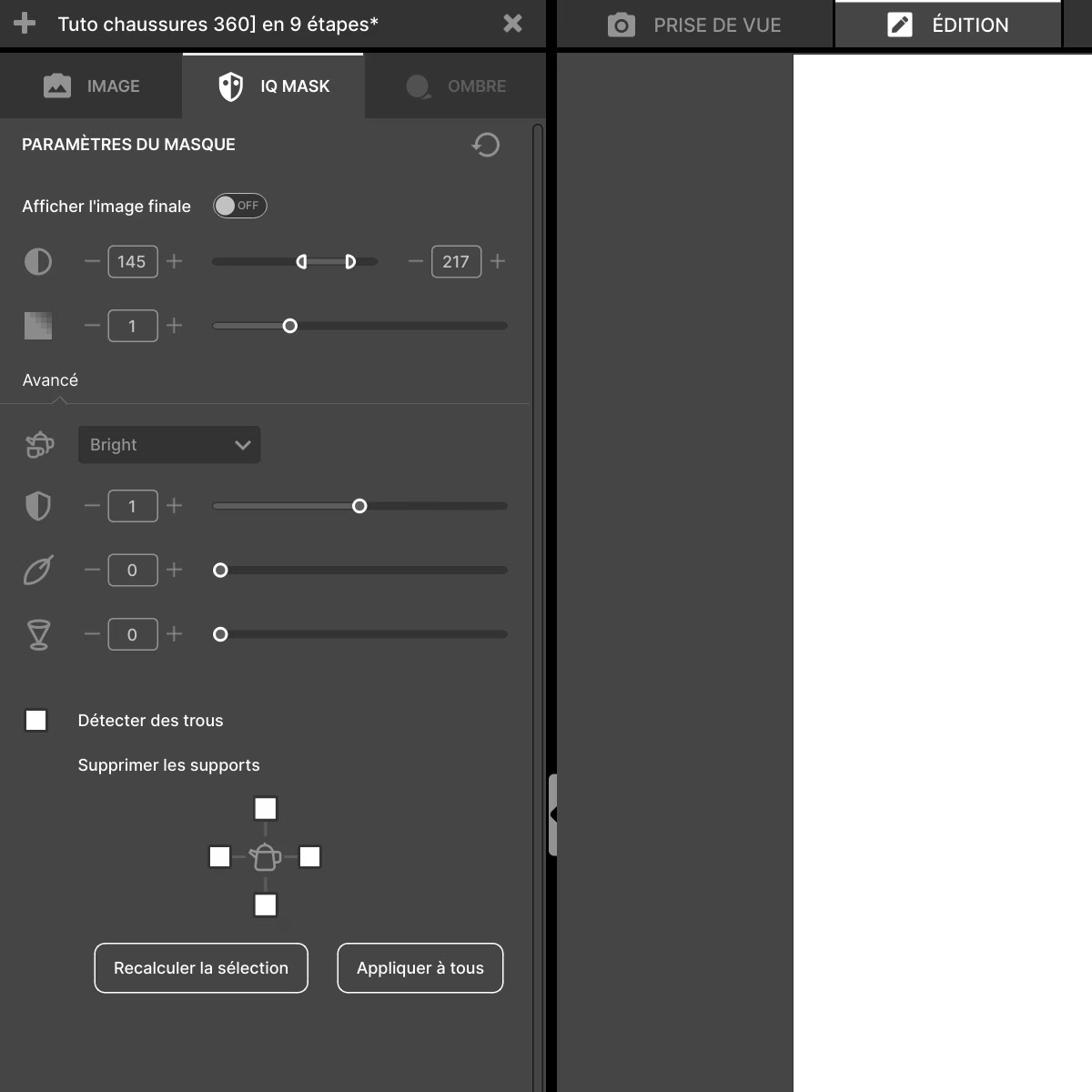
📂 Name and save the Template (profile) to store all of these camera and light settings on a profile that can be reused later. 🔄
✔ Take a single photo to check the settings of The IQ Mask (automatic clipping tool) before moving on to animating your bottomless shoe.
Before leaving the starting blocks (0'10 minutes)
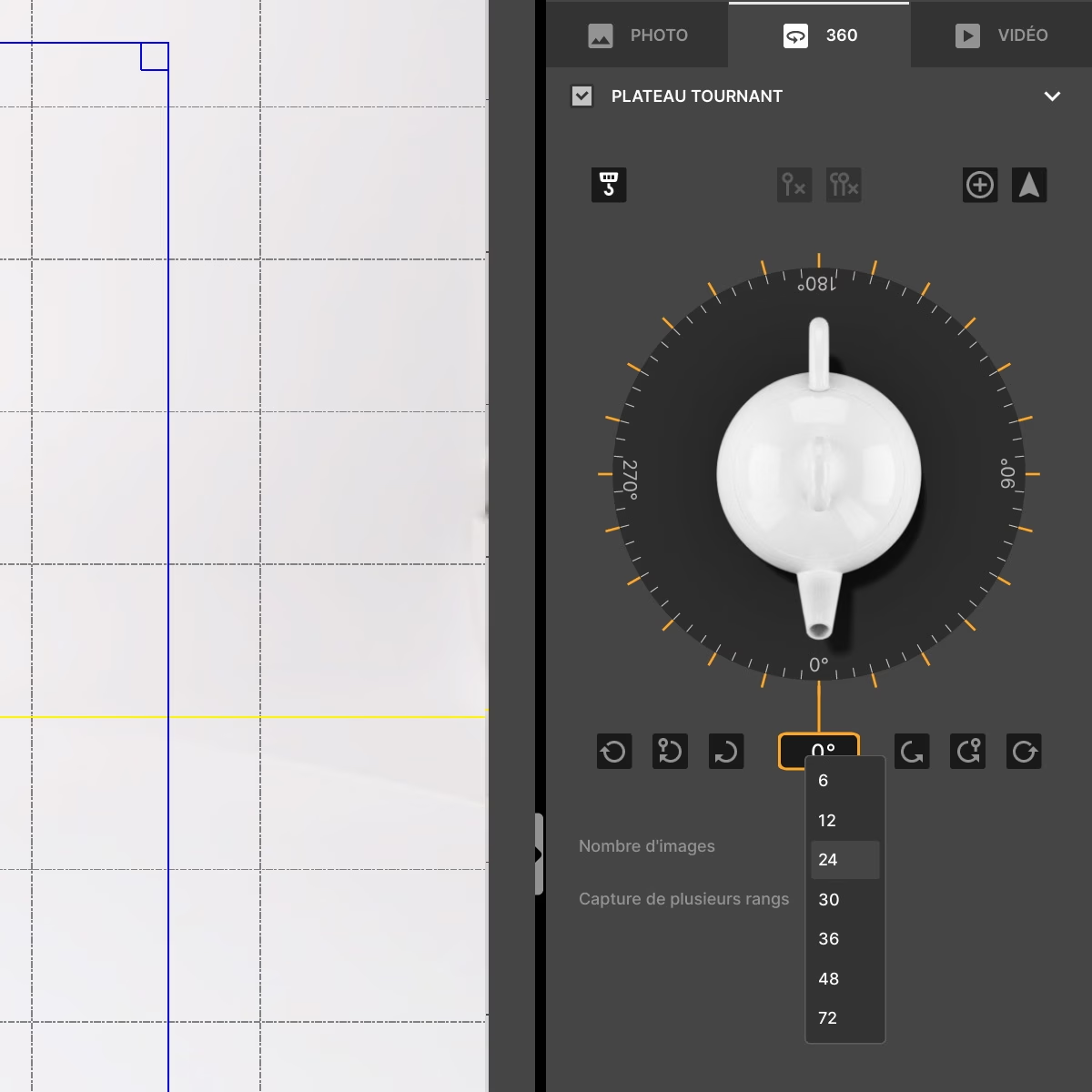
Choose the direction of rotation, speed, and number of frames that will make up the 360° animation. It is possible to achieve up to 360 photos to get the smoothest animation possible.
For an e-commerce website, for example specialized in shoes, 24 photos are more than enough!
Go away! The 360° animation of the shoe is started (1.15 seconds)
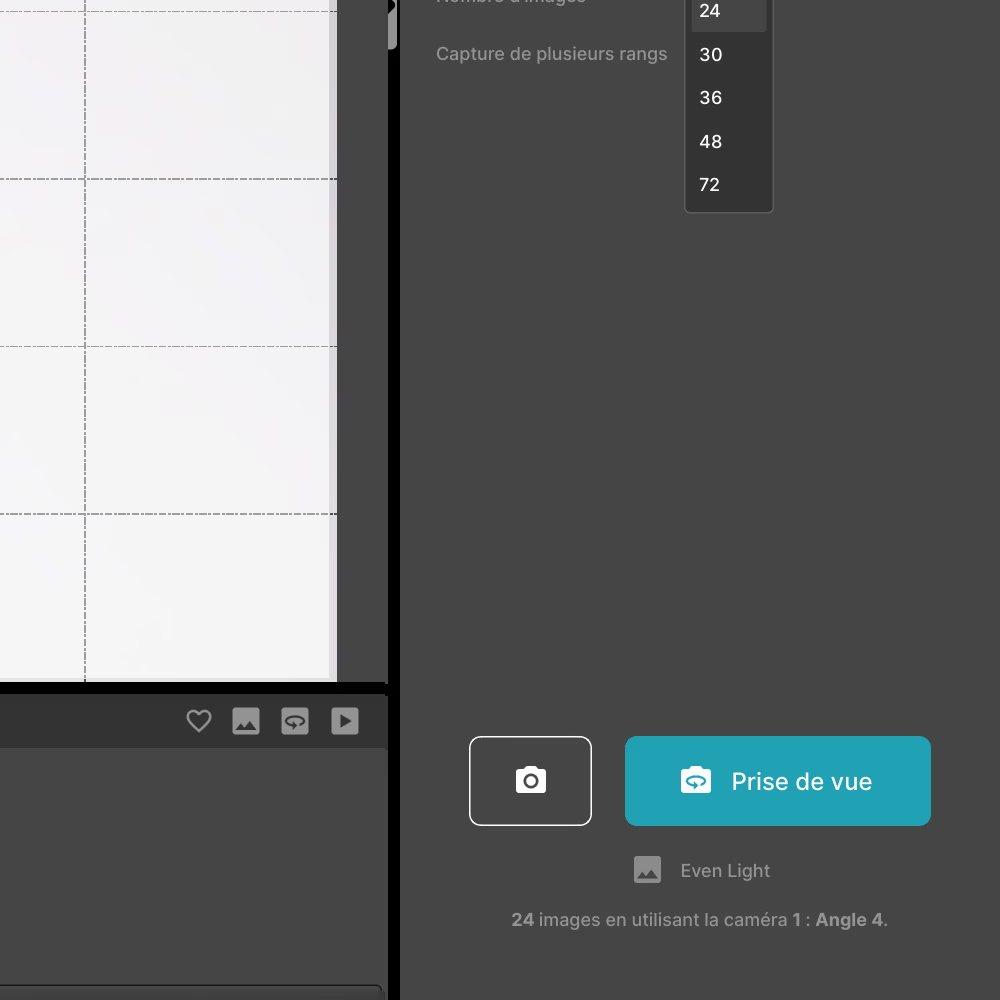
🎬 Start recording by clicking “Check-in”.
The board starts to rotate 360 degrees. During this rotation, the software automatically calculates the angles and the camera photographs your shoe 24 times.
✔ When shooting is complete, go to the next step.
Image and IQ Mask retouching (1 minute on average)
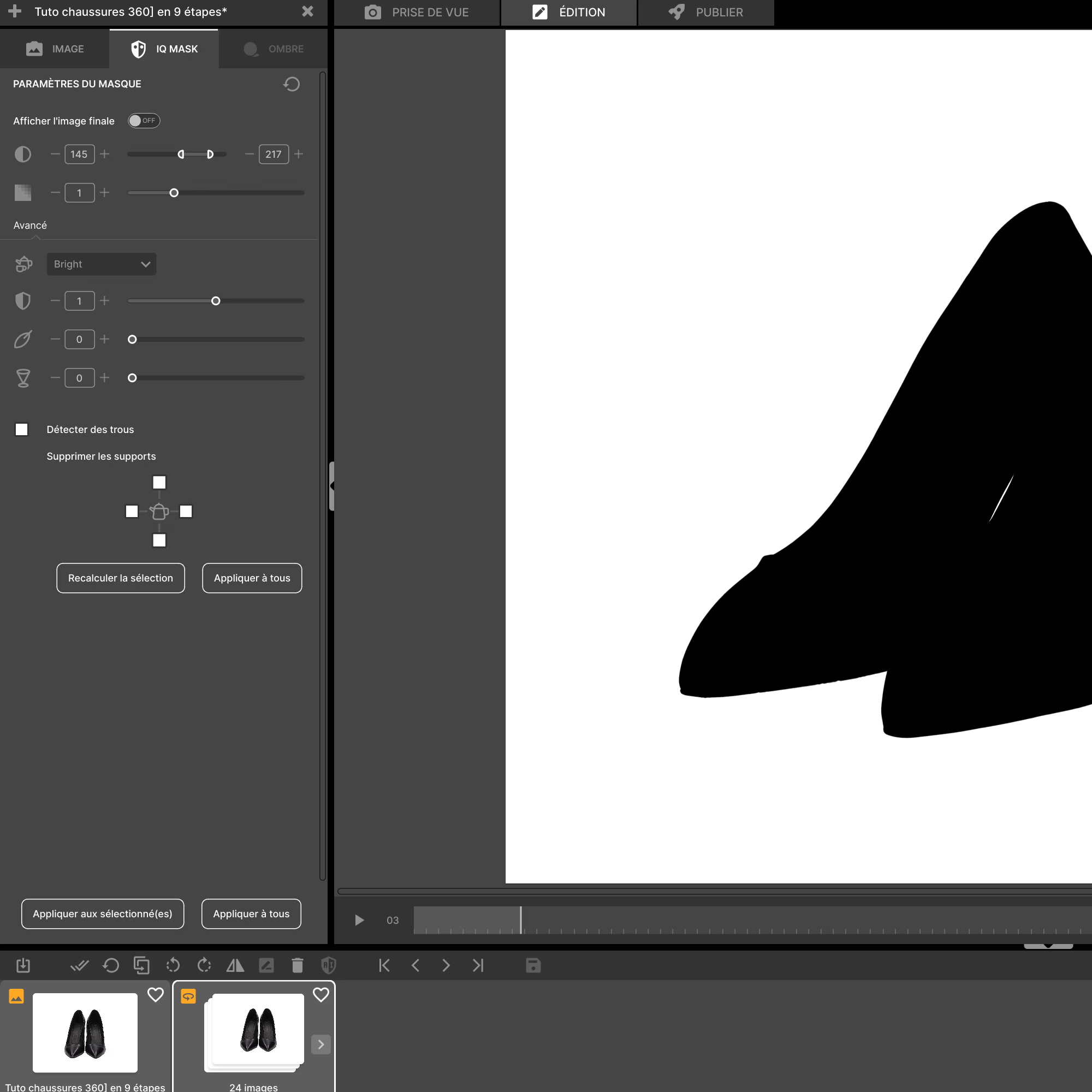
🎨 Edit images if necessary and check that theIQ Mask has removed the bottom well. When you are happy with the result, move on to exporting your animation. 🖌
Automatic export and assembly of images (0'15 minutes)
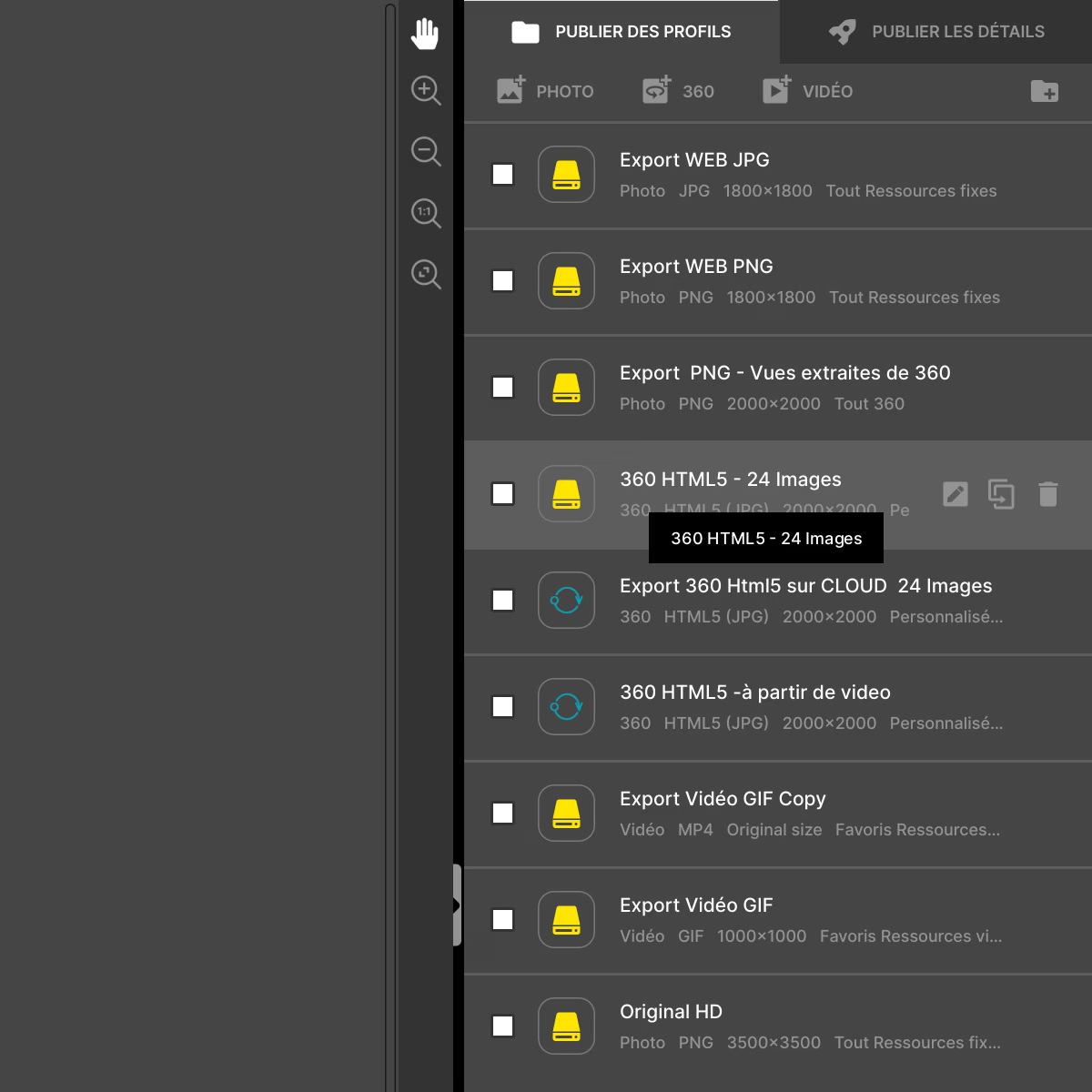
The Orbitvu Station software takes care of Assemble automatically the 24 photographs of the pump. Select the export format (s) according to the intended use, for example HTML, MP4, MOV, or GIF. 🎥
A file in the chosen format is then generated, and you can then transfer it to the Orbitvu Sun software, which will serve as a storage cloud. 📤
Orbitvu Sun will allow you to get a integration link effortlessly, all you have to do is copy and paste it onto your website for the animation to be displayed online. 💻
Also discover our tutorial on making a shoe video with an Orbitvu 360 photo studio.
Frequently asked questions
Why use 360° animation for shoes?
Why is it important to save a configuration profile?
How to quickly export visuals to e-commerce platforms or social networks?
Is Orbitvu suitable for complex or luxury products?
What are the benefits for brands of using automated photography?
Need personalized guidance?
Our PackshotCreator experts are available to help optimize your product photography workflow.
Contact us