
How to photograph glasses for e-commerce?
Meta description: Discover how to successfully take your eyeglass photos for e-commerce sites: angles, reflections, 360° animations and automated workflow. 👓
A fashion packshot shows the garment or accessory exactly as the customer will receive it: its color, its fabric, its cut. Across a collection, every piece needs the same lighting, the same framing and the same views, season after season.
PackshotCreator supports brands, manufacturers and online retailers that photograph their collections in-house: we distribute Orbitvu automated photo studios in France and Switzerland, install them and train your teams. We do not offer photography services.
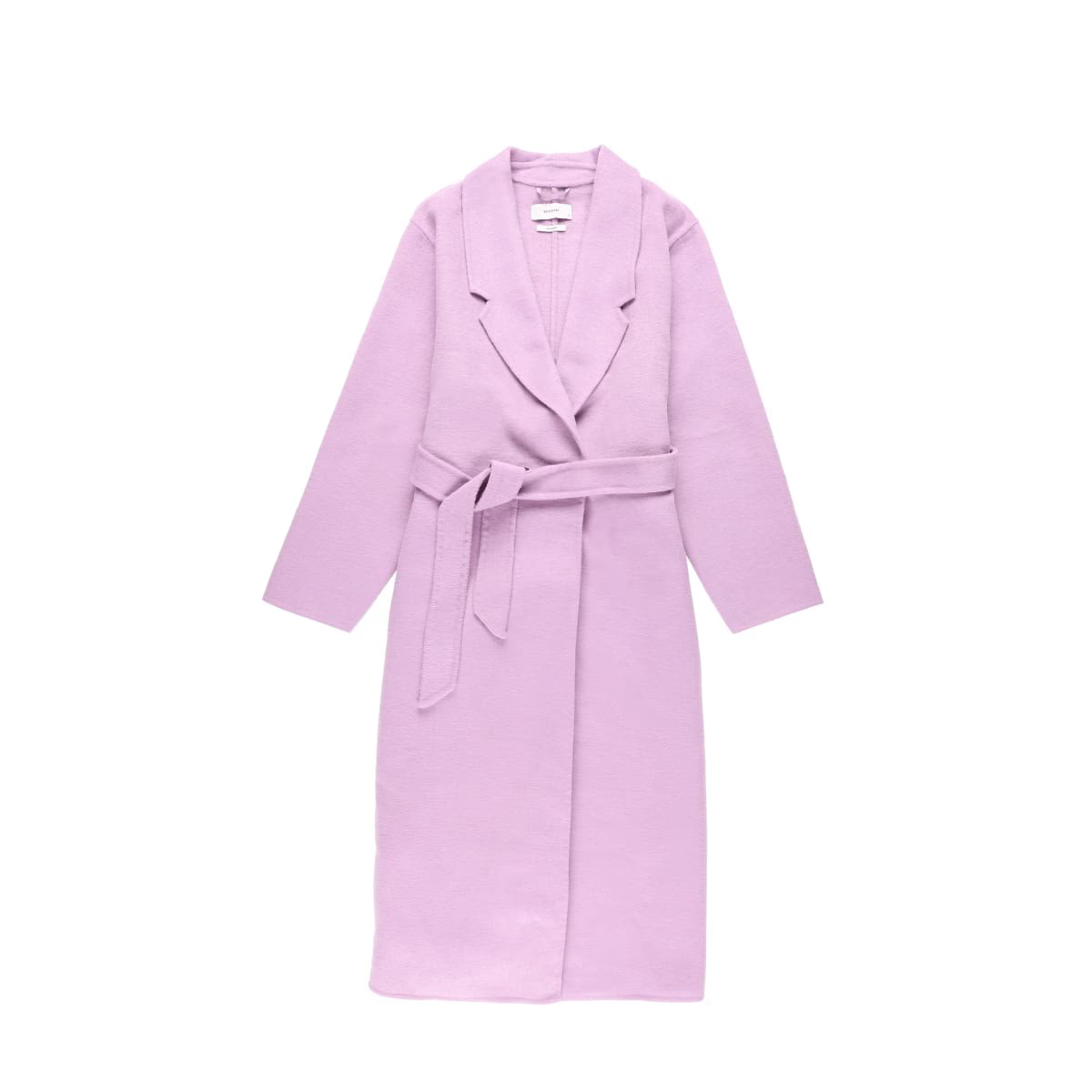

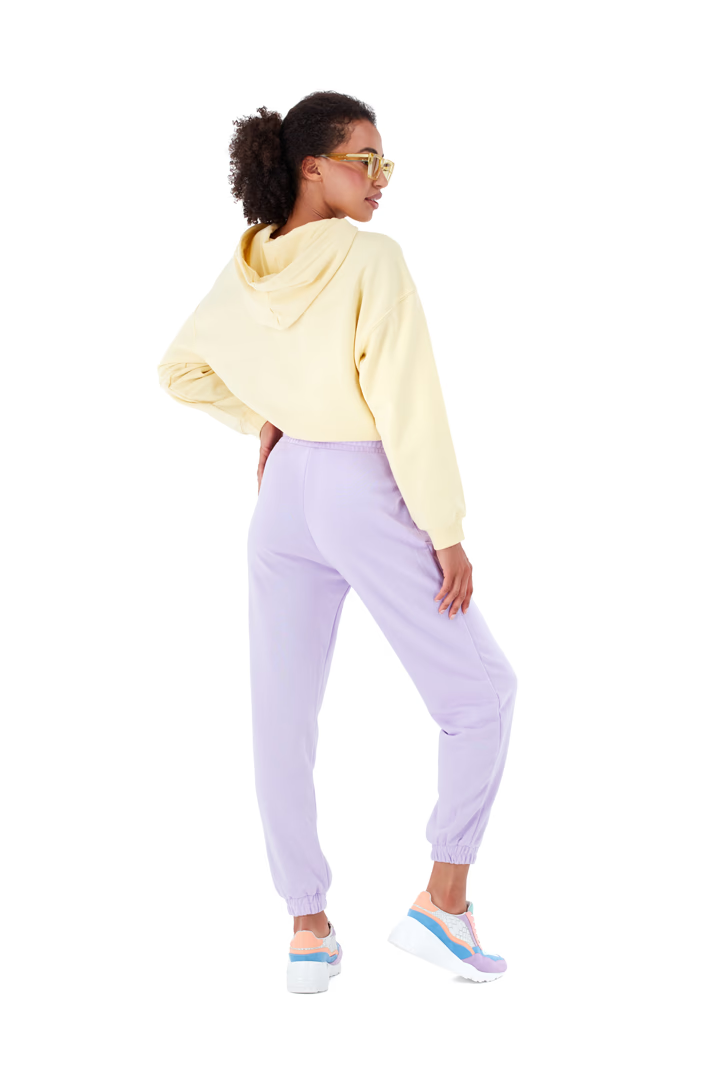
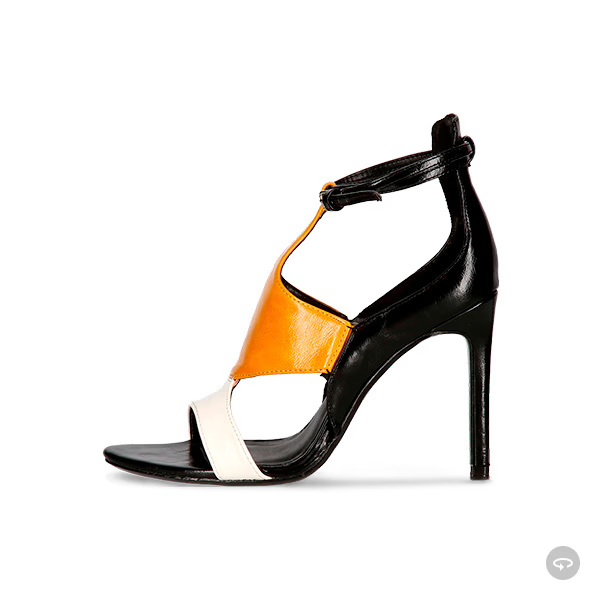
Photographing a collection in-house means repeating the same choices for every piece (presentation, lighting, angles, framing), then checking that each image matches the item being sold.
Consistency. Same background, same lighting, same angles and same framing for every piece in a product family, season after season.
Accuracy. The color, texture and drape in the image must match the garment the customer will receive.
Presentation. Flat, shaped on a mannequin or on-model: each presentation shows something different and needs different preparation.
Control. The studio runs the saved shots and processing; the team prepares the pieces and approves every image before publication.
They produce their packshots with us


On a category page, items are displayed side by side. The Nielsen Norman Group observes that consistent images, with the same background, orientation, lighting and scale, are easy to scan and compare. In fashion, a difference in lighting or framing stands out all the more because the pieces look alike: two sweaters in the same knit should not look like two different shades.
This consistency also has to hold over time. Restocks, new colorways and the next collection will be photographed weeks or months later, sometimes by someone else. For them to sit alongside the images already online without a visible break, the lighting, angles and framing must be reproducible.
This is the first benefit of an automated studio for fashion: the lighting settings, the sequence of angles and the processing are saved in a template, then recalled for every piece in the same product family. Consistency then relies on the saved template rather than on settings redone at every session.
The method in Orbitvu Station, step by step: consistent photos for an entire collection.
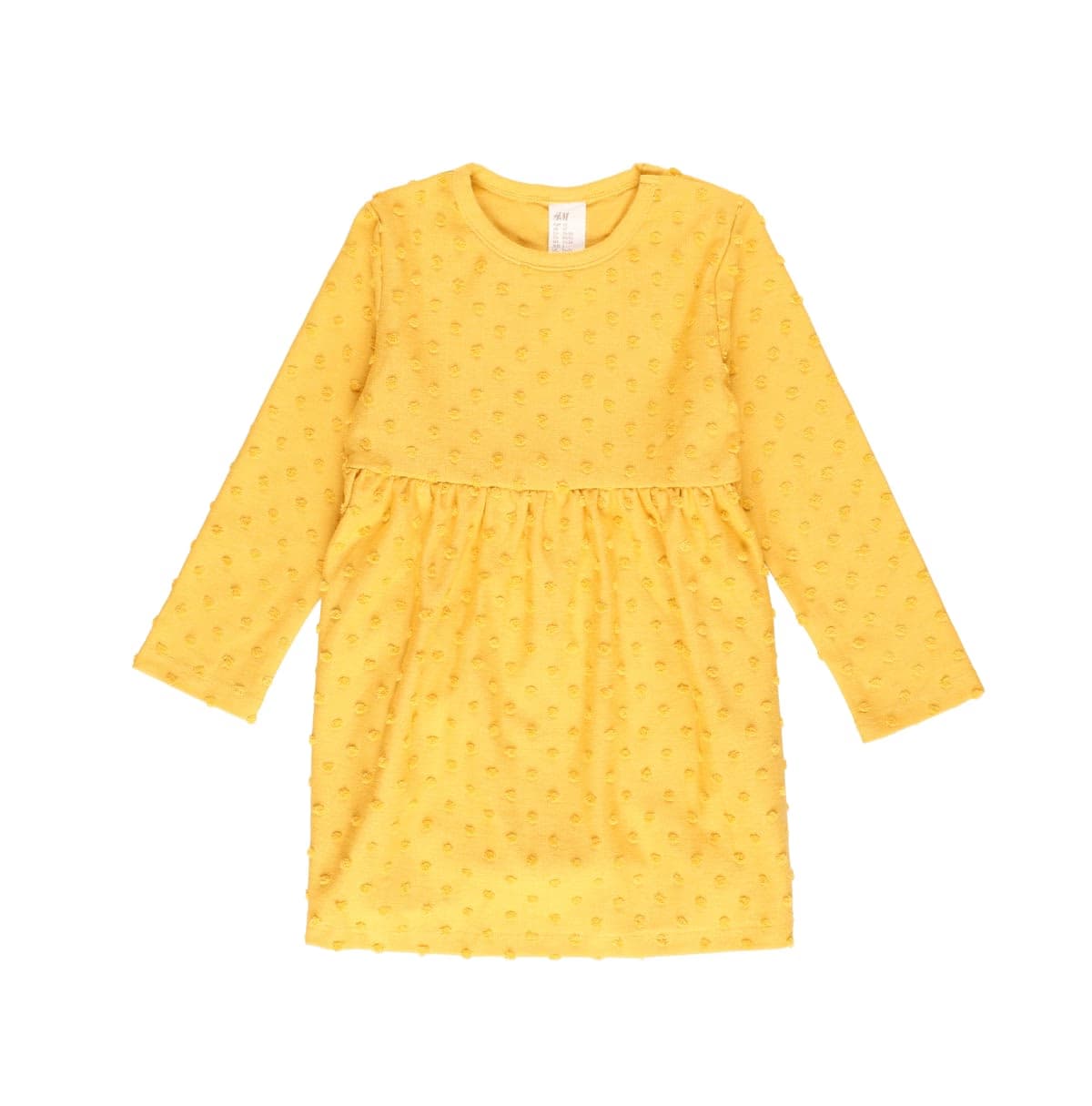
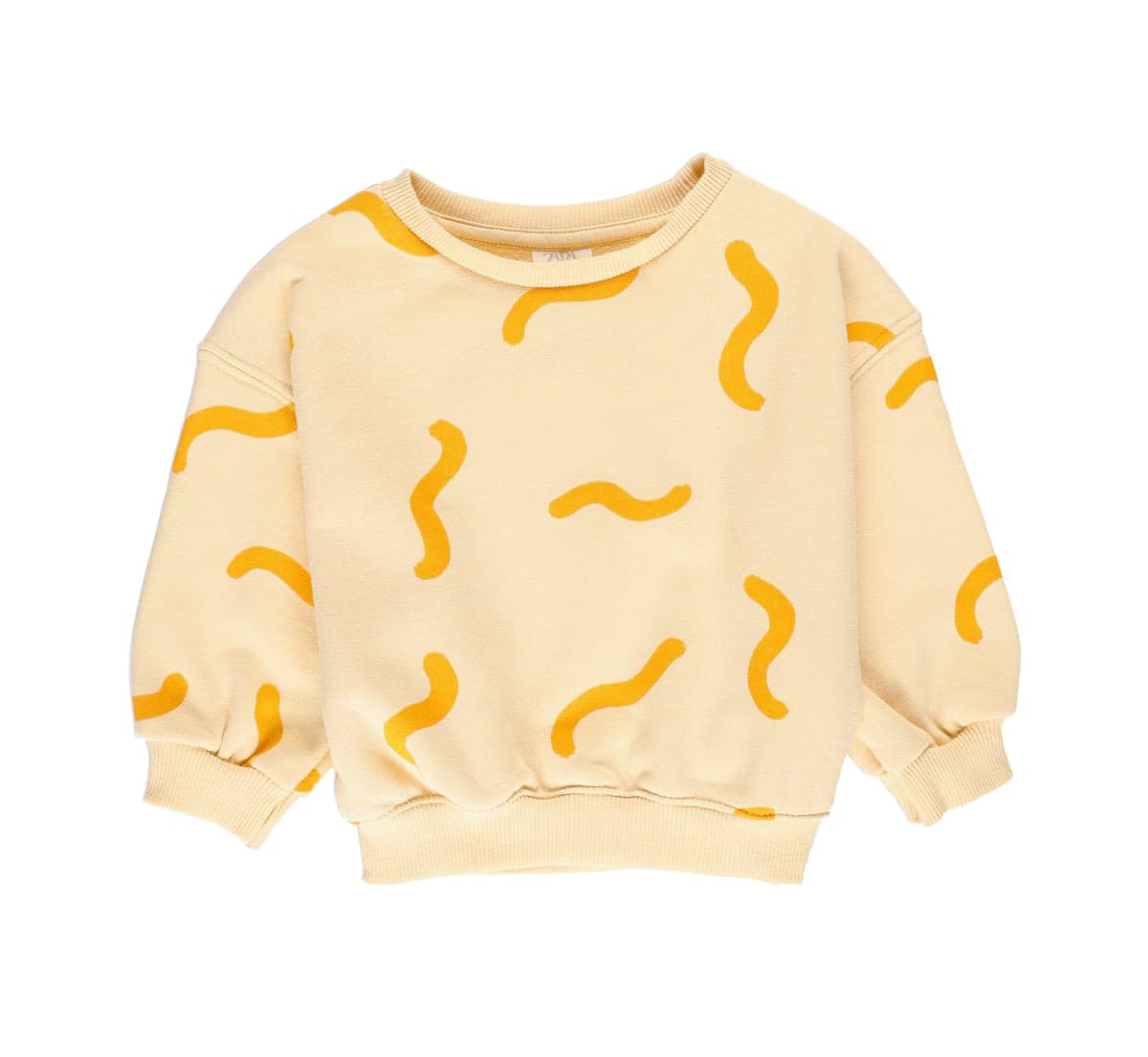
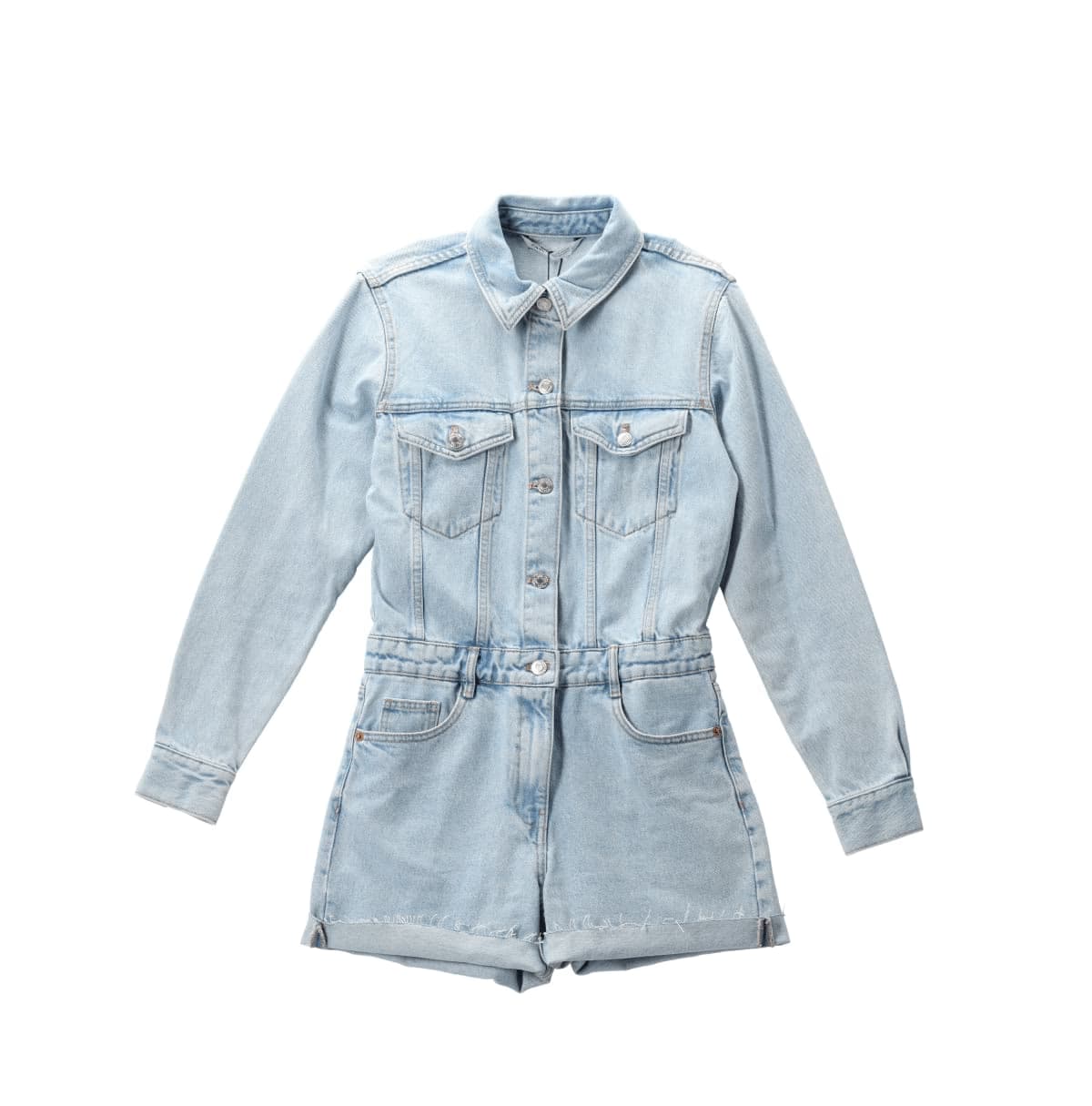
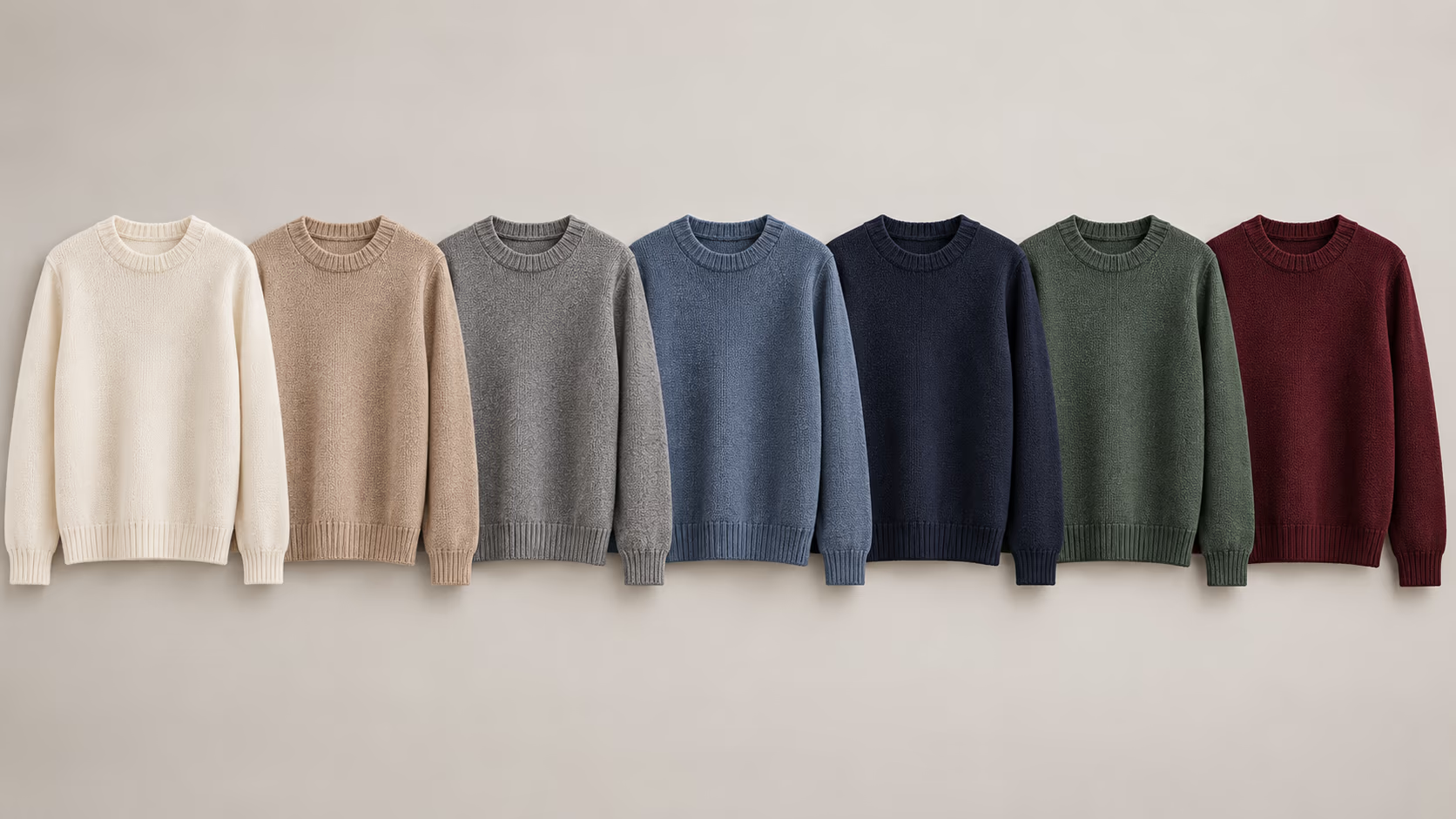
A garment is chosen for its color, its fabric and the way it falls. The photo must show the item actually being sold, which is also what Amazon and Google Merchant Center require in their guidelines. This is the other benefit of studio photography: showing the real product, its textures and its drape, rather than an interpretation.
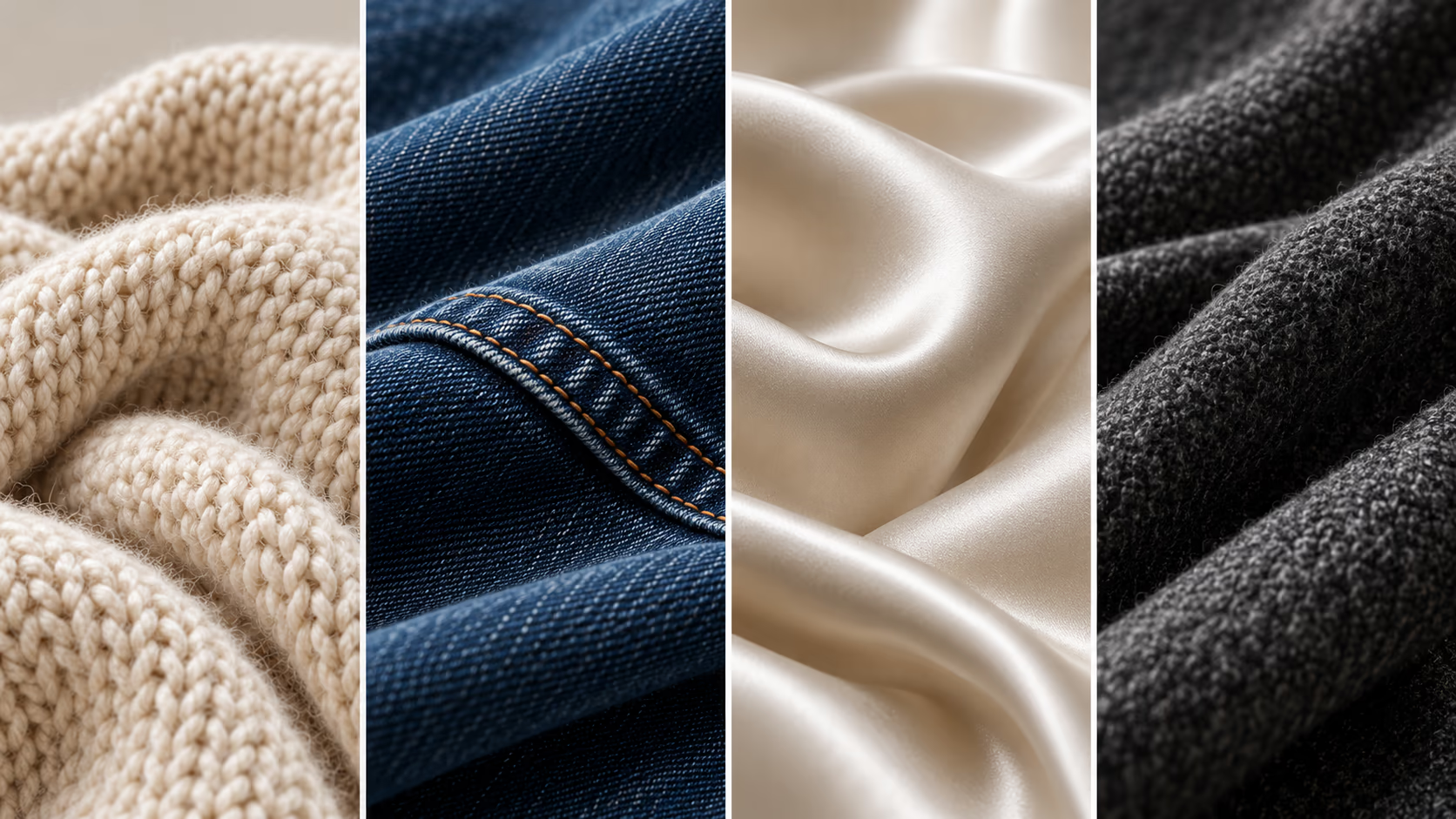
A poorly reproduced shade is discovered when the parcel is opened. Lighting and camera settings are set once for each product family, then checked on difficult shades: blacks, whites, saturated colors.
Knit, denim, velvet and satin do not react to light in the same way. Lighting set to bring out the grain of a matte fabric can make a satin fabric shine: each family of materials deserves its own lighting template, tested on a representative piece.
Laid flat, the drape can only be guessed; on a mannequin, the garment regains its shape; on a model, it shows the cut in motion and on a body. The presentation you choose determines what the customer will be able to judge.
Buttons, seams, lining, finishes: close-ups answer the questions the overall view leaves open. In its tests, the Baymard Institute saw participants abandon a product because the resolution or zoom was insufficient.
Producing the other colorways by recoloring the photo of a single item can help out occasionally. But a recolored image is not a photo of the real colorway: the exact shade, the texture and the way the fabric reacts to light may differ. Photographing each real colorway shows the item actually sold. If you do recolor, compare each variant with the item before publishing it.
Color settings and checks: getting accurate colors in product photography.
Each presentation answers a different buyer question and calls for a different setup. Nothing forces you to pick just one: on-model shots can be reserved for key pieces, with the rest photographed flat or on a mannequin.
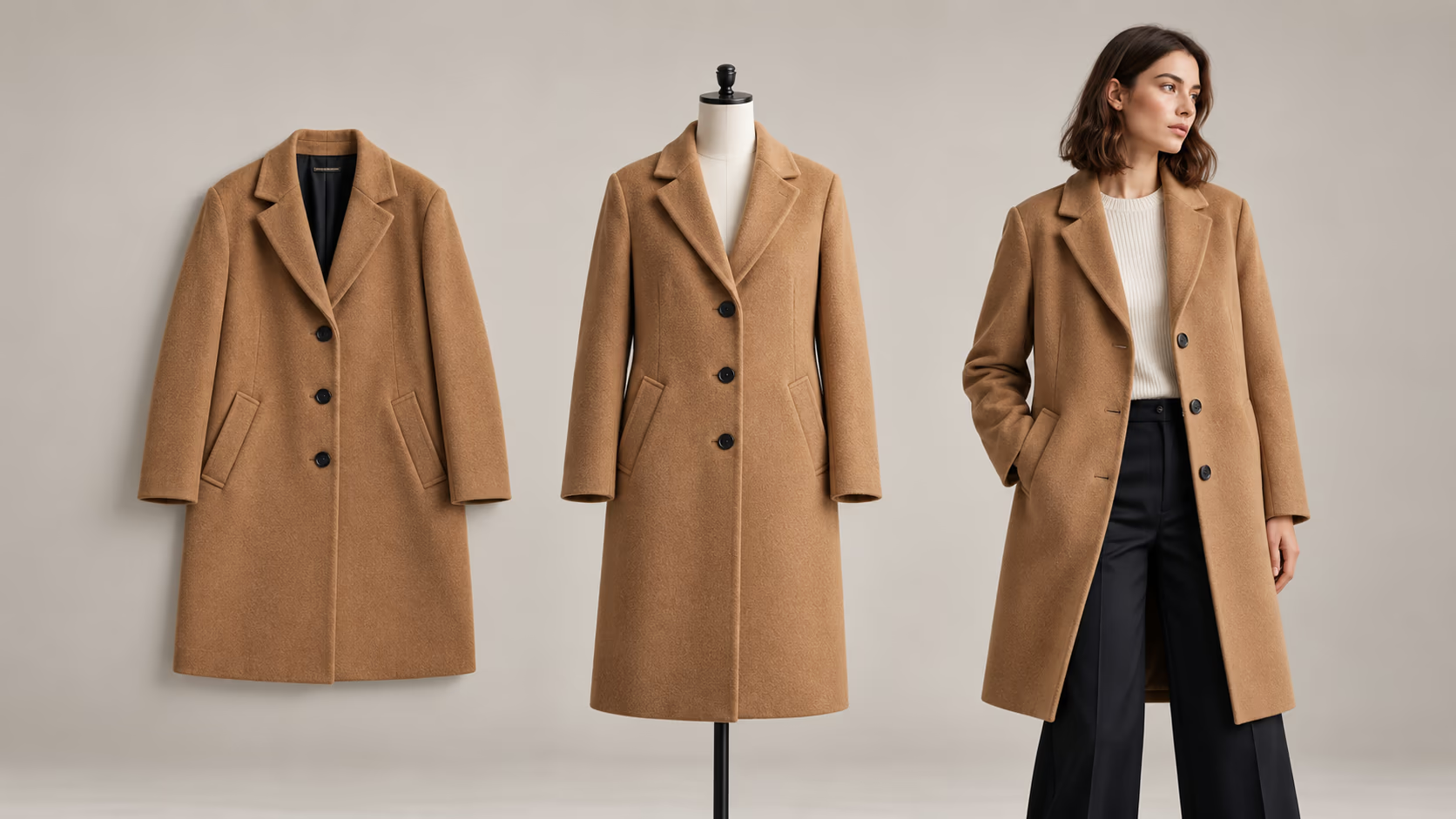
| Presentation | What it shows | Typical items | What it requires |
|---|---|---|---|
| Flat lay | What it showsThe overall shape, prints, front and back details | Typical itemsT-shirts, sweatshirts, children's clothing, linens, scarves | What it requiresCareful flat styling (steaming, symmetry) and an overhead shot |
| Shaped on a mannequin | What it showsVolume, neckline and cut, without drawing attention to a model | Typical itemsJackets, coats, dresses, shirts | What it requiresA mannequin in the right size, dressing it and, for the “ghost mannequin” effect, removing the mannequin in post-production |
| Worn by a model | What it showsDrape in context, relative size, style | Typical itemsKey pieces, new collections, ready-to-wear | What it requiresA model, often styling, and a set designed for on-model photography |
| Accessories from several angles | What it showsThree-dimensional shape, materials, finishes | Typical itemsShoes, bags, small leather goods, eyewear, jewelry | What it requiresA turntable and a sequence of angles suited to the size of the item |
The Orbitvu studios suited to each presentation are listed further down, in the table “Which Orbitvu studio for which fashion items?”.
For shoes, our guide details a multi-angle view sequence.
A photographer or an external studio produces polished images, especially for campaigns and editorial series. In-house production makes most sense when pieces arrive continuously and need to go online quickly.
New arrivals, restocks, colorways added mid-season: in-house, pieces are photographed as soon as they arrive, without waiting for a shooting slot.
Samples, prototypes, one-off or confidential pieces before a launch: they never leave your premises.
Shooting templates stay in the company: the next collection is photographed under the same conditions as the previous one, even if the operator changes.
When styles and colorways number in the hundreds, redoing the settings at every session takes time and increases the risk of differences between images. A saved template, recalled for each piece, avoids redoing them. The volume at which in-house production pays off depends on your collections: estimate it with your own figures.
Campaigns, lookbooks, outdoor shoots or elaborate staging: these one-off productions can stay with a photographer or a studio. A mixed setup is possible: catalog packshots in-house, campaigns outsourced.
To put figures on your own setup: the return on investment calculator.
An Orbitvu studio combines software-controlled lighting, a remotely controlled camera and the Orbitvu Station software, with a turntable or an overhead shot depending on the model. It automates repetition, not the preparation of the garment.
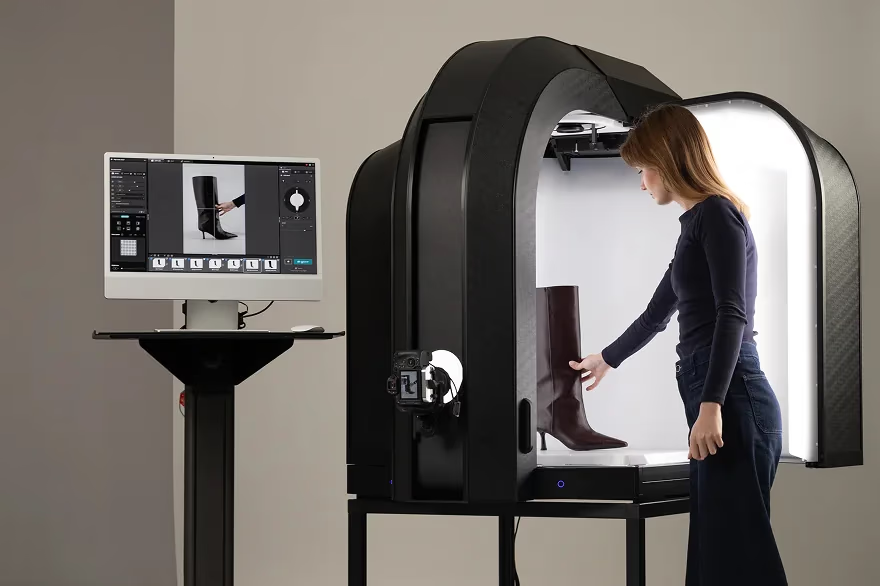
| Step | What the studio does | What the team does |
|---|---|---|
| 1.Preparation and setup | What the studio doesNothing: this step remains manual | What the team doesSteam, shape, dress the mannequin, position the piece |
| 2.Settings | What the studio doesLighting and camera parameters recalled from the template saved for the product family | What the team doesChoose the template suited to the fabric and the presentation |
| 3.Shooting | What the studio doesTriggering and the planned series of angles; turntable rotation on studios equipped with one; 360° or video depending on the studio | What the team doesStart the sequence, prepare the next piece |
| 4.Background removal | What the studio doesBackground removed at capture on backlit studios, or by AI in the software | What the team doesCheck delicate areas: a model's hair, lace, fringes, sheer fabrics |
| 5.Formatting and export | What the studio doesCropping, margins, dimensions and file naming by SKU applied according to the configured profiles | What the team doesCompare each image with the piece before publication |
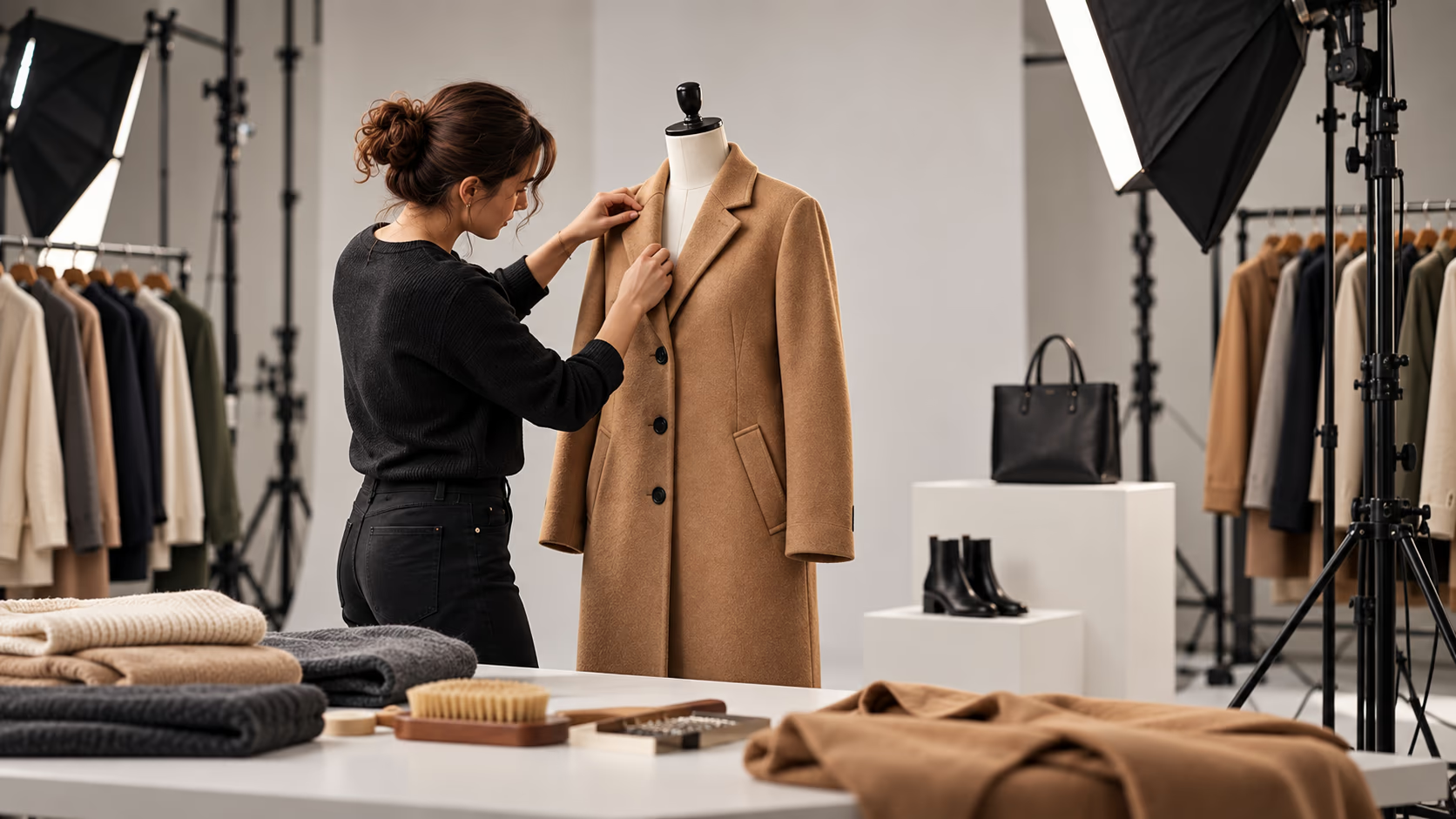
Automation does not remove human control: the team judges whether the color, fabric and drape match the piece. According to Orbitvu, basic training is enough for everyday packshots, with no prior photography experience. For on-model photography, the eye of a photographer or stylist remains valuable.
To see this division of tasks on your own pieces, a demonstration remains the most reliable way.
Request a demoAI is already part of production: background removal, retouching, variations. The more an image is generated rather than photographed, the more its accuracy to the garment being sold must be checked.
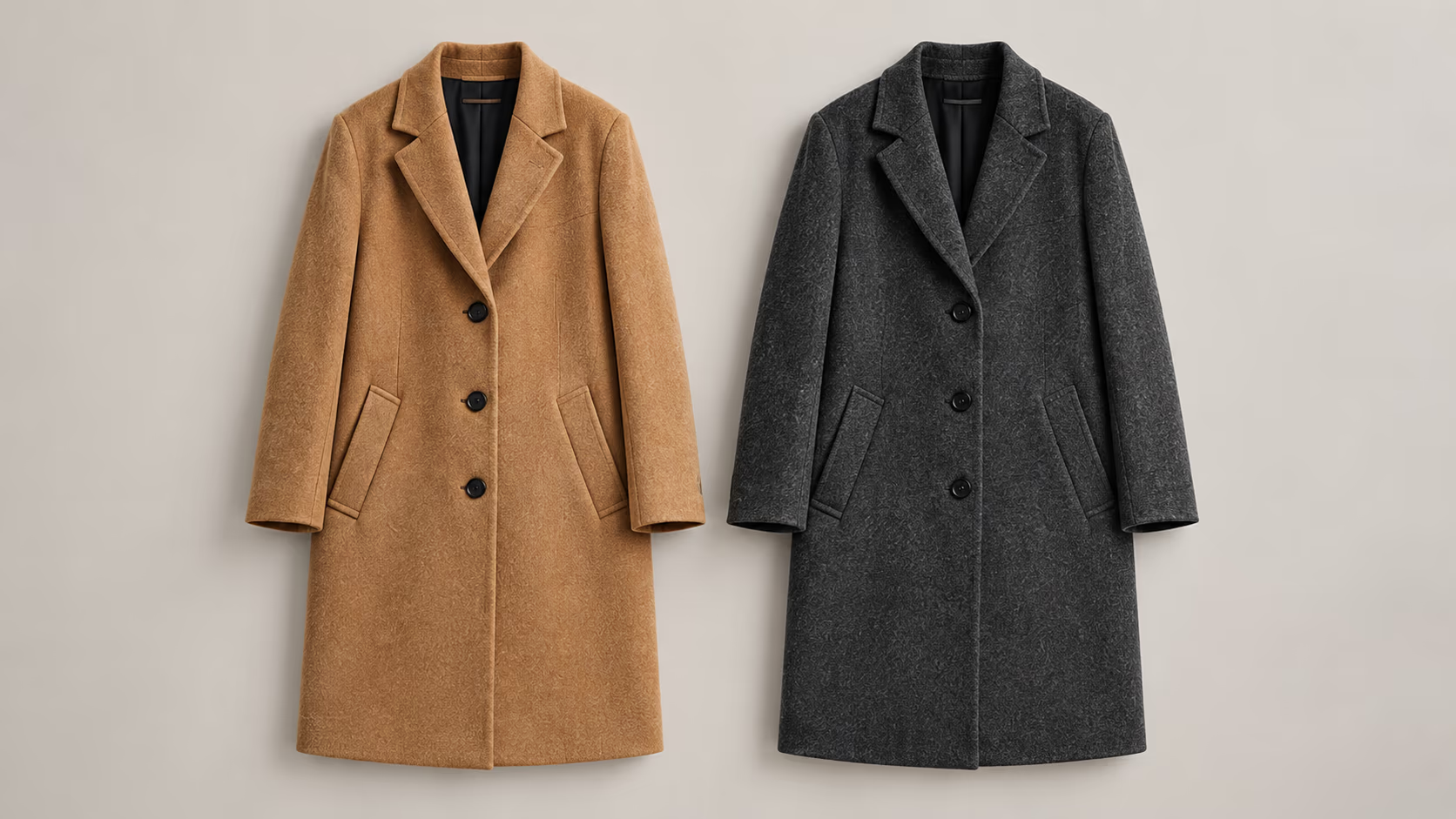
AI tools offer to generate a “ghost mannequin” rendering from flat photos. The garment's volume is then generated, not photographed: check in particular the accuracy of textures, the continuity of patterns and the legibility of printed text. These tools are evolving fast: test them on your own pieces, including the most delicate ones, and compare each image with the item before publication.
Some tools generate virtual models wearing the garment. If you use them, check each platform's rules: Amazon requires the contains-synthetic-performer tag for images showing photorealistic people entirely generated by AI, and Google Merchant Center requires images created with generative AI to contain metadata indicating it.
The real photo of each piece serves as the reference: taken in the studio, it then feeds AI-assisted uses. Each derived image is compared with this reference before being published.
See what AI makes possible in product photography with your real packshots.
Guidelines vary by platform and change over time. These are the points that directly concern fashion photos, taken from the official pages.
These values change: check the source before each upload.
| Platform | Background | Format and resolution | Note |
|---|---|---|---|
| Zalando | BackgroundPackshots: white #FFFFFF, required; Zalando then adds a light gray background | Format and resolutionPortrait, 1:1.44 ratio; minimum 762 × 1,100 px, 1,801 × 2,600 px recommended (minimum 1,800 × 2,600 px for designer brands) | NoteJPEG, sRGB, 20 MB maximum; guidelines updated on August 31, 2026 |
| Amazon | BackgroundMain image: pure white (RGB 255, 255, 255), required | Format and resolutionAll images: minimum 500 px on the longest side; over 1,000 px recommended for zoom | NoteMain image: product fills 85% of the image. Photorealistic people entirely generated by AI: contains-synthetic-performer tag |
| Google Merchant Center | BackgroundPlain white or transparent, recommended | Format and resolutionMinimum 500 × 500 px from January 31, 2027; around 1,500 × 1,500 px recommended | NoteImages created with generative AI: metadata required. Main image: no promotional elements, watermarks or borders |
The choice starts from the presentation you choose and the size of the pieces. Maximum product dimensions are those published by Orbitvu, in the order used on its product sheets, which do not specify the axes.
| Studio | Fashion use | Max product size and weight | Good to know |
|---|---|---|---|
 AlphatableView product page | Fashion useFlat, overhead photography: clothing, linens, textiles | Max product size and weight165 × 112 × 5 cm, 80 kg | Good to knowOverhead view only; large floor footprint |
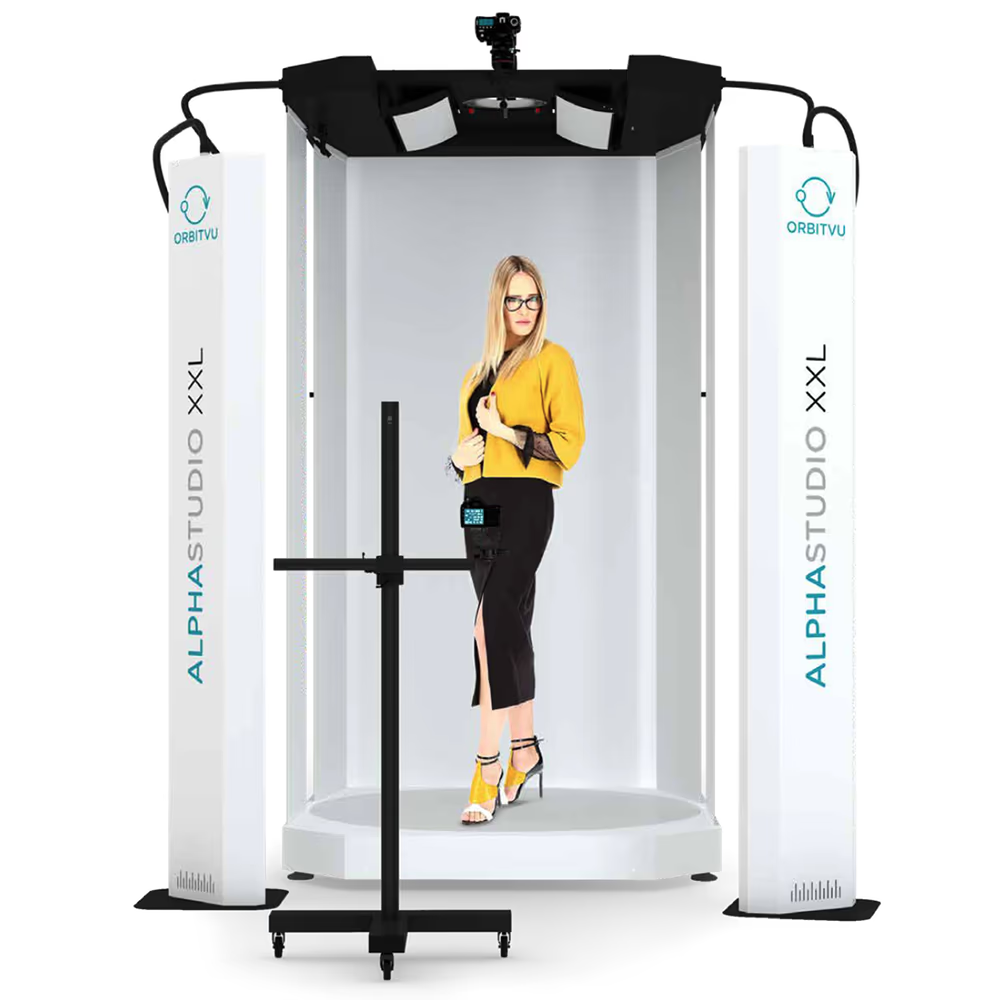 Alphastudio XXLView product page | Fashion useGarments shaped on a mannequin, live models, large items | Max product size and weight190 × 90 × 100 cm, 100 kg | Good to knowRequires a dedicated space; cut-outs of a model in motion are checked image by image |
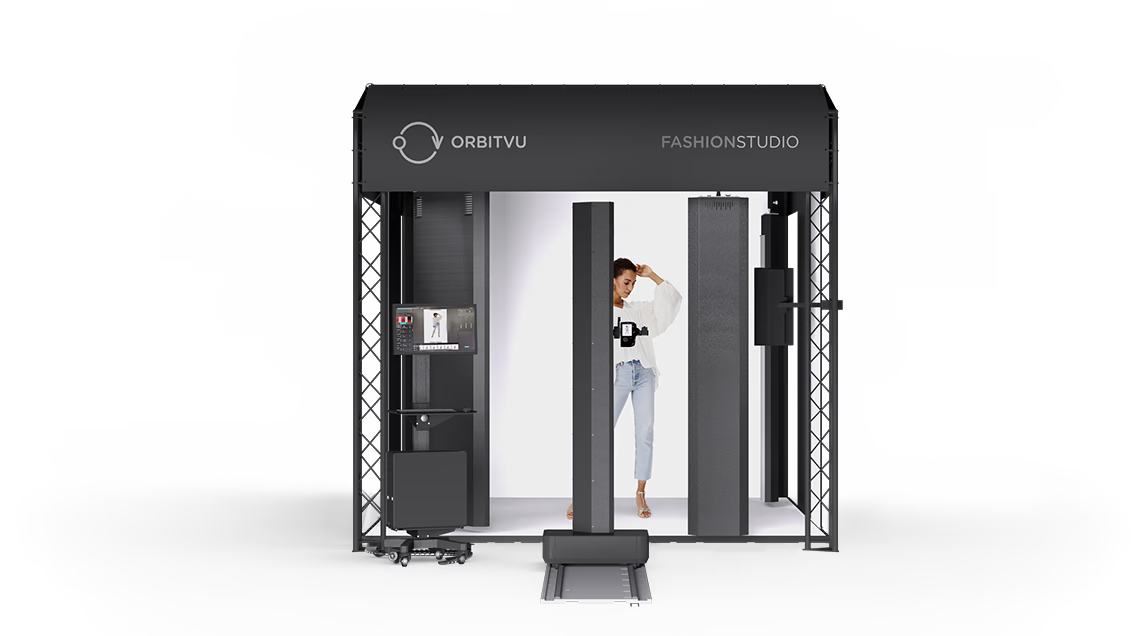
 Fashion StudioView product page | Fashion useOn-model photography with a live model, on a dedicated stage area | Max product size and weightFull-length live model (see product page) | Good to knowVery large studio, specialized in fashion; less versatile for object packshots |
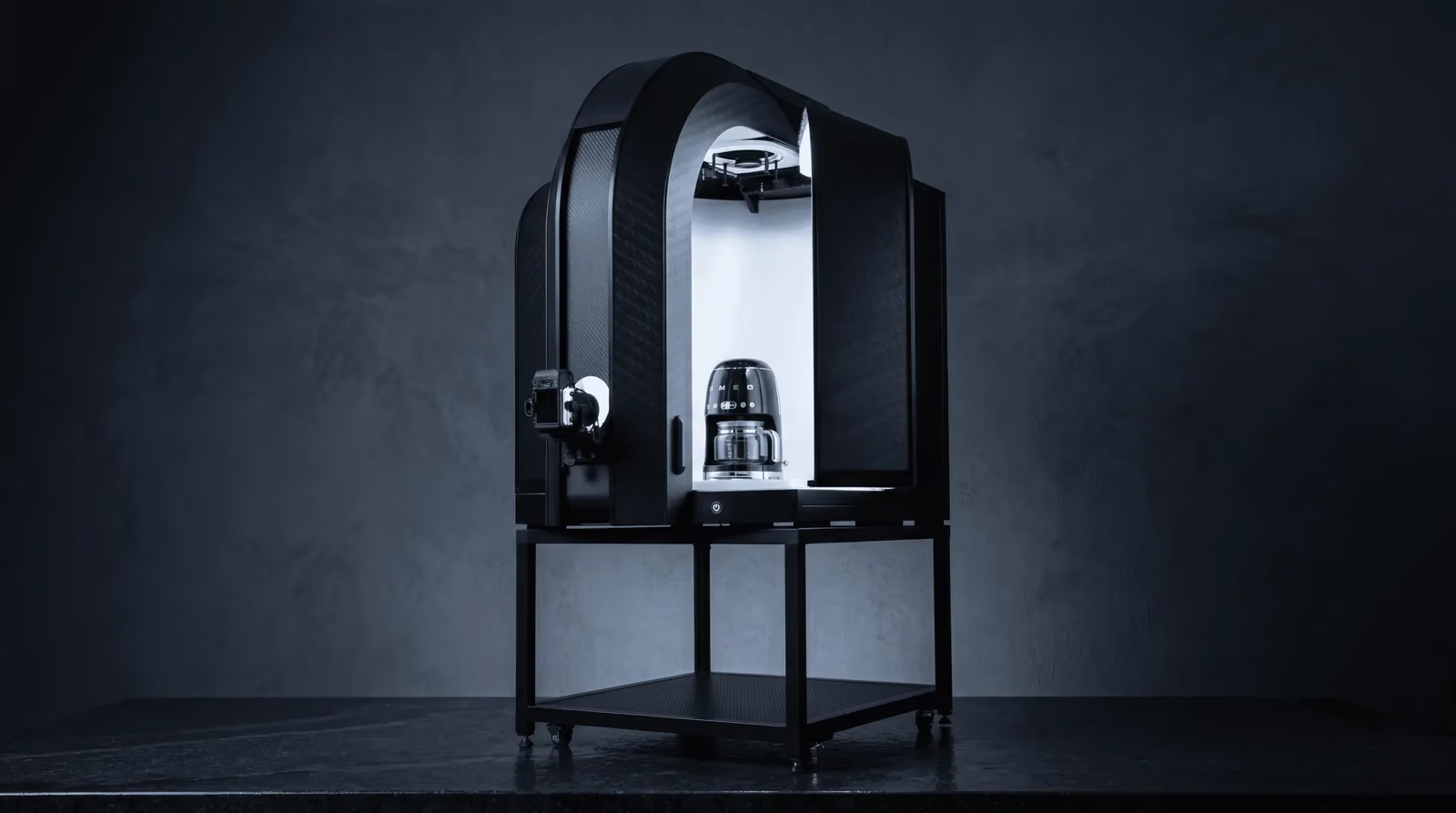 Alphashot XL G2View product page | Fashion useMedium-sized accessories: shoes, boots, bags | Max product size and weight60 × 40 × 70 cm, 25 kg | Good to knowSized for accessories and objects: no full-size mannequin or model |
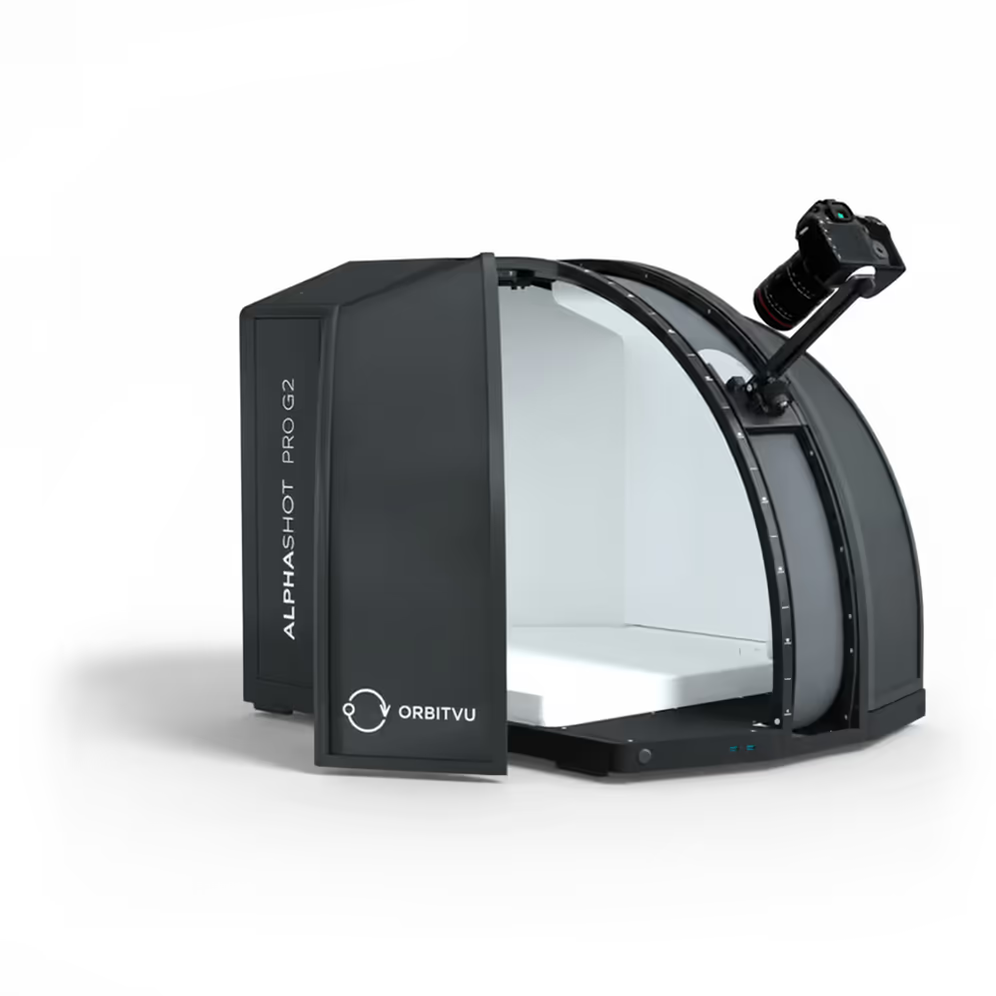 Alphashot Pro G2View product page | Fashion useSmall accessories: eyewear, belts, small leather goods | Max product size and weight35 × 35 × 40 cm, 10 kg | Good to knowSmall items only |
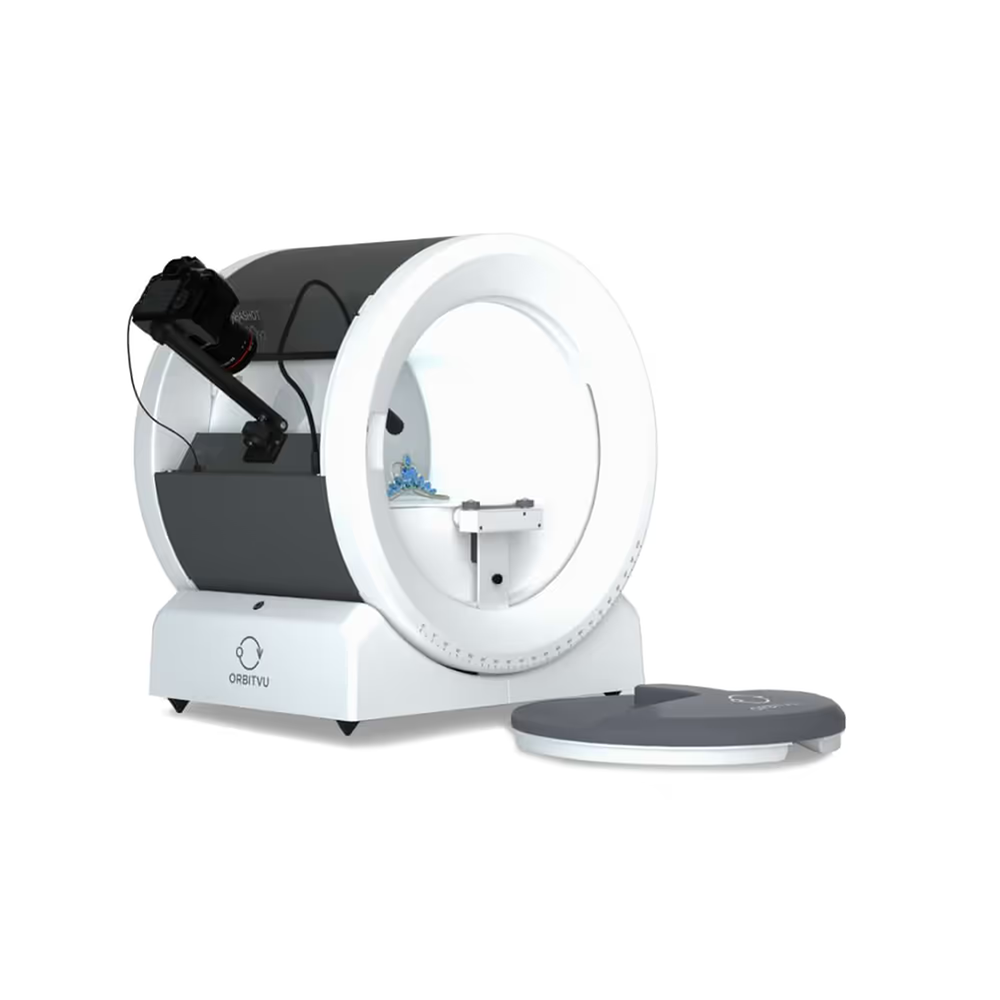 Alphashot Micro Pro v2View product page | Fashion useJewelry and watches | Max product size and weightUp to 18 cm, 1 kg | Good to knowVery small items only |
No throughput figures are given here: for a garment, the pace depends mainly on preparing the piece, the presentation and the number of views. The Fashion Studio is also available in a Basic version.

Not sure which model to choose? The studio finder guides you based on your items. See also the full range of automated photo studios.
Compare the cost of a published image, not the price of a photo. In-house: equipment purchased or financed, preparation and shooting time, software, training and space. With a provider: agreed price, logistics for the pieces and any reshoots. The break-even point depends on the number of styles and colorways and on the pace of your collections; no payback period applies to everyone.
Estimate with the calculatorPurchase or professional leasing (financial lease), over 60 months or from 36 months, subject to approval of your application. In Switzerland, leasing through Swiss institutions is possible.
Sysnext, a Qualiopi-certified training organization (a French quality certification), trains your teams to get started with and master Orbitvu studios, remotely or on site. Training is billed separately from the studio. In France, OPCO funding (a French training fund) may be available depending on your situation.
As official Orbitvu distributor in France and Switzerland, PackshotCreator helps you choose the studio, organizes a demonstration on your pieces, delivers, installs, trains your operators and provides support in French. Delivery and installation are charged separately; delivery times are indicative and not contractually binding.
Using an older PackshotCreator studio? Read our article on migrating to Orbitvu.
It depends on what the buyer needs to judge. Flat, the photo shows the shape and the prints; on a mannequin, the volume and the cut; on a model, the drape in context and the relative size. A single catalog can combine these presentations: on-model for key pieces, flat or on a mannequin for the rest. Each requires its own preparation and, often, a different studio.
By setting the lighting and camera settings for each product family, then recalling them at every shoot instead of redoing them. Difficult shades (blacks, whites, saturated colors) and shiny fabrics are checked on screen by comparing the image with the piece. Amazon and Google Merchant Center require the image to show the product actually sold, in its real color.
Yes, with a studio sized for it. Orbitvu designs the Alphastudio XXL for mannequins, live models and large objects (190 × 90 × 100 cm and 100 kg maximum according to the Orbitvu product sheet). The Fashion Studio is designed for on-model photography with a live model, on a dedicated stage area. Alphashot studios, such as the Alphashot XL G2 (60 × 40 × 70 cm), are sized for accessories and objects, not for a full-size mannequin or a model.
It depends on the size of the item. According to Orbitvu, the Alphashot XL G2 accepts products up to 60 × 40 × 70 cm and 25 kg, and the Alphashot Pro G2 up to 35 × 35 × 40 cm and 10 kg. Both shoot on a turntable, which makes it possible to run through the angles and, depending on the configuration, to produce 360° views or video.
It can help out occasionally, but a recolored image is not a photo of the real colorway: the exact shade, the texture and the way the fabric reacts to light may differ. Photographing each real colorway shows the item actually sold. If you do recolor, compare each variant with the item before publication.
Some tools offer it. The garment's volume is then generated, not photographed: check the accuracy of textures, the continuity of patterns and the legibility of printed text. These tools are evolving fast: test them on your own pieces and check every image. A real photo remains the reference for the product.
According to the Zalando Partner University guidelines, updated on August 31, 2026 and checked on September 28, 2026: for packshots, a white #FFFFFF background (Zalando then adds a light gray background), a portrait format with a 1:1.44 ratio, a minimum of 762 × 1,100 px and 1,801 × 2,600 px recommended, as sRGB JPEG files of up to 20 MB. Check the official page before each upload.
No figure applies to every collection. Triggering the shot is fast; what sets the pace is preparing each piece (steaming, shaping, dressing the mannequin), the chosen presentation and the number of views. The throughput figures announced by Orbitvu are published without a measurement protocol. The most reliable approach is to test your own pieces during a demonstration.
Not for everyday packshots: according to Orbitvu, basic training is enough, with no prior photography experience. The operator prepares the pieces, chooses the saved shooting template and checks the result. For on-model shoots and campaigns, a photographer and a stylist remain valuable.
30 minutes with an advisor, by video call or at the showroom near Lyon, where you can bring your trickiest pieces: blacks, whites, shiny fabrics, knits.
An estimate based on your volumes: annual savings, time freed up, break-even point.
Open the calculatorMeta description: Discover how to successfully take your eyeglass photos for e-commerce sites: angles, reflections, 360° animations and automated workflow. 👓
Control your camera settings to photograph your jewelry. ISO, aperture, speed: all the parameters explained for professional photos.
⌚ Optimize your watch shootings: 10:10 rule, 45° angle, ported rendering or 360° animation. Increase visual quality and productivity.