
How do you get consistent photos for an entire product collection?
⚙️ Gain consistency with Orbitvu. Get aligned visuals for your entire product collection.
An e-commerce packshot shows the product as it is sold, on a neutral background. Across a catalog, every new product must get the same lighting, the same framing and faithful color rendering. This consistency is what makes items easy to compare.
PackshotCreator supports companies that organize this production in-house: we distribute Orbitvu automated studios in France and Switzerland, install them on your premises and train your teams. We do not provide photography services.
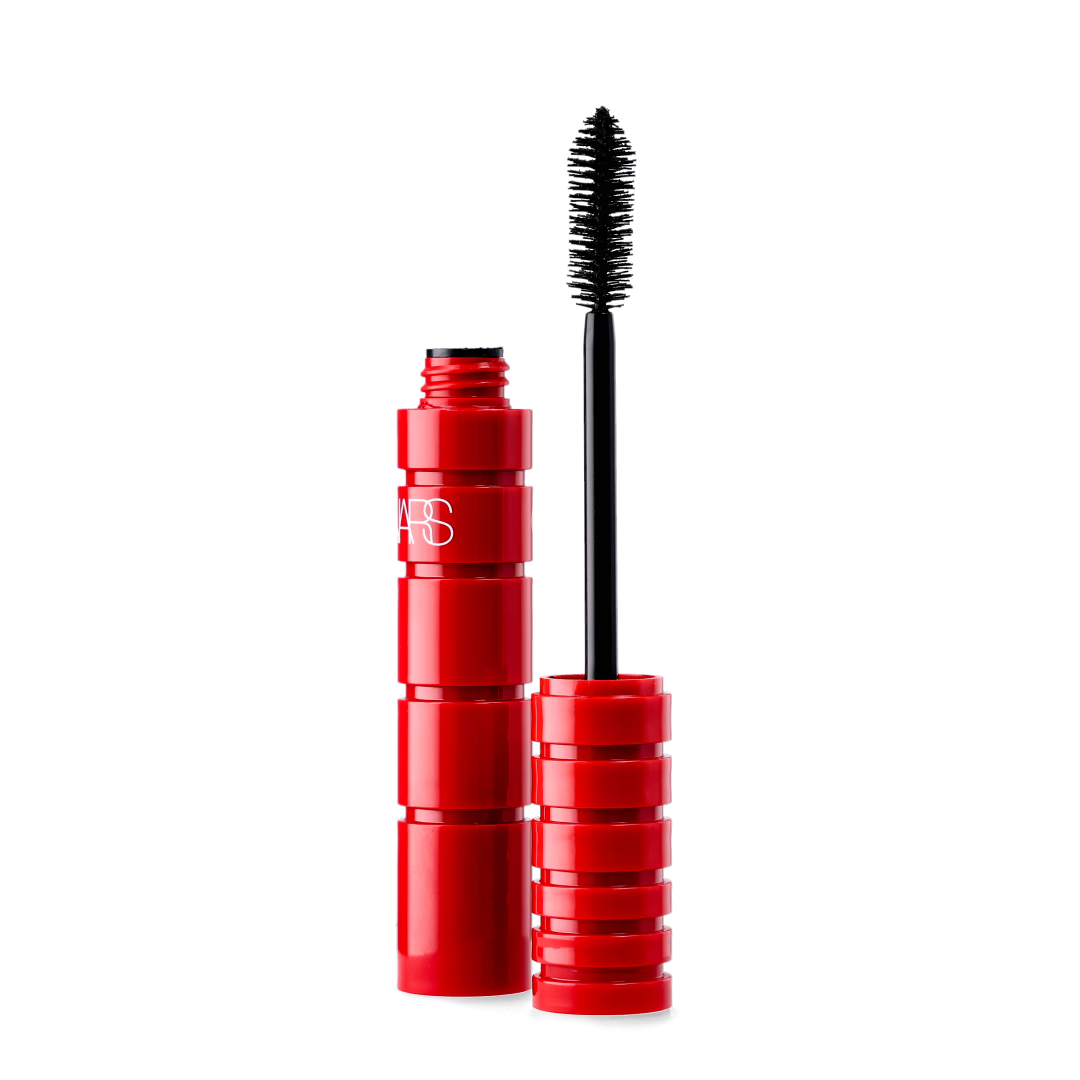
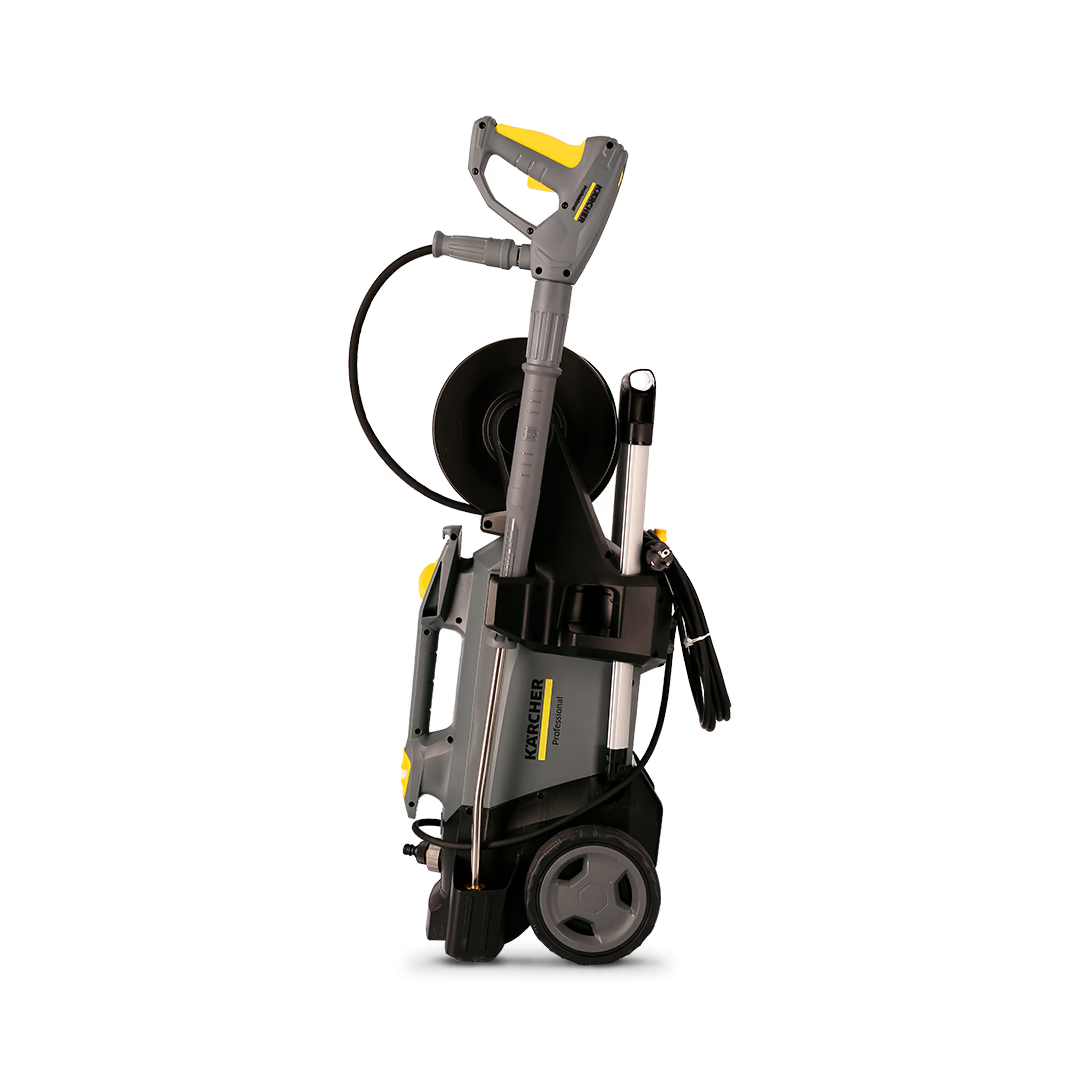
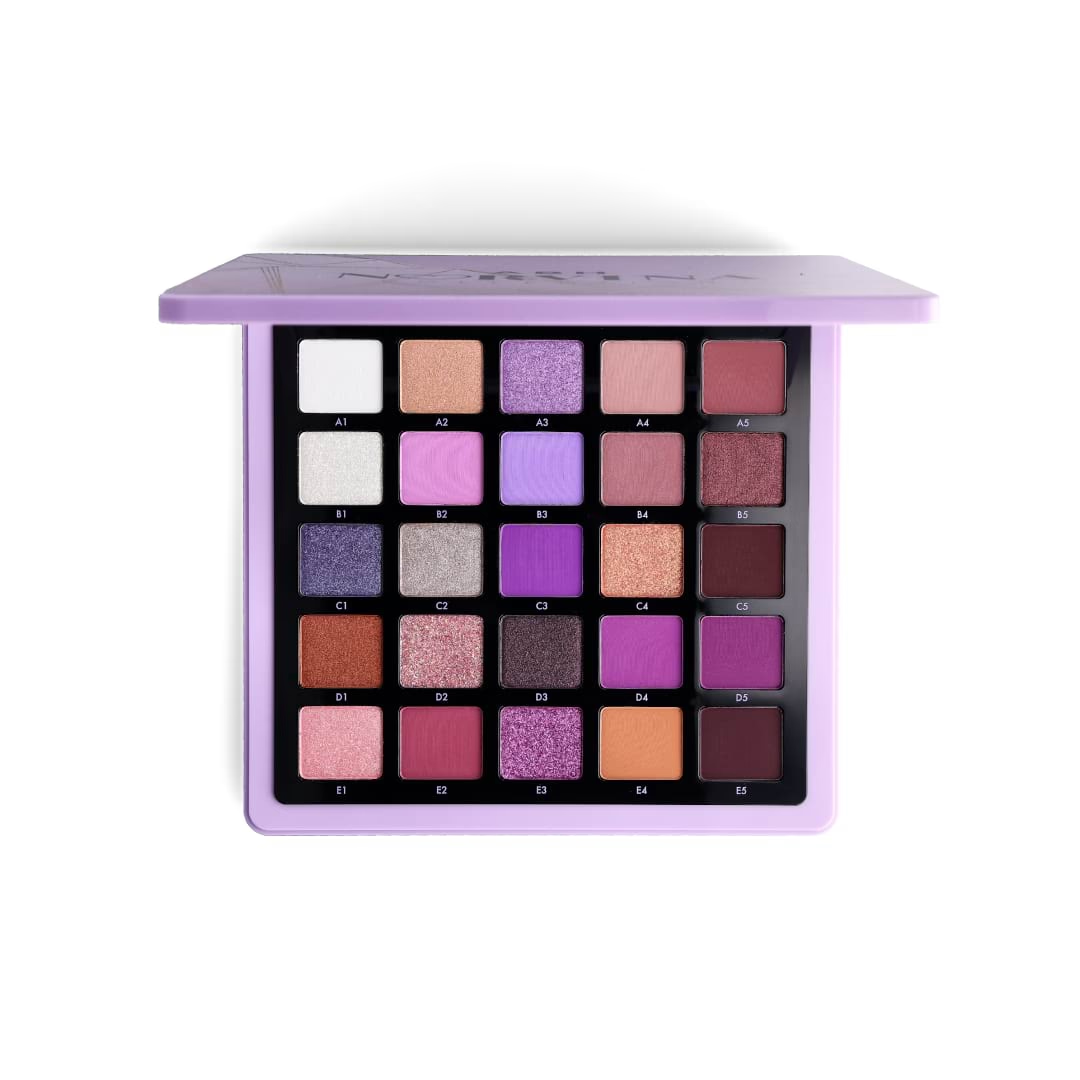

A consistent series is prepared before the shoot: choice of angles, saved settings, quality check and export formats suited to each platform.
Views. A main view of the whole product, then the angles, details and size references that answer the shopper's questions.
Settings. Lighting, framing and processing saved once, then reused for every product in the same family.
Exports. Each channel receives its own dimensions, background and file naming, prepared by export profiles rather than by hand.
The operator. They prepare the product, choose the right settings and check the result; the studio runs the planned shots and processing.
Detailed definition, uses and conventions of packshots: read our packshot photography guide.
They produce their packshots with us


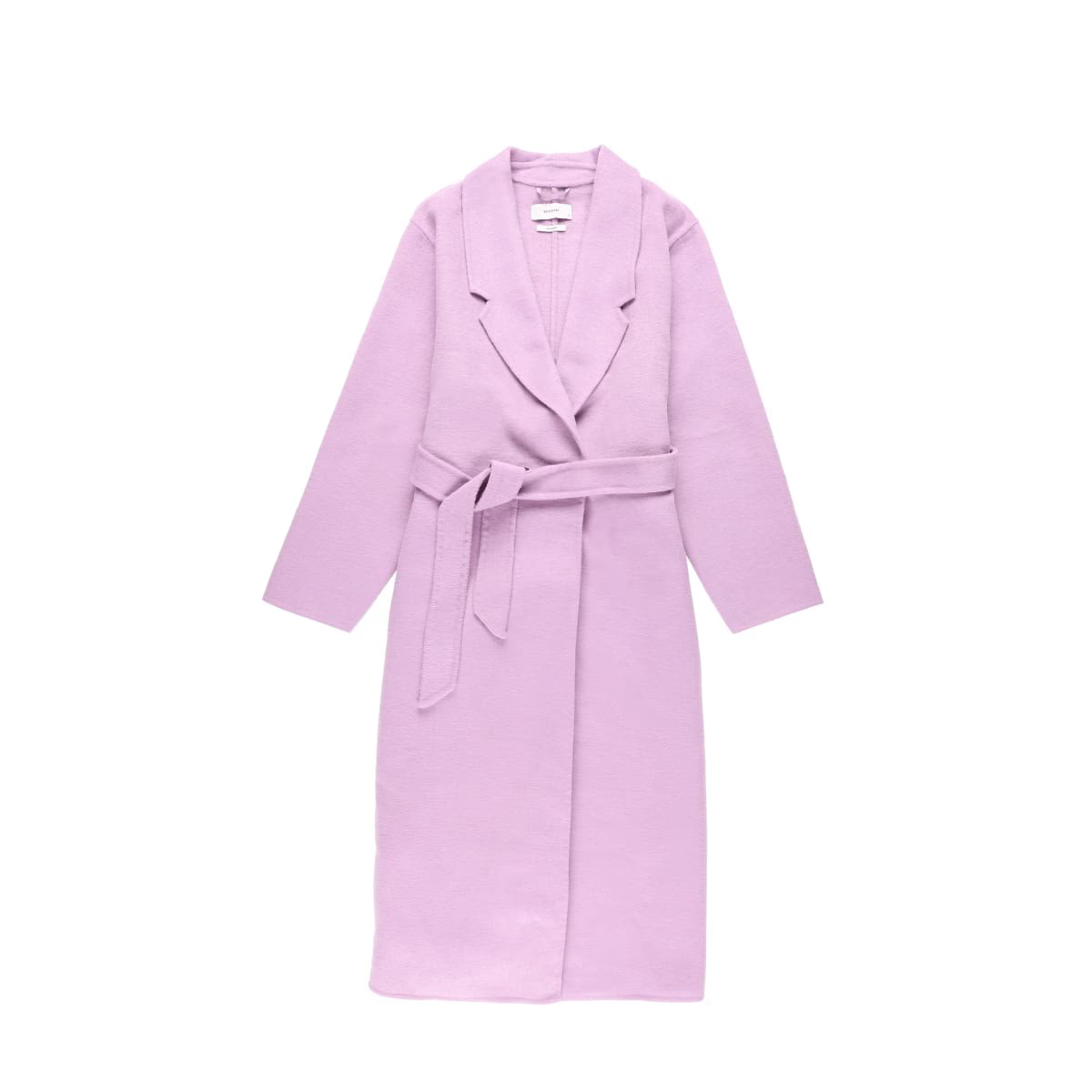
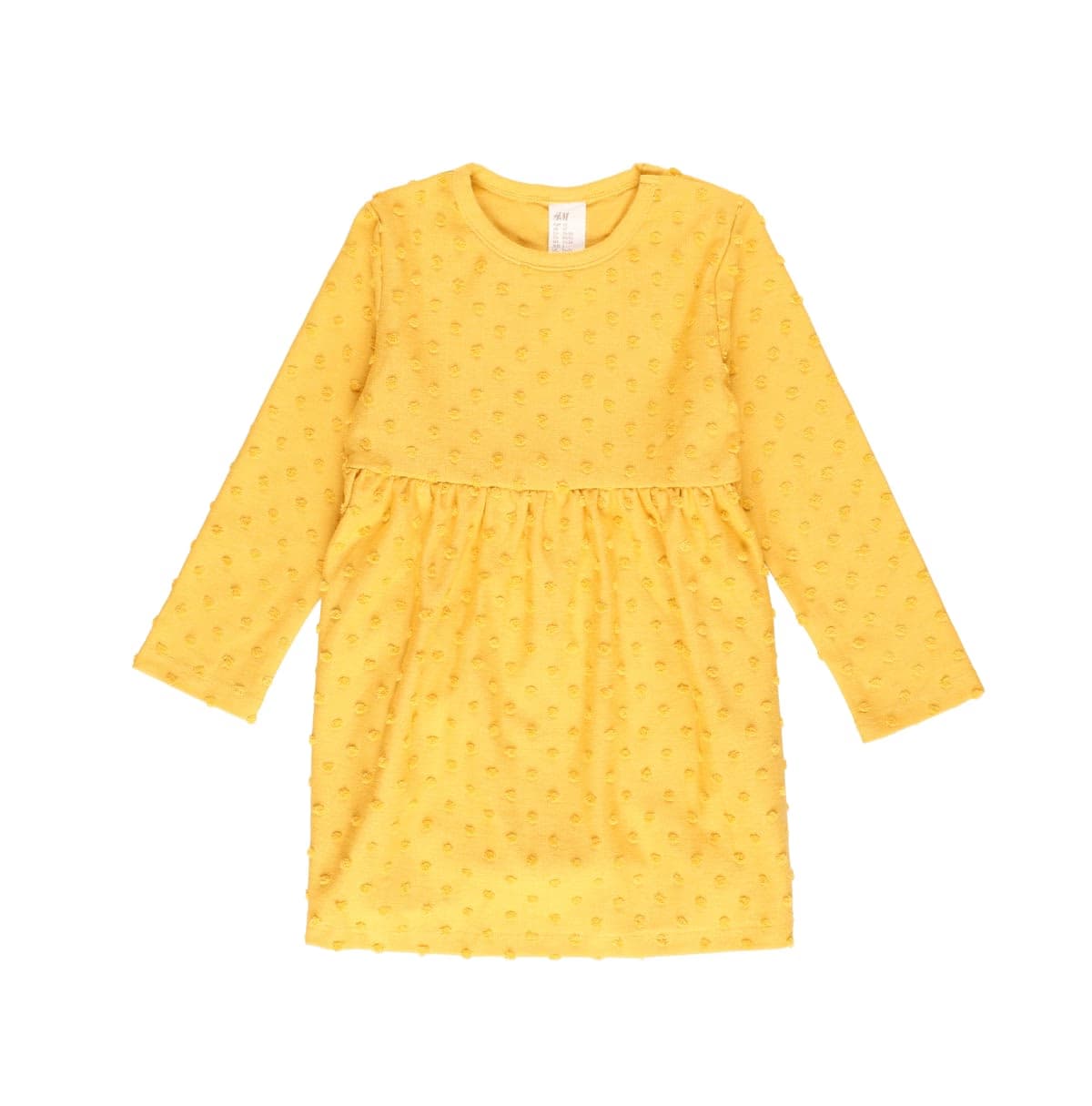
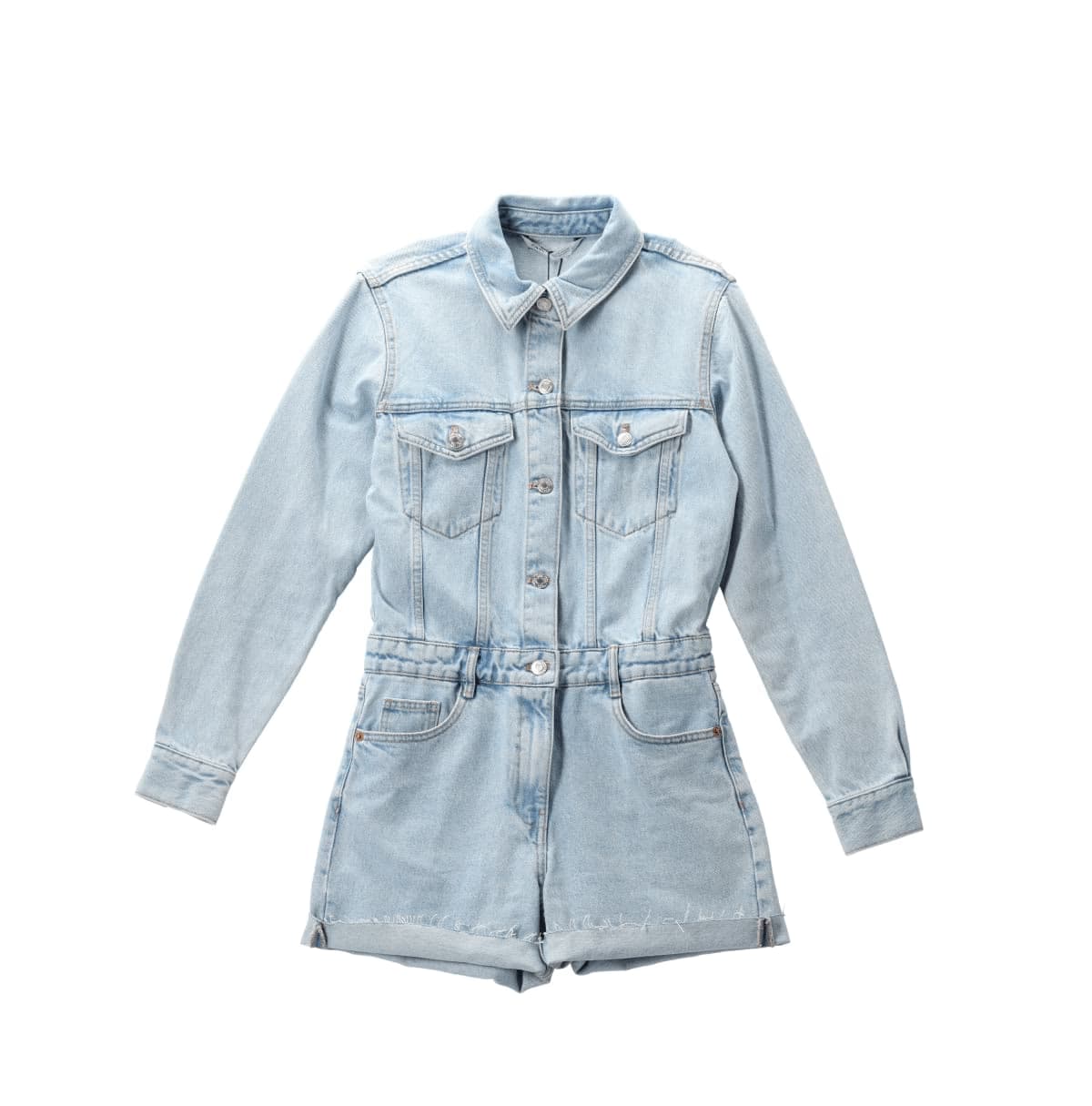
On a category page, shoppers compare. According to the Nielsen Norman Group, consistent images (background, orientation, lighting, scale) are easy to scan and compare. It is the consistency of the whole set, more than one attractive photo, that makes a catalog easy to read.
With a manual workflow, this consistency relies on documented settings applied at every session. An automated studio saves them in a template (lighting, camera settings, processing) that is replayed at every shot: the same result is easier to reproduce over time and from one operator to another.
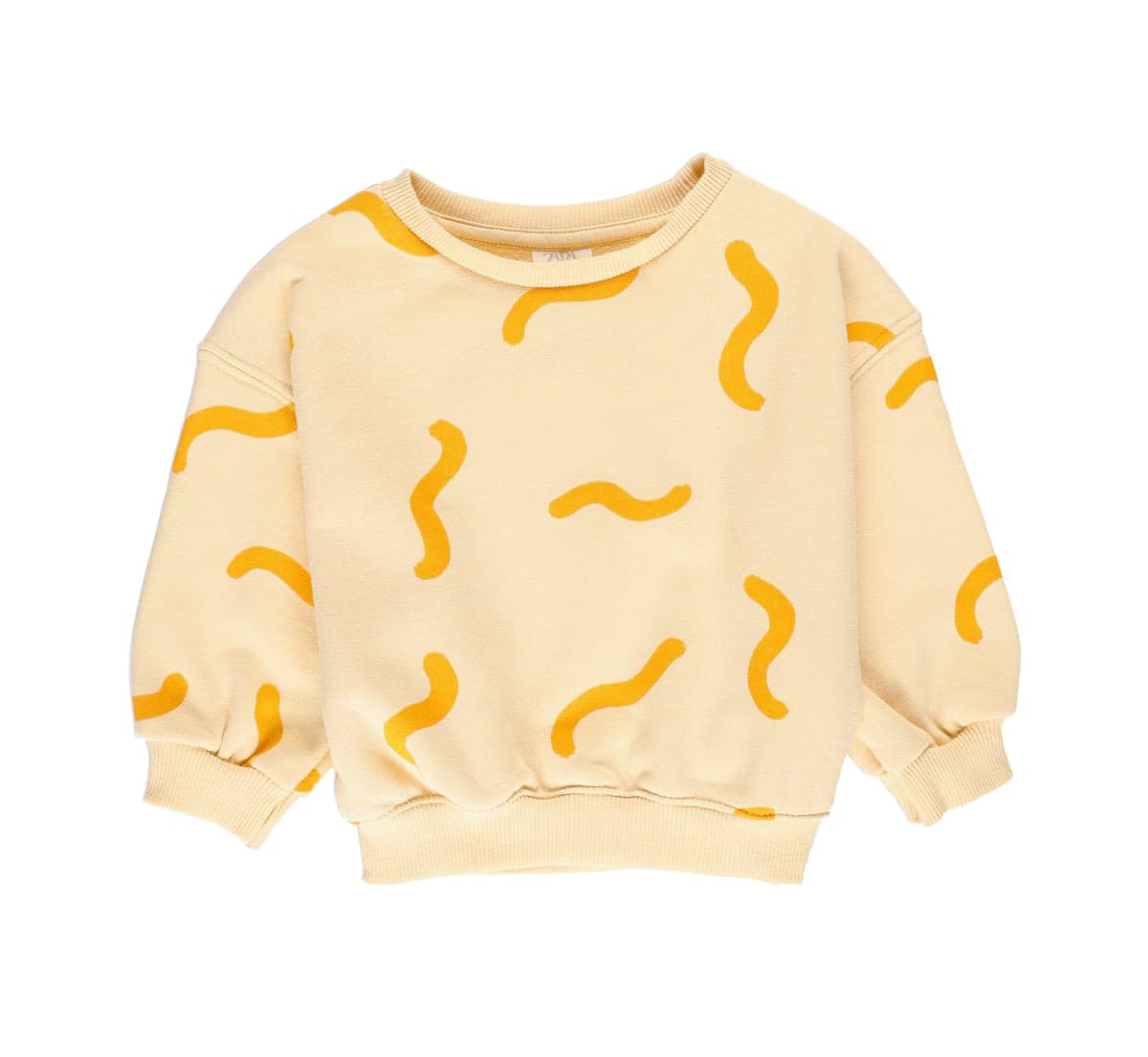
A single view rarely answers a shopper's questions (Nielsen Norman Group). It is better to think in types of views than in number of images. Example with a single pair of glasses photographed from five angles: each view answers a different question.
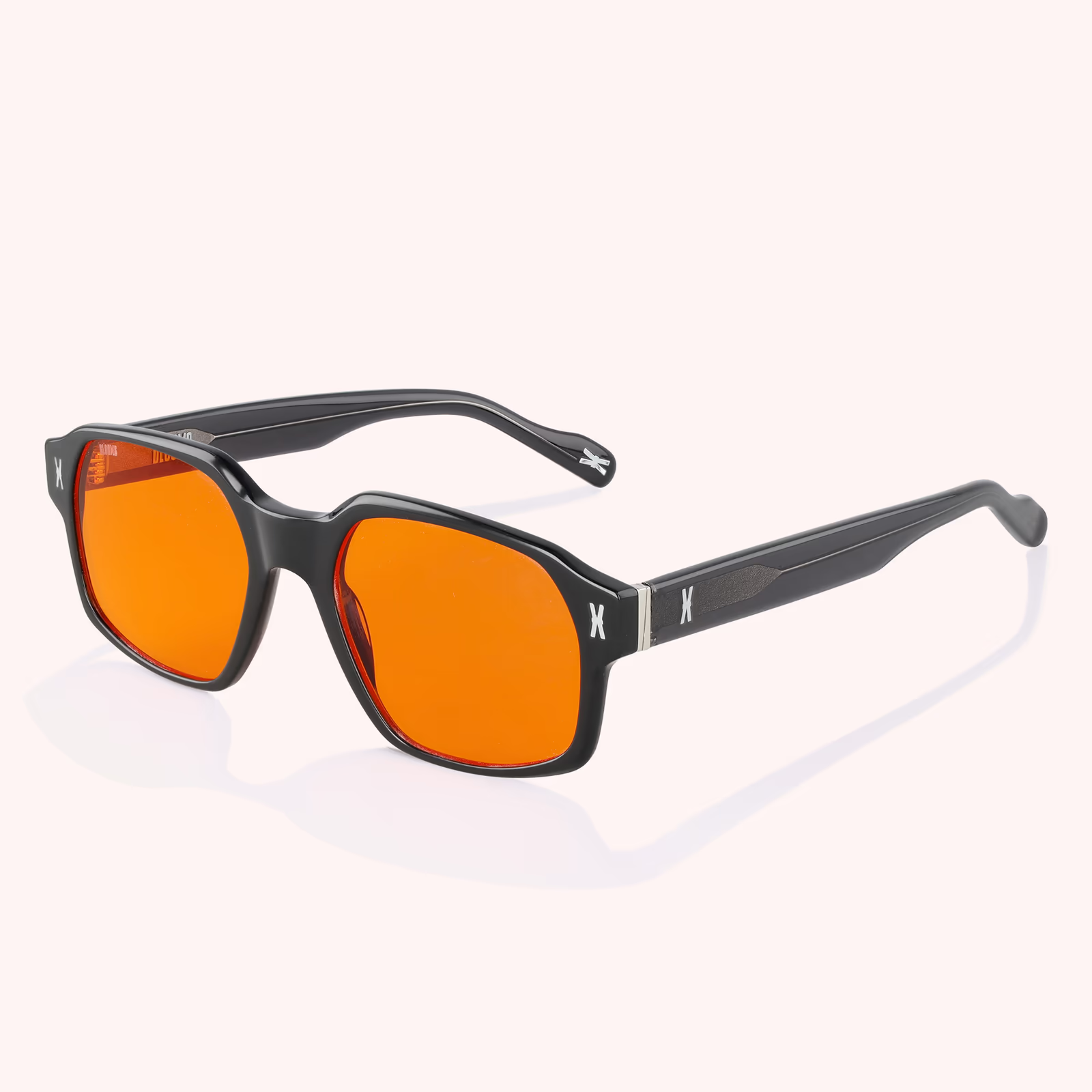
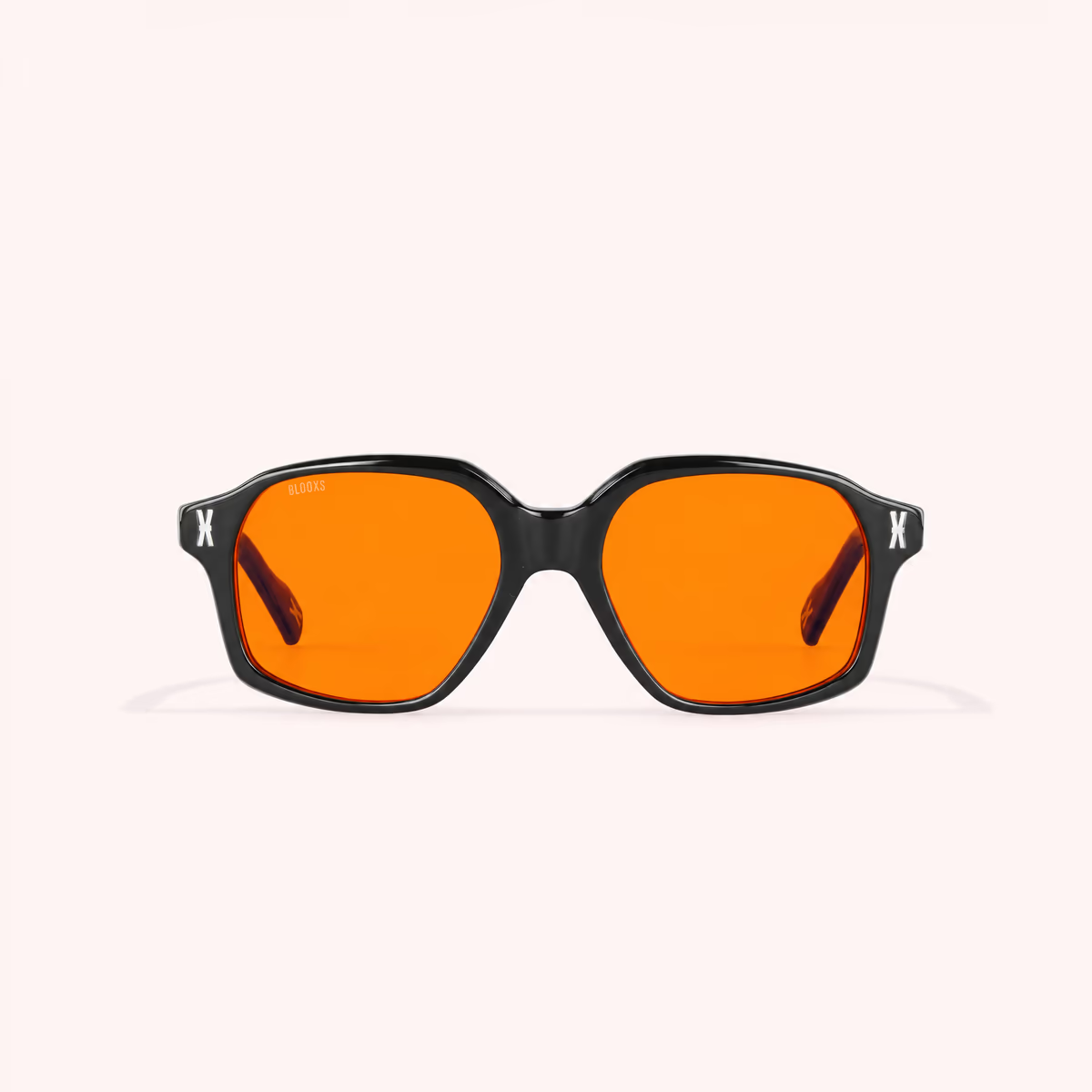
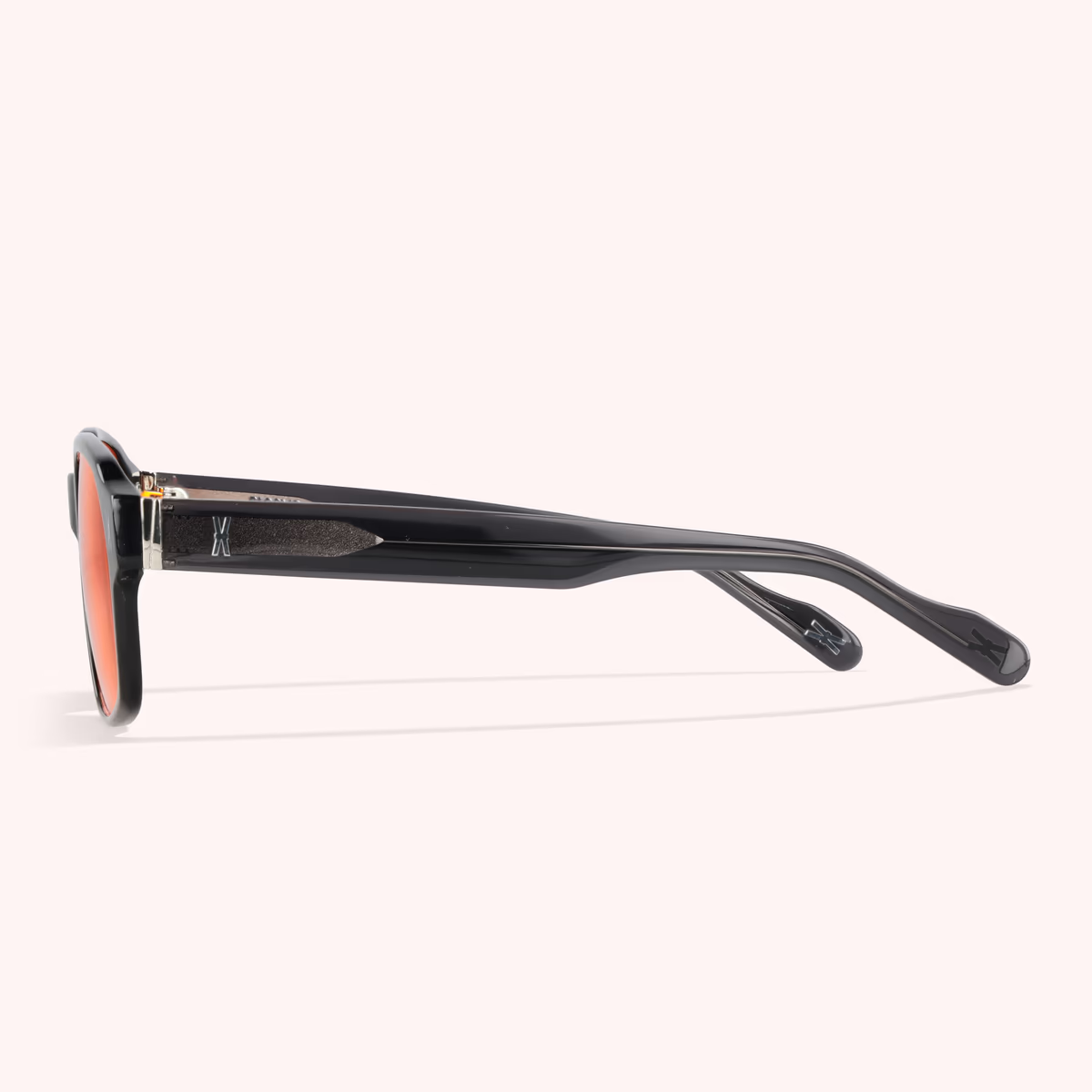
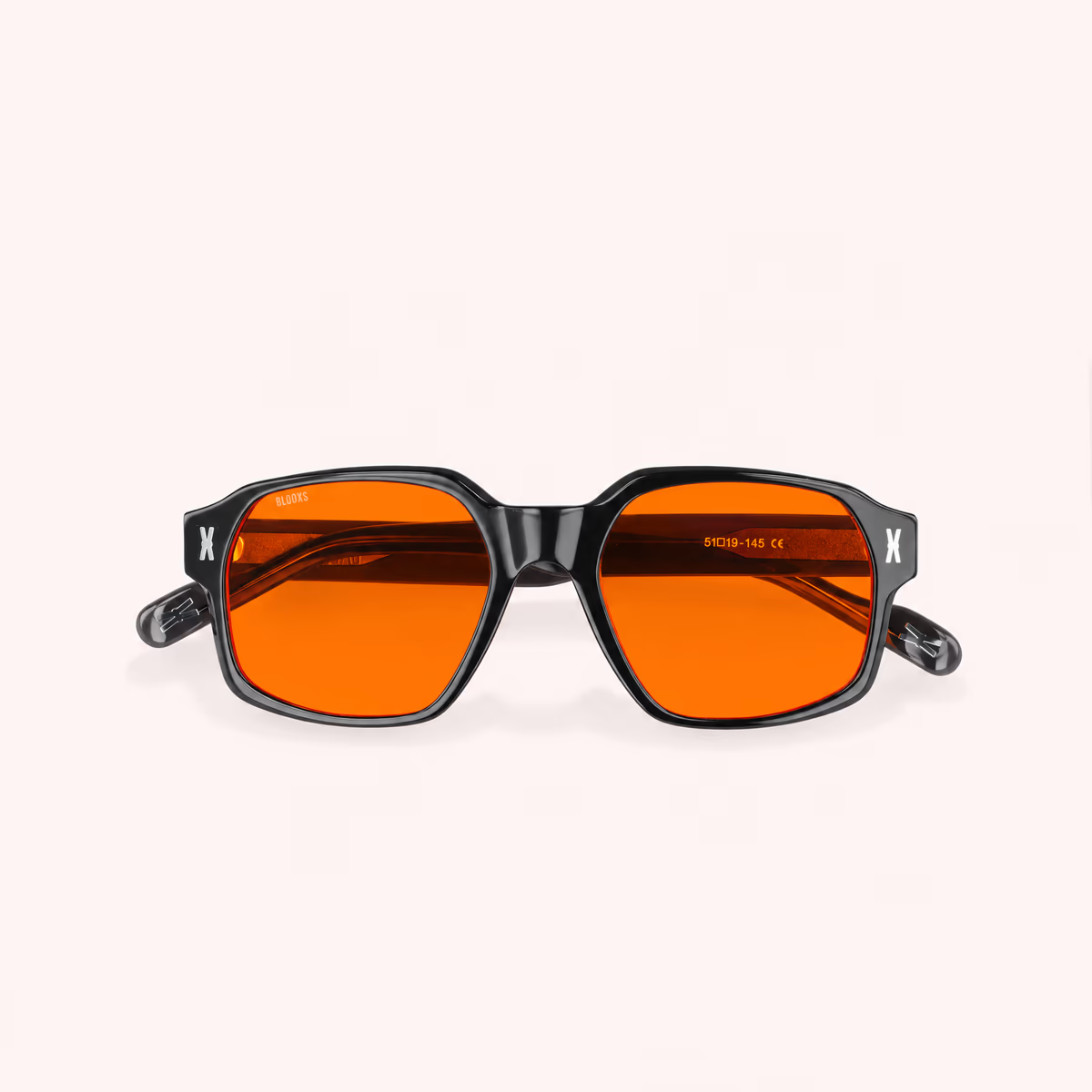
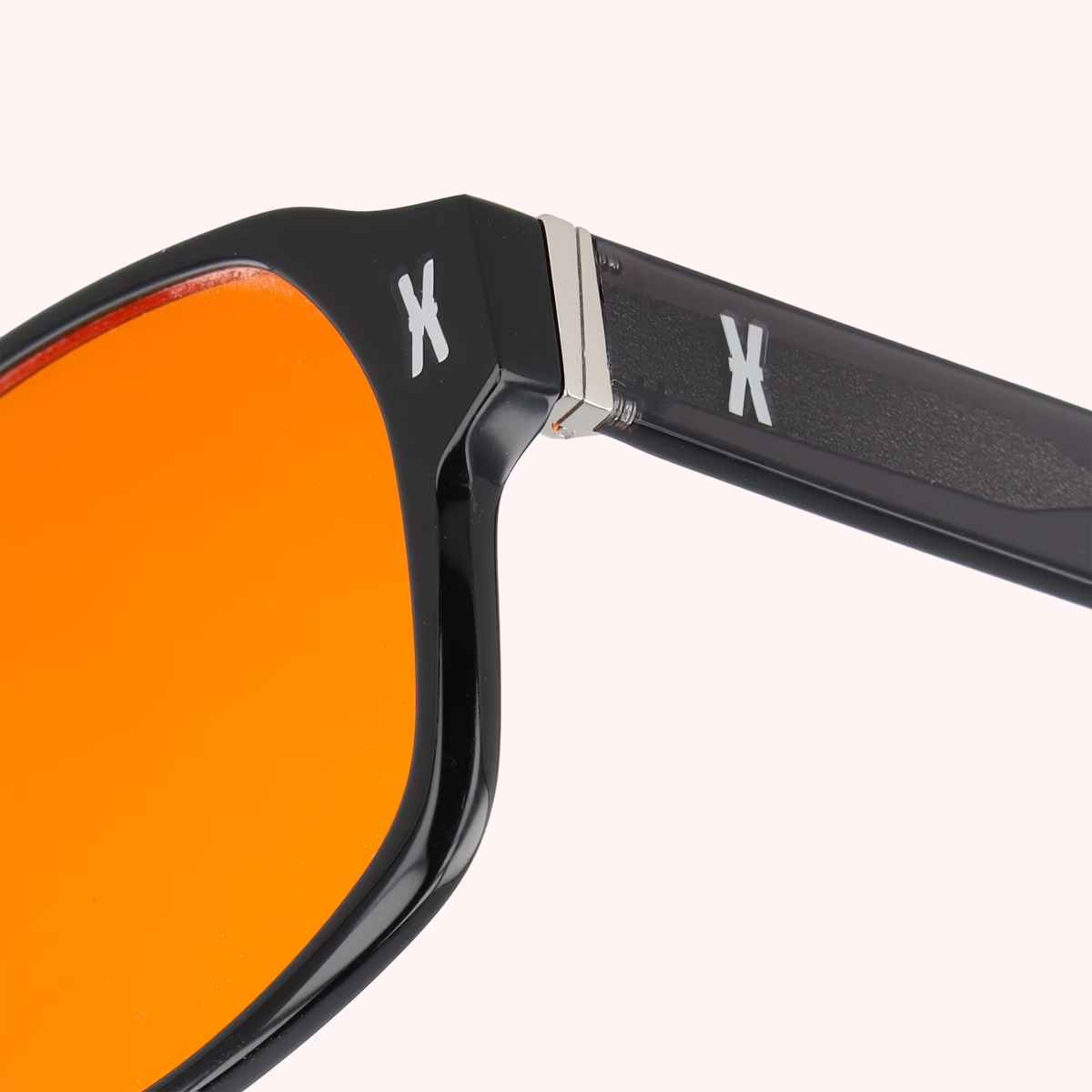
Scale : product in hand, worn, next to a familiar object, or a dimensioned image.
Variants : each color or finish must match the item sold; a recolored variant is only relevant if that accuracy is checked.
Box contents : without an image of the accessories supplied, many participants in Baymard Institute tests did not know whether they were included.
Zoom : in Baymard Institute tests, insufficient resolution or zoom led participants to abandon a product.
360° and video : useful when the shape or the way a product works is easier to understand in motion; for the Nielsen Norman Group, 360° is only worthwhile if it is flawless.
Background, dimensions, framing: requirements vary by platform. Here are the points to check before export.
Amazon, Google Merchant Center
Images show the product actually sold, in its real color and finish.
Main image · Amazon, Google Merchant Center
The entire product, as a single unit (except bundles). Google Merchant Center also asks for little or no staging.
Google Merchant Center; Amazon in part
Google Merchant Center rejects promotional elements, watermarks, added logos and borders on the main image. Amazon excludes claims and badges from all images.
Amazon, Google Merchant Center
Enough pixels for zoom, without artificially enlarging a small image.
Amazon, Zalando
Required for the Amazon main image and for Zalando packshots; recommended, but not required, by Google Merchant Center.
Google Merchant Center, Amazon
Google Merchant Center requires any image created with generative AI to contain metadata indicating this. Amazon asks for the contains-synthetic-performer tag only for images showing photorealistic people entirely generated by AI.
These values change: check the source before each publication.
| Platform | Background | Resolution | Notes |
|---|---|---|---|
| Amazon | BackgroundMain image: pure white (RGB 255, 255, 255), required | ResolutionAll images: minimum 500 px on the longest side, required; over 1,000 px recommended, to enable zoom | NotesMain image: product fills 85% of the image. JPEG recommended; TIFF, PNG and non-animated GIF accepted |
| Google Merchant Center | BackgroundSolid white or transparent, recommended | ResolutionMinimum 500 × 500 px from January 31, 2027; around 1,500 × 1,500 px recommended | NotesProduct fills 75 to 90% of the image, advised |
| Zalando | BackgroundPackshots: white #FFFFFF, required; Zalando then adds a light gray background | ResolutionPortrait 1:1.44; minimum 762 × 1,100 px, 1,801 × 2,600 px advised (minimum 1,800 × 2,600 px for designer brands) | NotesJPEG, sRGB, 20 MB maximum; guidelines updated on August 31, 2026 |
| Shopify | BackgroundNo requirement | ResolutionUp to 5,000 × 5,000 px; 2,048 × 2,048 px advised for a square image | NotesSame aspect ratio advised for main images |
Selling mainly on Amazon? See our guidelines for Amazon packshots.
A service provider and an in-house team can both produce well-crafted packshots. The choice depends mainly on how often new products arrive, on product logistics and on the resources available.
The provider organizes production according to your specifications: scheduled sessions, visual references, checks on each series. This setup works well for campaigns, on-model photos and occasional or irregular needs. Products are shipped, collected or photographed on site, depending on the provider.
New products are photographed as they arrive, with saved settings and a trained operator. This setup suits a steady flow and products you prefer to keep on site. It requires a workspace and equipment that is purchased or financed.
Background removal, retouching, variants, staged scenes: service providers and in-house teams can both rely on AI tools. A real photo remains the reference for the product; the more an image is generated, the more its accuracy to the item sold must be checked.
See how AI applies to product photography.
| Criterion | Service provider | In-house production |
|---|---|---|
| Volume | Service providerCapacity and production terms agreed with the provider | In-house productionA steady flow that makes it possible to set up a production station |
| Catalog renewal | Service providerSessions or campaigns to schedule around new products | In-house productionNew products added as they arrive |
| Lead time | Service providerAgreed lead time and production slots | In-house productionSchedule managed by the team, based on its availability |
| Consistency | Service providerSpecifications, visual references and checks on each series | In-house productionSaved settings, consistent positioning and quality checks |
| Logistics | Service providerShipping, collection or on-site work, depending on the provider | In-house productionProducts stay on site, which helps especially if they are fragile, heavy or confidential |
| Team and space | Service providerProduction organized by the provider | In-house productionWorkspace and a trained operator to plan for |
| Cost | Service providerAgreed price, logistics and any reshoots | In-house productionEquipment or financing, operator time, software, training and space |
No threshold applies to everyone: it is the combination of criteria that decides. A mixed setup is possible: routine packshots in-house, campaigns or specific shoots handled by a service provider.
More on this choice: packshot service provider or in-house studio. To put figures on your situation: the return-on-investment calculator.
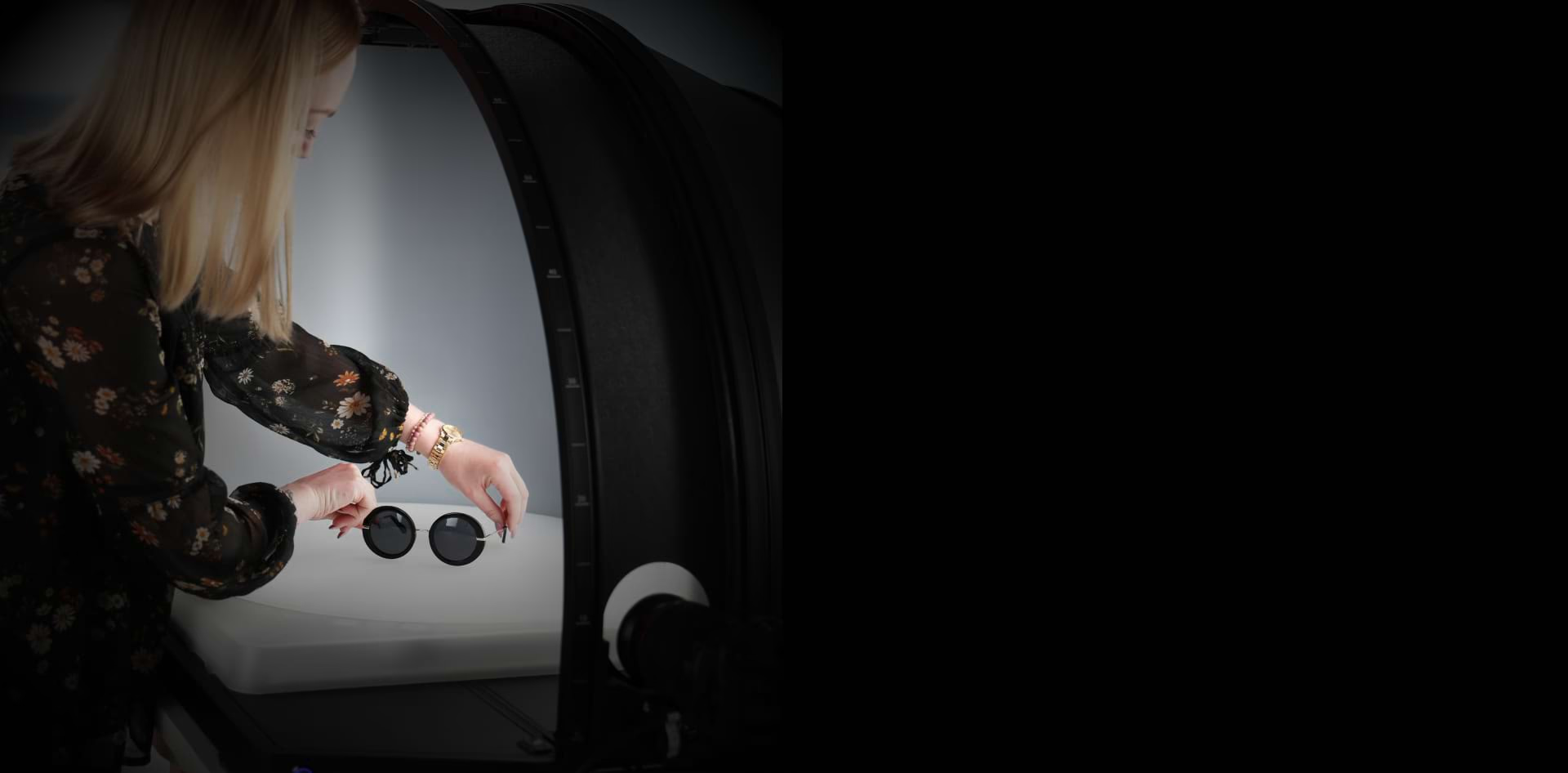
An Orbitvu studio combines software-controlled lighting, a remotely controlled camera, a platform (rotating on most models) and the Orbitvu Station software.
| Step | What the studio does | What the operator does |
|---|---|---|
| 1.Preparation | What the studio doesNothing: this step remains manual | What the operator doesUnpack, clean, remove creases, shape the product |
| 2.Settings | What the studio doesLighting and camera parameters recalled by the template | What the operator doesChoose the template suited to the product |
| 3.Shooting | What the studio doesTriggering, platform rotation, series of angles; 360° or video depending on the studio | What the operator doesPlace the product and start the sequence |
| 4.Background removal | What the studio doesBackground removed at capture on backlit studios, or by AI in the software | What the operator doesCheck difficult cases: glass, reflections, fine elements |
| 5.Formatting | What the studio doesCropping, alignment, margins and dimensions applied automatically | What the operator doesApprove the result in preview |
| 6.Naming and export | What the studio doesFile name taken from the product code, export to the planned destinations | What the operator doesCheck before publication |
Taking a photo takes less than a second. What makes producing a packshot take longer is mostly the work around it: preparing the product, repositioning it, adjusting the lighting, then processing the images and preparing the files.
Unpacking, dusting, removing creases or shaping the product remains manual work. But each new angle can also require adjusting the settings again. A watch, for example, can be perfectly lit from the front. Switch to a three-quarter view without changing the light, and a reflection appears on the dial, hiding the details you wanted to show.
This is where 360° rotation and saved shooting templates come into their own. With an Orbitvu automated studio, you prepare your sequence of views and its lighting settings, then save them. For products in the same family, the operator recalls this configuration: they position the product for the first view, start the sequence and let the studio run through the planned angles. Meanwhile, they can prepare the next product.
The gain continues after capture. AI tools have made some retouching easier, but background removal and file preparation can still take two to three times as long as the shooting itself. Images also need to be named, margins adjusted and the dimensions required by each sales channel produced.
The studio automates this sequence according to the configured profiles: background removal, cropping, size and format variants, then export to a local folder, a server or a compatible online store. The operator keeps control of the result, especially for delicate products.
In practice, a well-organized production can reach 200 to 300 photos taken and finalized per day with an automated studio. In a self-built studio where these operations are carried out separately, going beyond 50 photos per day, processing included, is often difficult. These field benchmarks from PackshotCreator vary with the products, their preparation and the views required. They nonetheless give a measure of the possible gain: four to six times the daily volume.
This time saving comes from all the handling the team no longer has to repeat for every product, every angle and every file.
Field benchmarks shared by Sébastien Jourdan, photographer and president of Sysnext (PackshotCreator).
The know-how stays in the company: your templates are used by the whole team and can be copied from one Orbitvu studio to another. According to Orbitvu, basic training is enough for routine packshots, with no prior photography experience.
According to Orbitvu documentation, the AI features in Station require a subscription; the AI photo assistant is limited to the Alphashot Pro G2 and XL G2.
Detailed method: getting consistent photos across a whole collection.
The time saved in the studio is lost if files are then renamed, resized and uploaded by hand.
The product arrives with its reference (SKU, EAN or internal code). Scanned from the barcode, it names the files, with no retyping.
The product is photographed with the settings saved for its family; each view is added to the session for its reference.
The 1:1 preview shows the final result before approval.
Publishing profiles produce the formats for each channel: dimensions, background, margins, file type.
To a local folder, a server, your digital asset management (DAM) or product information management (PIM) tool, or directly to a compatible online store.
File export
Without a connector, Orbitvu Station saves files in the planned formats to a local folder or a server; you then upload them with your usual tools. This is the case for Amazon, for which Orbitvu does not offer a module.
Store modules
Orbitvu offers modules for Magento 2 (version 2.2.0 and later), PrestaShop 1.7.x and WooCommerce, in SUN or self-hosted versions, and for Shopware 6 and Shopify in the SUN version only. They are tested on a basic configuration: a heavily customized store may require adaptation.
Subscription and license
The SUN version hosts images on Orbitvu SUN and requires a subscription: its modules are included from the 6G plan, the Shopify module is paid separately. The self-hosted version stores images on your server, without a SUN subscription, with an Orbitvu viewer license or its free basic version; it does not support Orbitvu videos.
DAM, PIM and ERP
Connections with a digital asset management tool, a product information management tool or an ERP are configured: custom attributes, barcodes, scripts or API, depending on your tools.
Orbitvu sourcessupported e-commerce platforms · types of e-commerce plugins
The choice depends first on the size of the largest product to photograph. Maximum product dimensions are those published by Orbitvu, in the order used on its product pages, which do not specify the axes.
| Studio | Typical products | Max product size and weight | Throughput stated by the manufacturer |
|---|---|---|---|
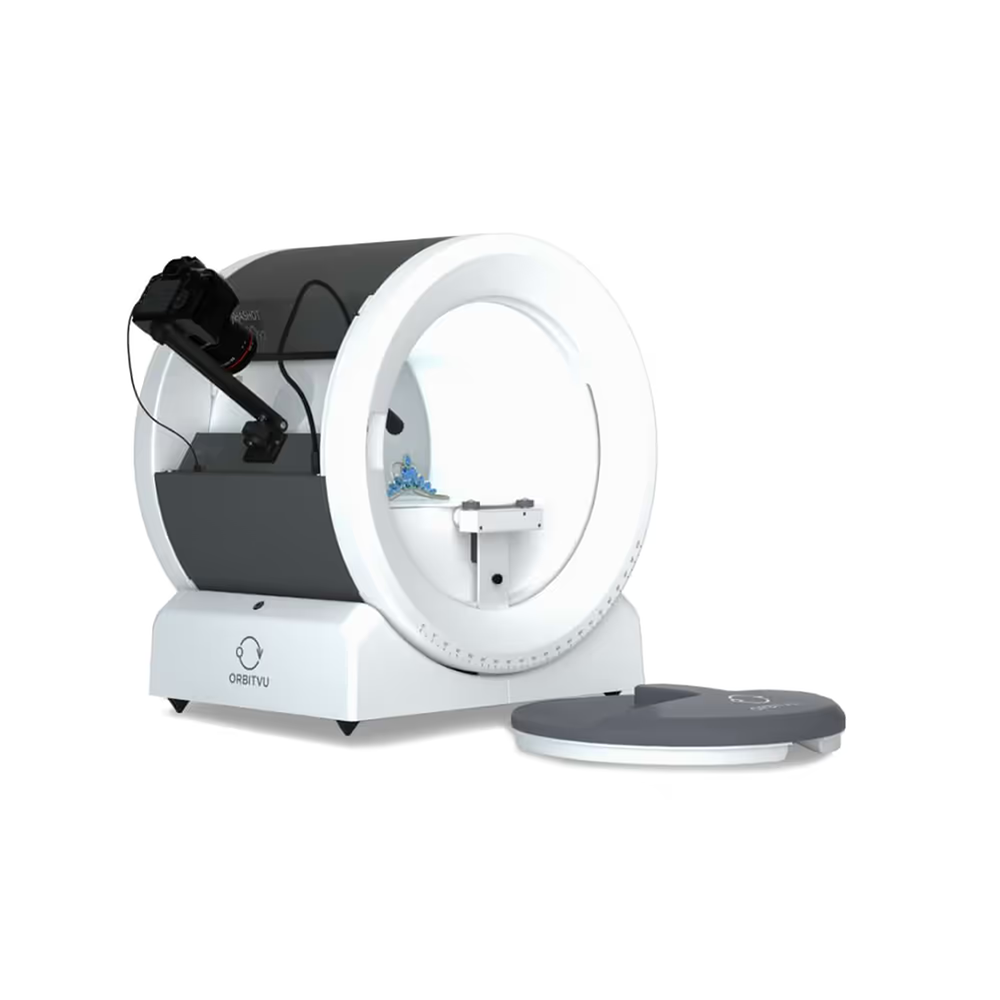 Alphashot Micro Pro v2View studio | Typical productsJewelry, watches, small parts | Max product size and weightUp to 18 cm, 1 kg | Throughput stated by the manufacturerNot stated |
 Alphashot 360View studio | Typical productsSmall items: accessories, electronics, cosmetics | Max product size and weight30 × 30 × 30 cm, 3 kg | Throughput stated by the manufacturer150 products per day |
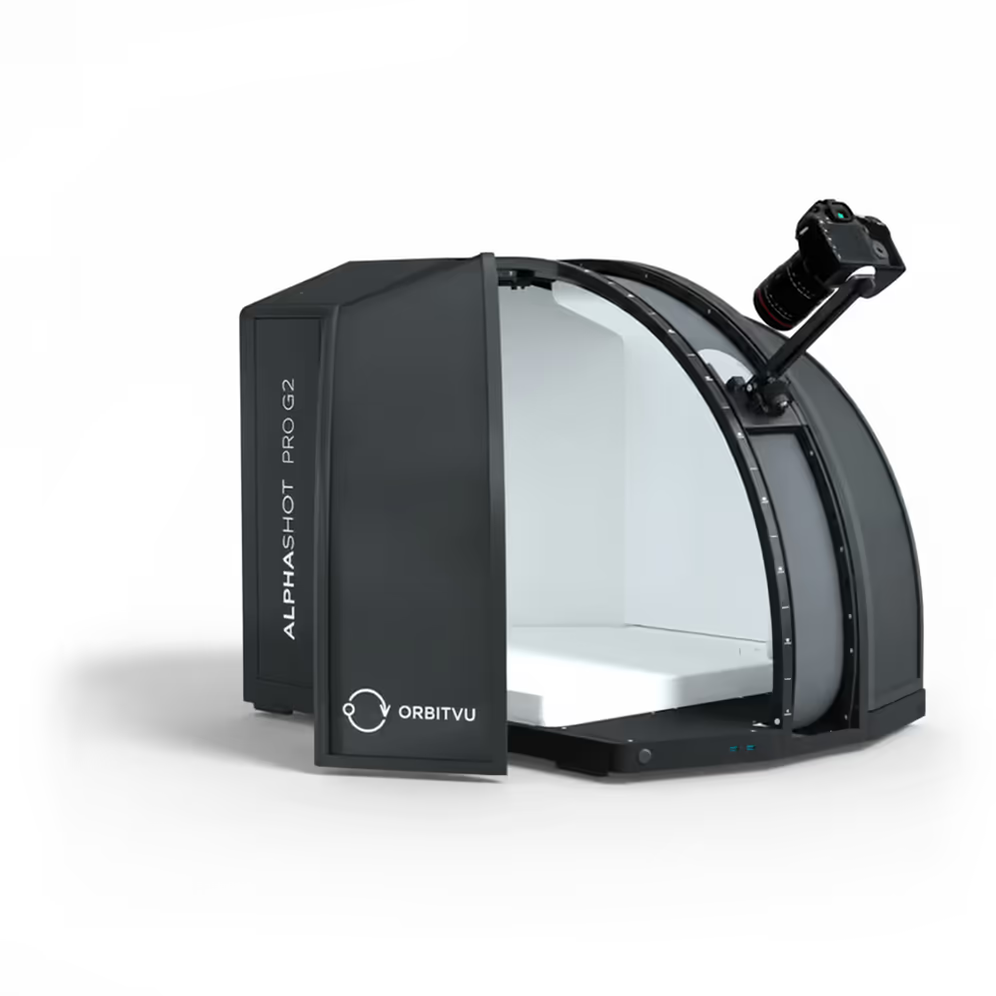 Alphashot Pro G2View studio | Typical productsCosmetics, electronics, accessories | Max product size and weight35 × 35 × 40 cm, 10 kg | Throughput stated by the manufacturer250 products per day |
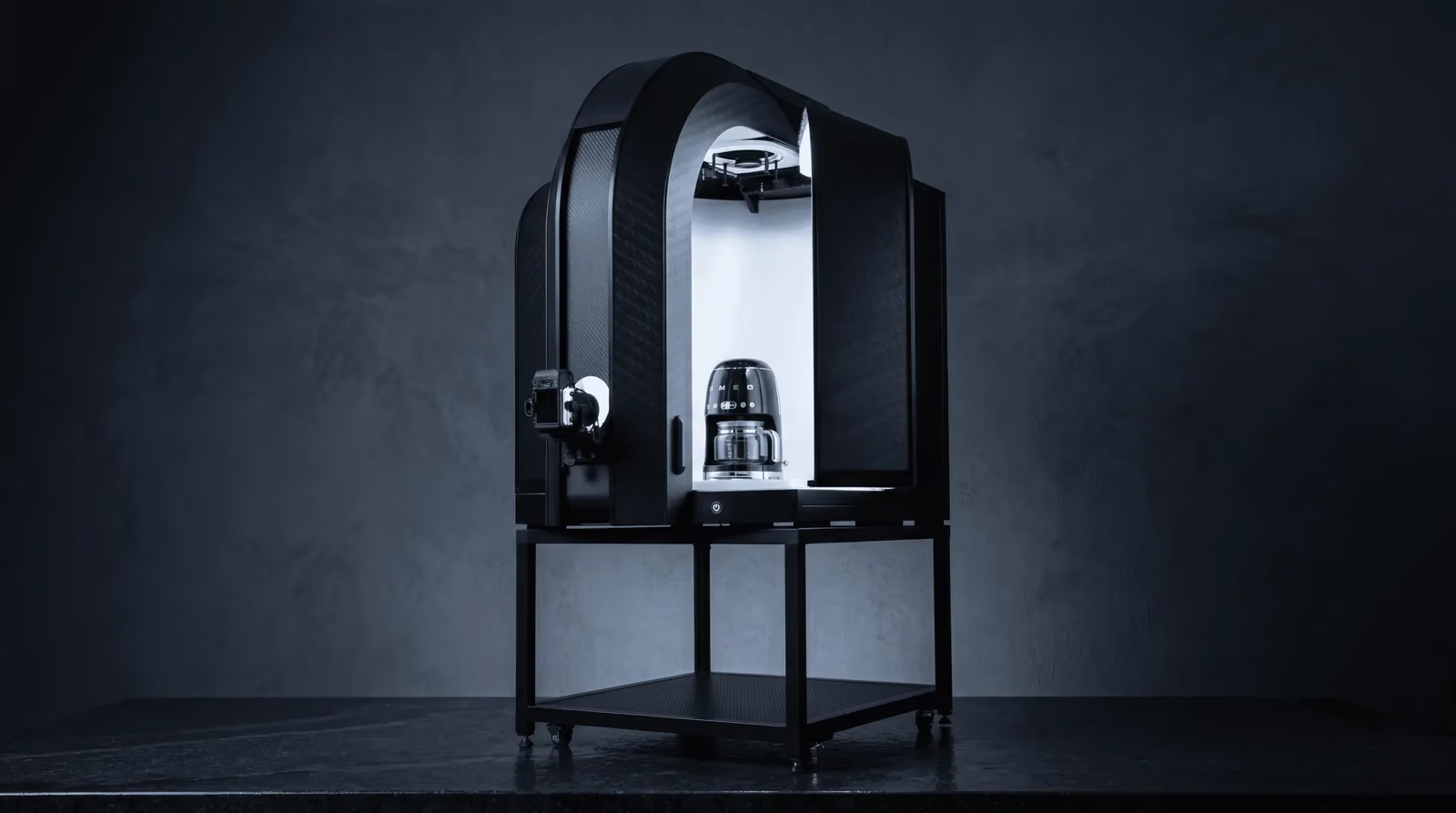 Alphashot XL G2View studio | Typical productsShoes, bags, small appliances: anything that fits in a cabin suitcase | Max product size and weight60 × 40 × 70 cm, 25 kg | Throughput stated by the manufacturerUp to 250 products per day |
 Alphastudio CompactView studio | Typical productsSmall appliances, tools, sporting goods | Max product size and weight80 × 70 × 130 cm, 100 kg | Throughput stated by the manufacturer150 products per day |
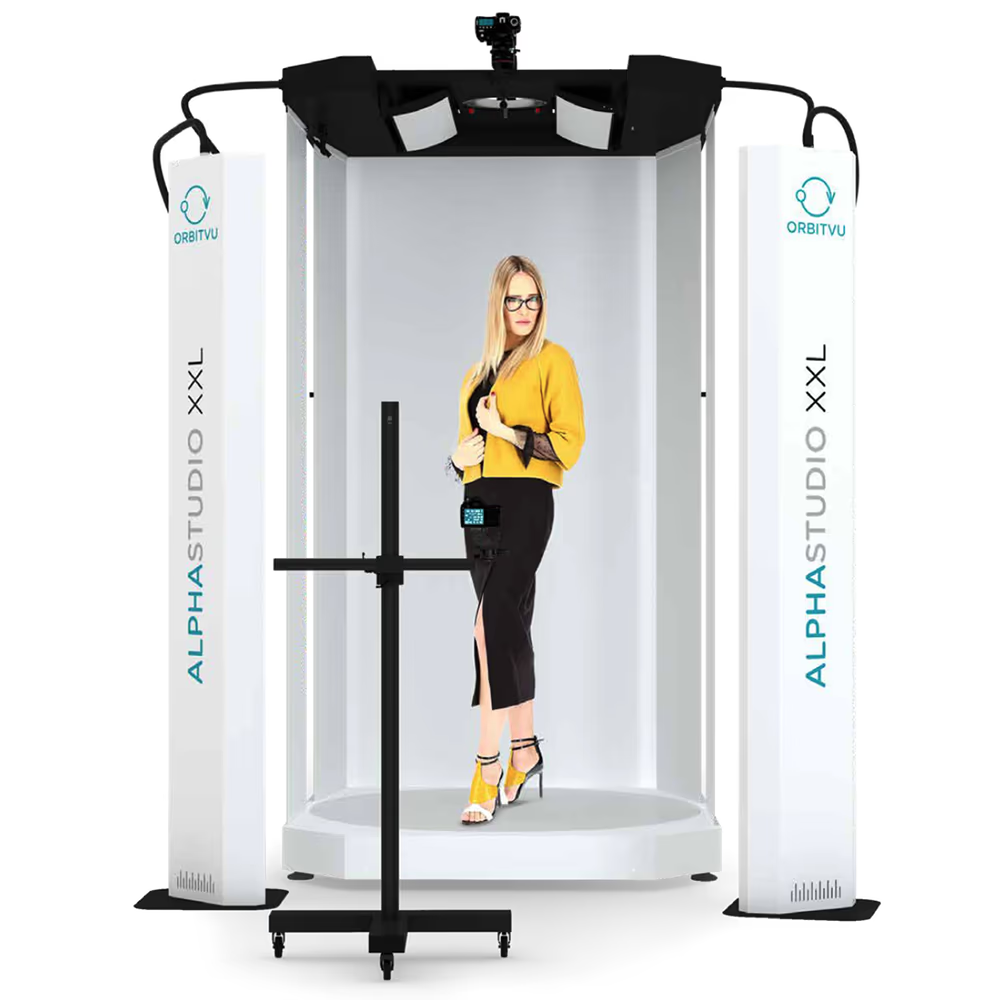 Alphastudio XXLView studio | Typical productsLarge items, mannequins, live models | Max product size and weight190 × 90 × 100 cm, 100 kg | Throughput stated by the manufacturer150 products per day |
 AlphatableView studio | Typical productsClothing, textiles and flat items, shot from above | Max product size and weight165 × 112 × 5 cm, 80 kg | Throughput stated by the manufacturer15 seconds per flat-lay packshot |
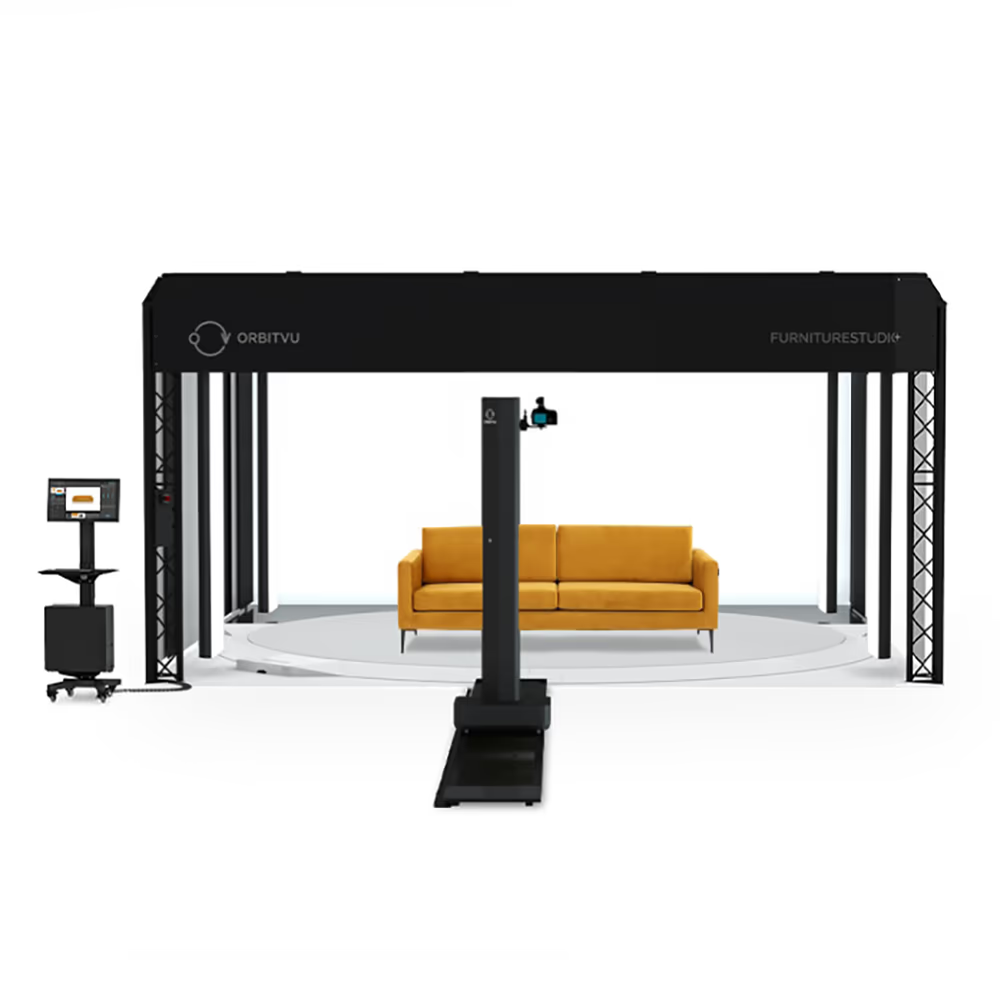 Furniture StudioView studio | Typical productsFurniture and bulky products | Max product size and weight1,000 kg platform, 4,000 kg version | Throughput stated by the manufacturerUnder 3 minutes per 360° rotation |
Throughput figures stated by Orbitvu, with no published measurement protocol. The units differ (products per day, seconds per packshot, minutes per 360° rotation): these values cannot be compared with each other and do not allow the studios to be ranked. The actual pace depends on the product, its preparation and the number of views.
Not sure which model is right? The studio selector guides you based on your products. See also the full range of automated studios.
Compare the cost of a published visual, not the price of a photo. In-house: equipment purchased or financed, operator time, software, training and space. With a service provider: agreed price, logistics and any reshoots. The break-even point depends on your volume and on how often your catalog changes; no return-on-investment period applies to everyone.
Estimate with the calculatorPurchase or professional leasing (financial lease), over 60 months or from 36 months, subject to approval of your application. In Switzerland, leasing through Swiss institutions is possible.
Sysnext (PackshotCreator), a Qualiopi-certified training organization (a French quality certification), trains your teams to get started with and master Orbitvu studios, remotely or on site. In France, funding by your OPCO (a French training fund) may be possible depending on your situation.
As official Orbitvu distributor in France and Switzerland, PackshotCreator advises you, organizes the demonstration, delivers, installs, trains your operators and provides support in French. Delivery and installation are charged separately; indicative delivery time of about 10 days, not contractual.
Using an older PackshotCreator studio? Read our article on migrating to Orbitvu.
Start with the largest product to photograph: its dimensions and weight determine the possible range. Then come the views required (flat-lay, 360°, video), the volume to produce and the space available. The “Which studio for which products” table on this page lists the dimensions published by Orbitvu for each model, and PackshotCreator's studio selector narrows down the choice.
There is no ideal number: the images need to answer the shopper's questions. In practice: a main view, angles, details, a scale view, each variant and, where useful, the box contents. On Amazon, the Seller Central help recommends several images in addition to the main image, as well as a video.
Not everywhere. It is required for the main image on Amazon (pure white, RGB 255, 255, 255) and for packshots on Zalando. Google Merchant Center recommends it without requiring it; Shopify imposes nothing. A consistent white background remains the simplest way to publish the same files on several channels.
There is no single threshold. In-house production makes sense when several criteria add up: a steady flow of new products, publishing as products arrive, products you prefer to keep on site, space and an operator available. A mixed setup remains possible. PackshotCreator's calculator compares the two options based on your volumes.
According to PackshotCreator's field benchmarks, a well-organized production can reach 200 to 300 photos taken and finalized per day with an automated studio, whereas going beyond 50 photos per day, processing included, is often difficult in a self-built studio where these operations are carried out separately. These benchmarks vary with the products, their preparation and the views required; they are neither independent measurements nor a throughput commitment.
Not for routine packshots: Orbitvu states that basic training is enough, with no prior photography experience (for jewelry, some knowledge of photography is useful). The operator prepares the product, chooses a saved shooting template and checks the result. A photographer remains valuable for campaigns.
Yes: according to Orbitvu, Alphashot and Alphastudio studios produce photos, 360° views and video. Amazon has not accepted new 360° images since December 14, 2023 (those already online remain displayed, unless a 3D model is added). The 360° view that Google generates from still photos is limited to merchants based in the United States.
The Orbitvu Station software exports files according to publishing profiles (dimensions, format, naming by reference) to a local folder or a server. Orbitvu modules exist for Magento 2, PrestaShop 1.7.x and WooCommerce, in a SUN version (subscription) or self-hosted; Shopify and Shopware 6 use the SUN version. Connections with a DAM, PIM or ERP are configured: attributes, barcodes, scripts or API.
At PackshotCreator, the indicative delivery time for an Orbitvu studio is about 10 days, not contractual. Installation and training time depends on the system and configuration. Delivery and installation are charged separately. A demonstration is possible beforehand, at the showroom near Lyon or by video call.
30 minutes with an advisor, by video call or at the showroom near Lyon, where you can test your most difficult products.
Annual savings, time freed up, break-even point: an estimate calculated from your volumes.
Open the calculator⚙️ Gain consistency with Orbitvu. Get aligned visuals for your entire product collection.
Discover how to structure your in-house e-commerce photo studio with Orbitvu and PackshotCreator. Automation, AI, and efficient organization to produce professional visuals on your own.