
What is the return on investment with an in-house photo studio?
Opt for an automated in-house photo studio. Lower your costs, save time, and create quality visuals with ease.
Official Orbitvu distributor in France and Switzerland
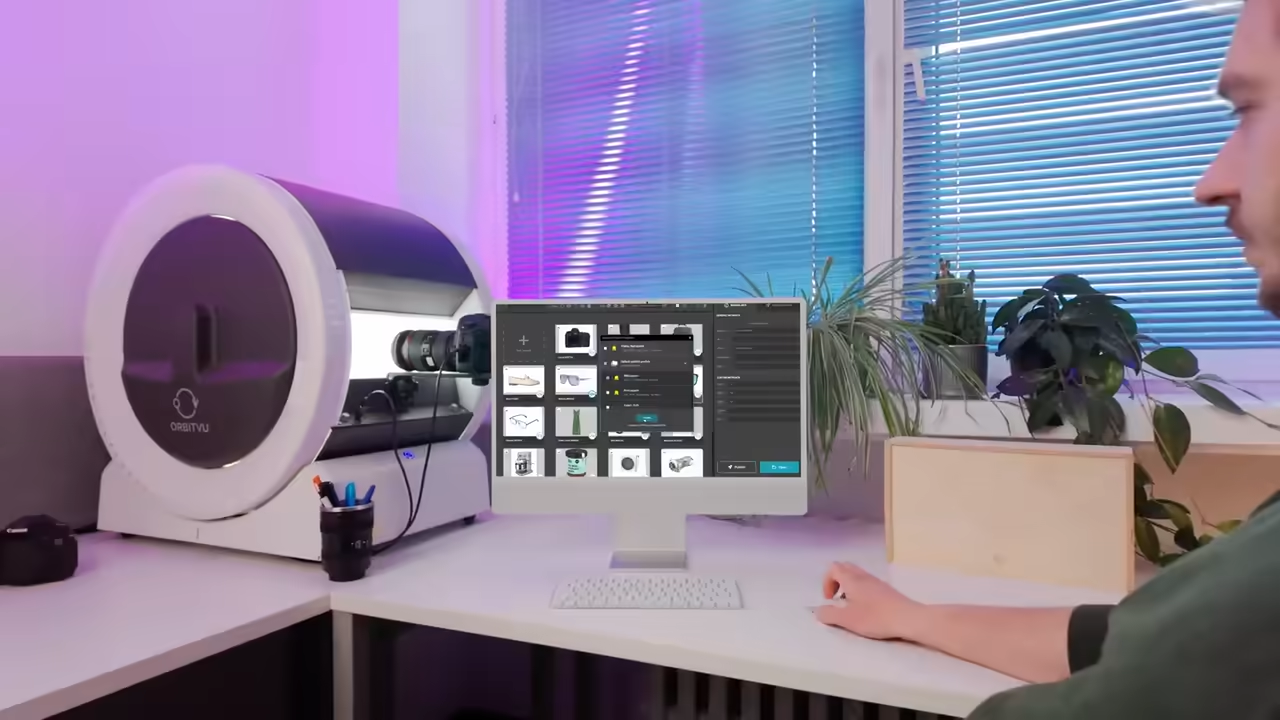
Your team photographs your products. Orbitvu Station controls the shoot and the processing; settings are reused from one reference to the next and the operator keeps control of the result.
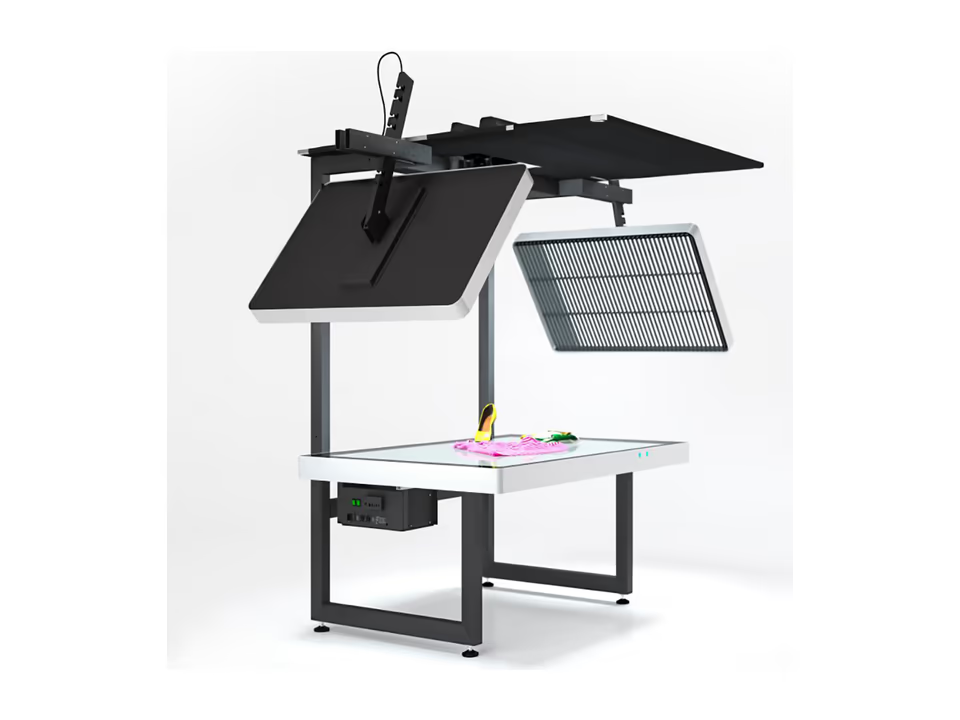
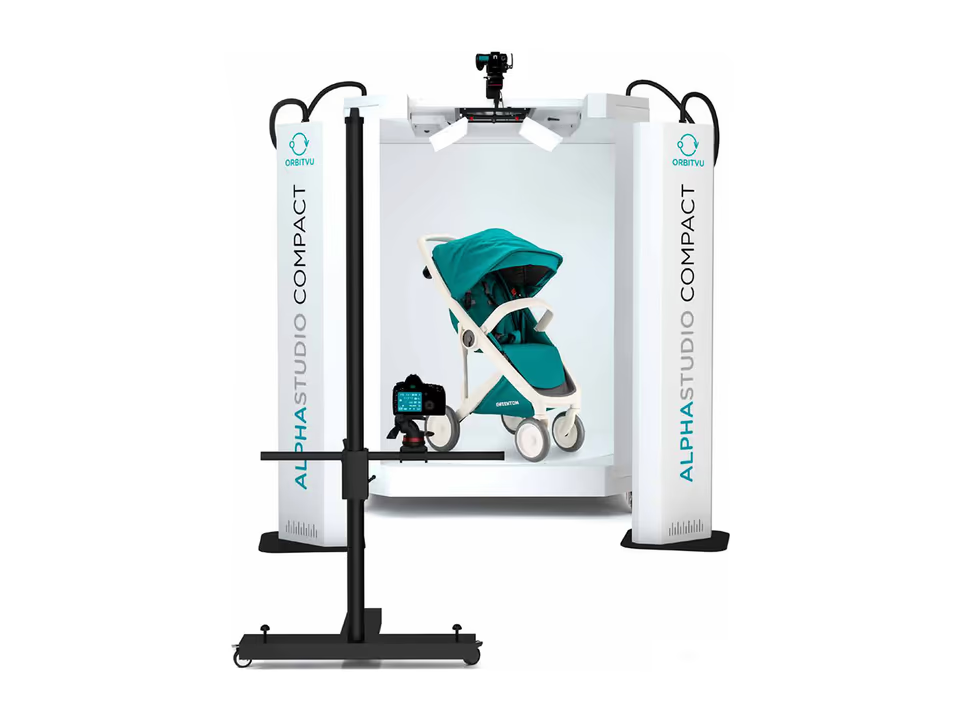
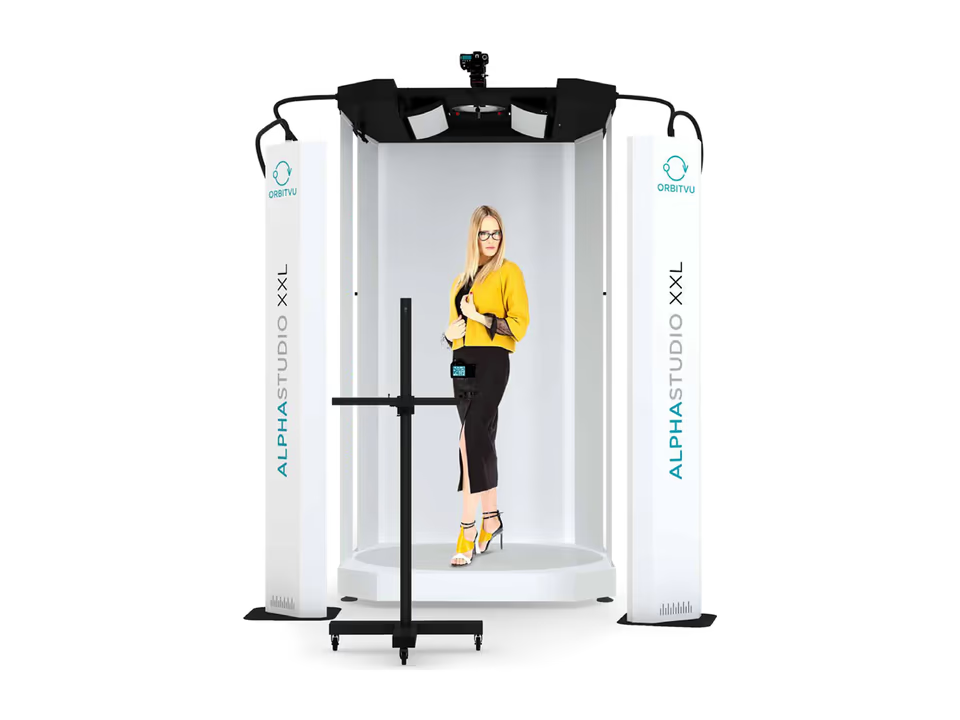
Filter by product size, sector, use or weight and dimension measurement, then open the page of each machine.
Four questions guide the choice:
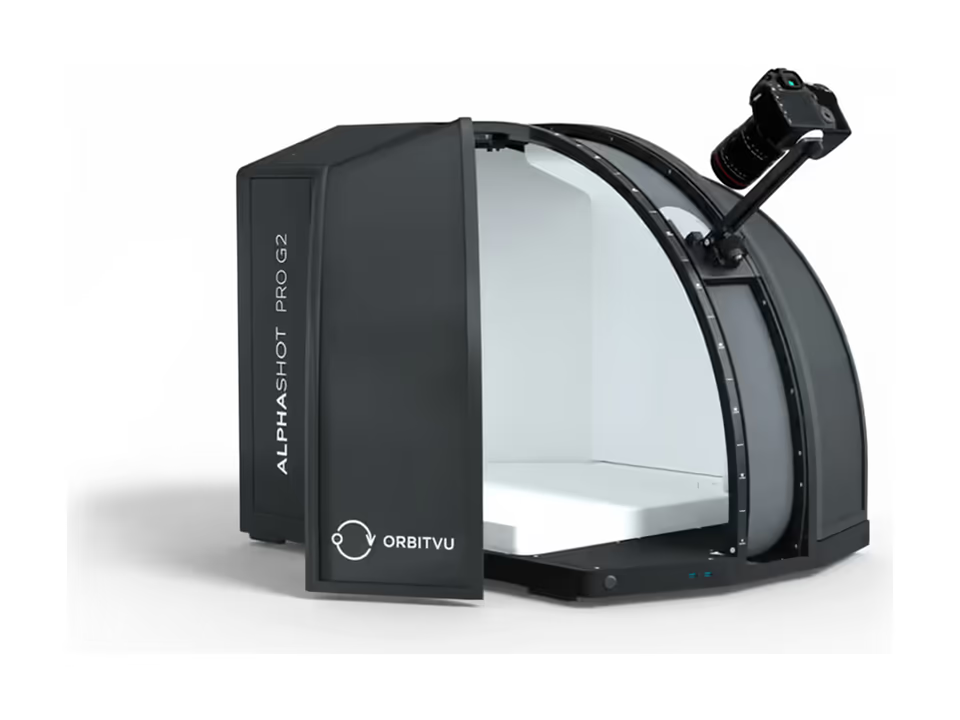
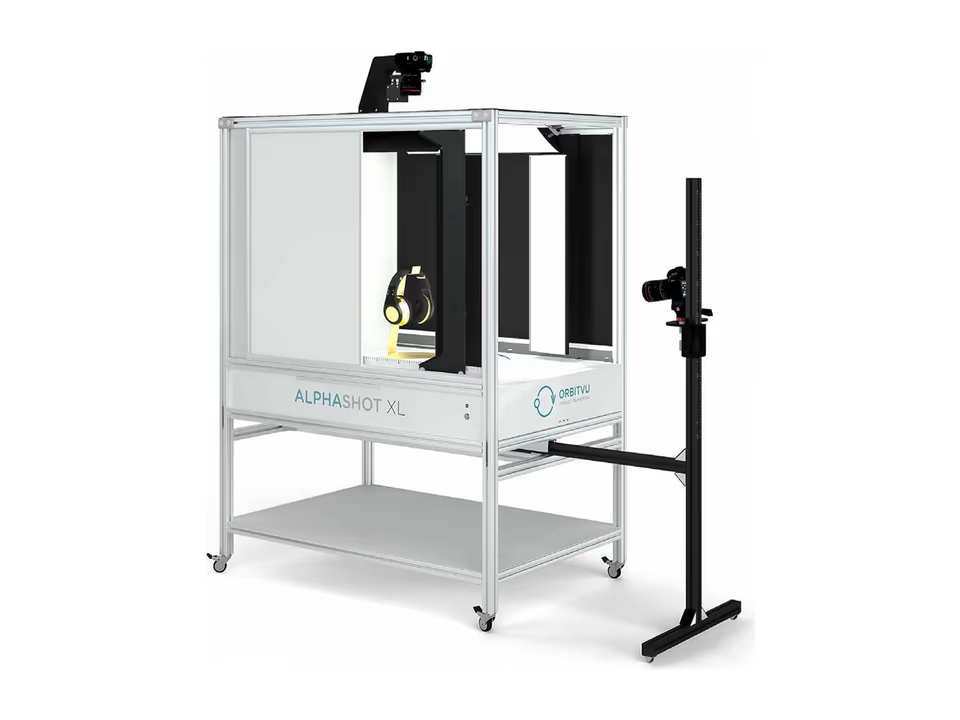
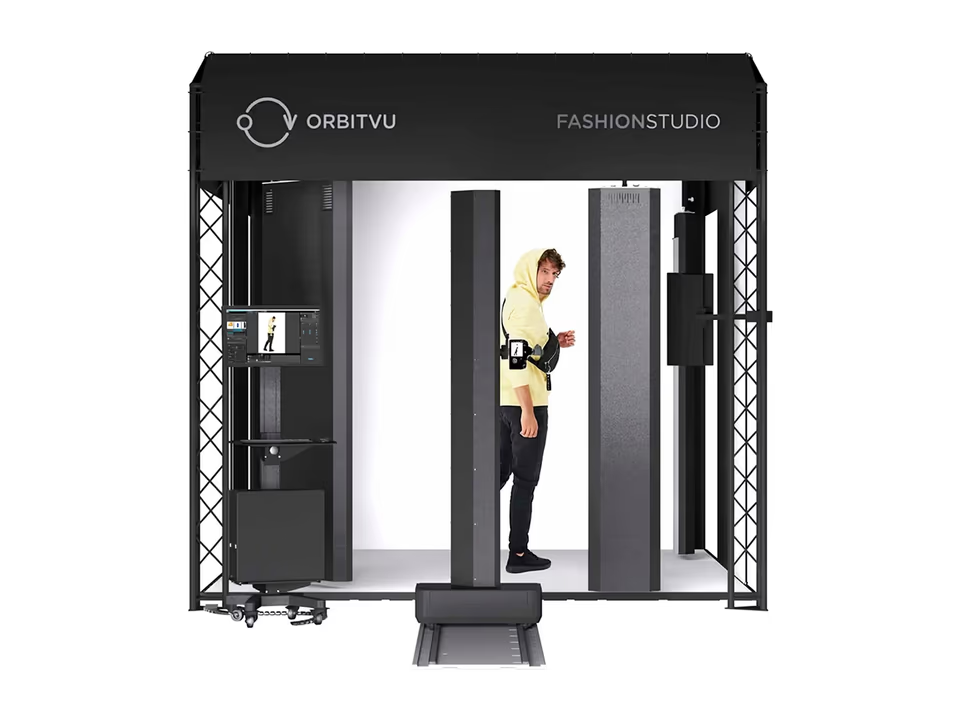
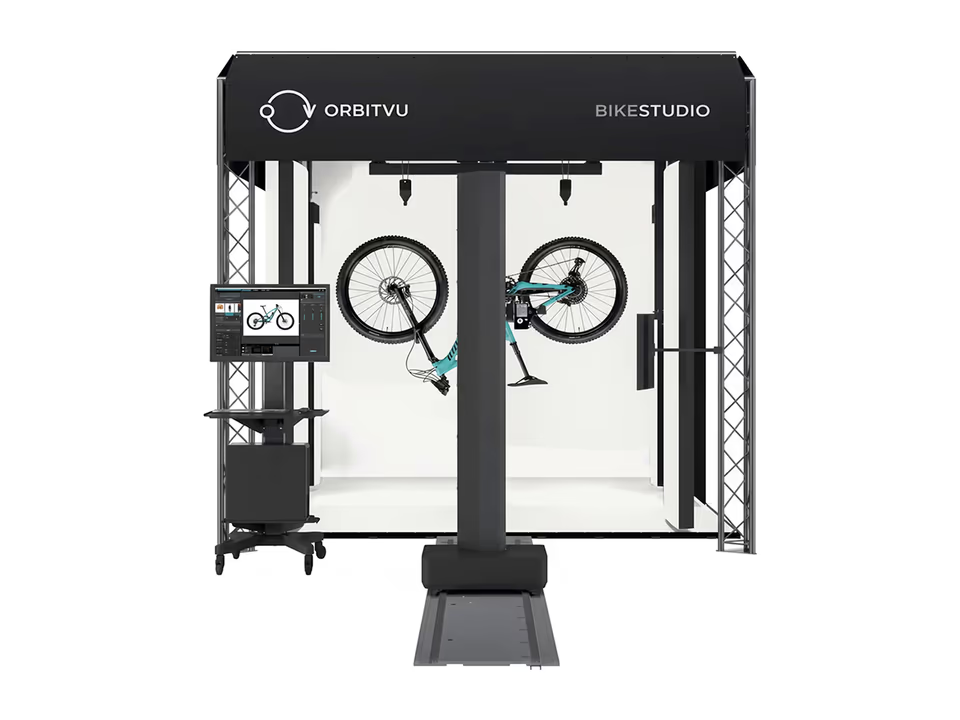
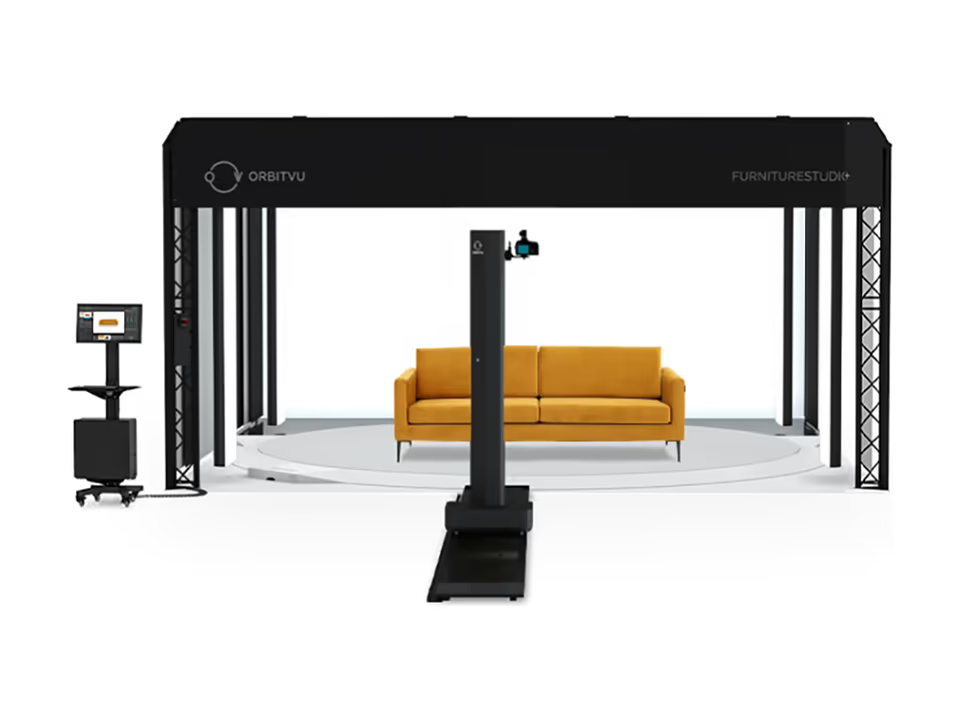
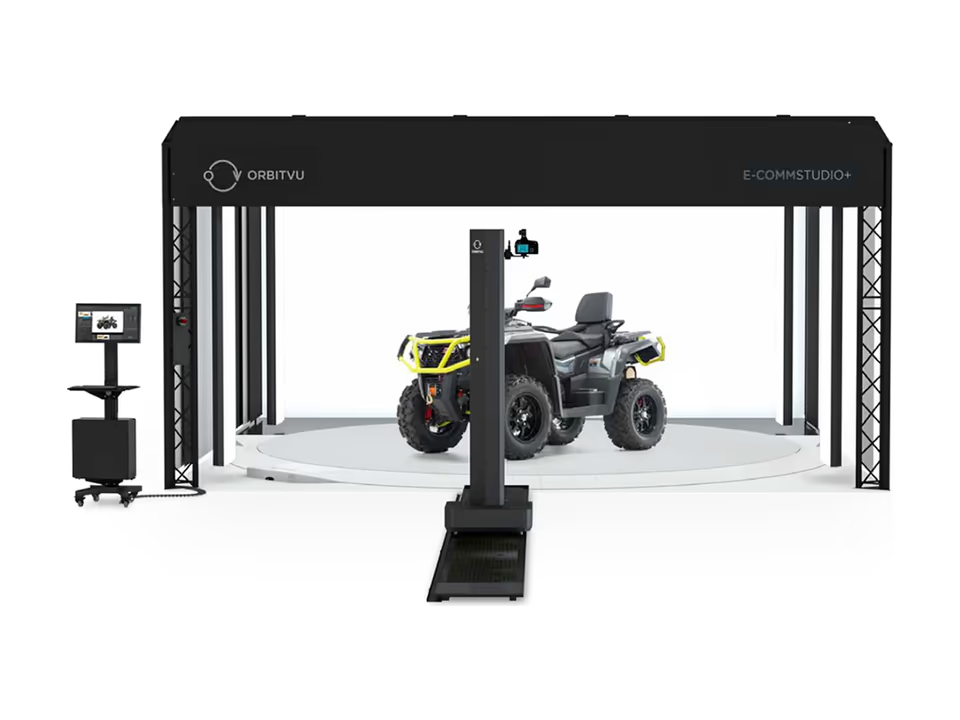
Two benchmarks published by Orbitvu: the Alphashot Pro G2 accepts objects up to 35 × 35 × 40 cm and 10 kg; the Alphashot XL G2, up to 60 × 40 × 70 cm and 25 kg. The range also includes studios for fashion, furniture, bicycles and very large objects.

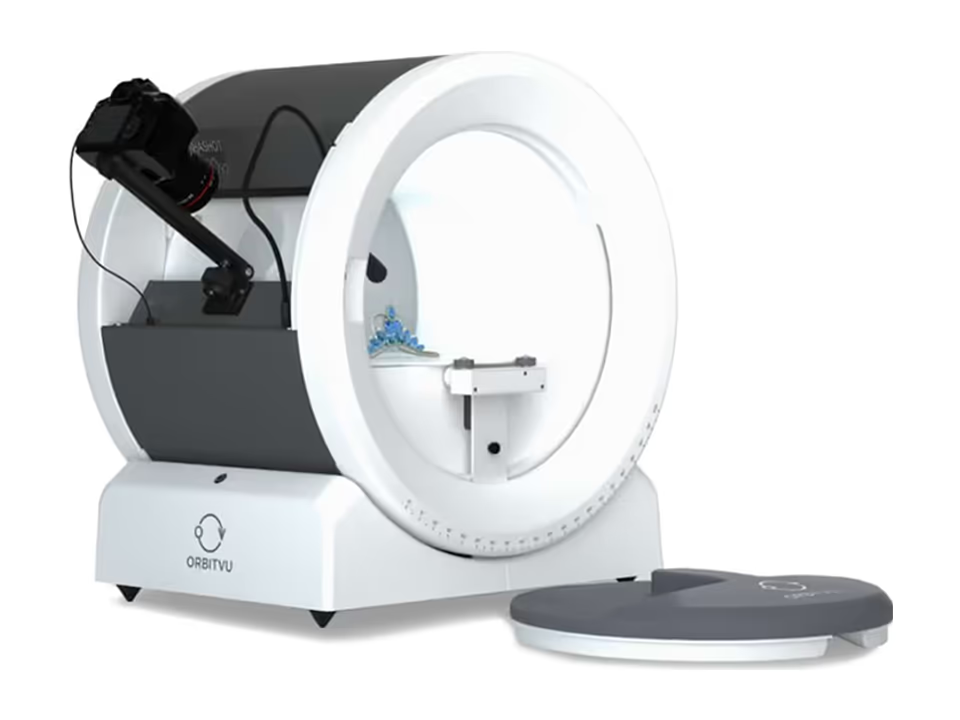
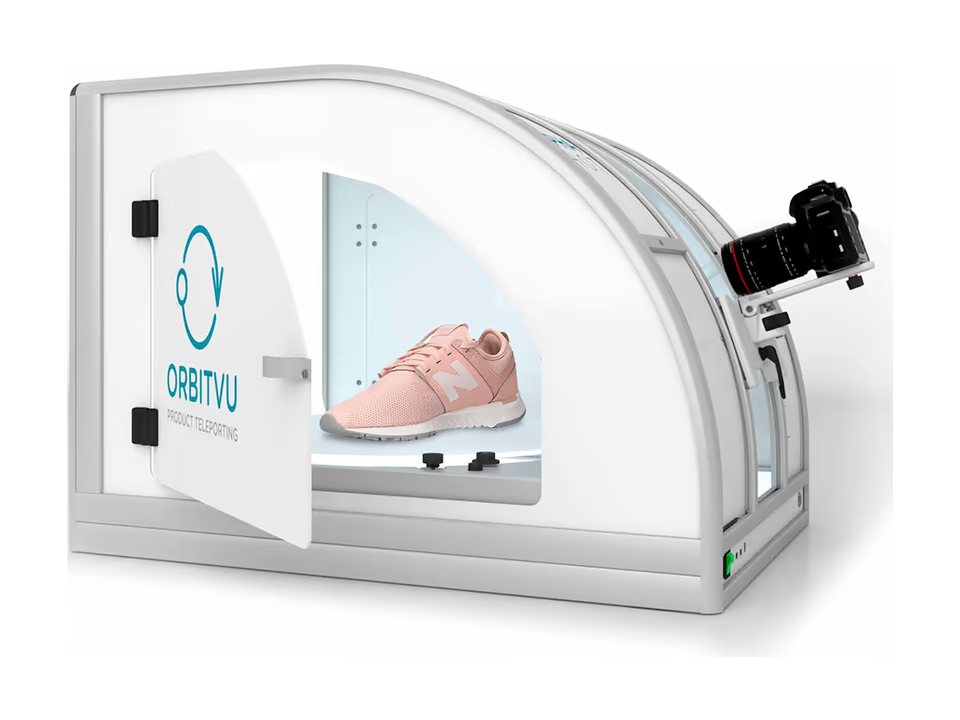
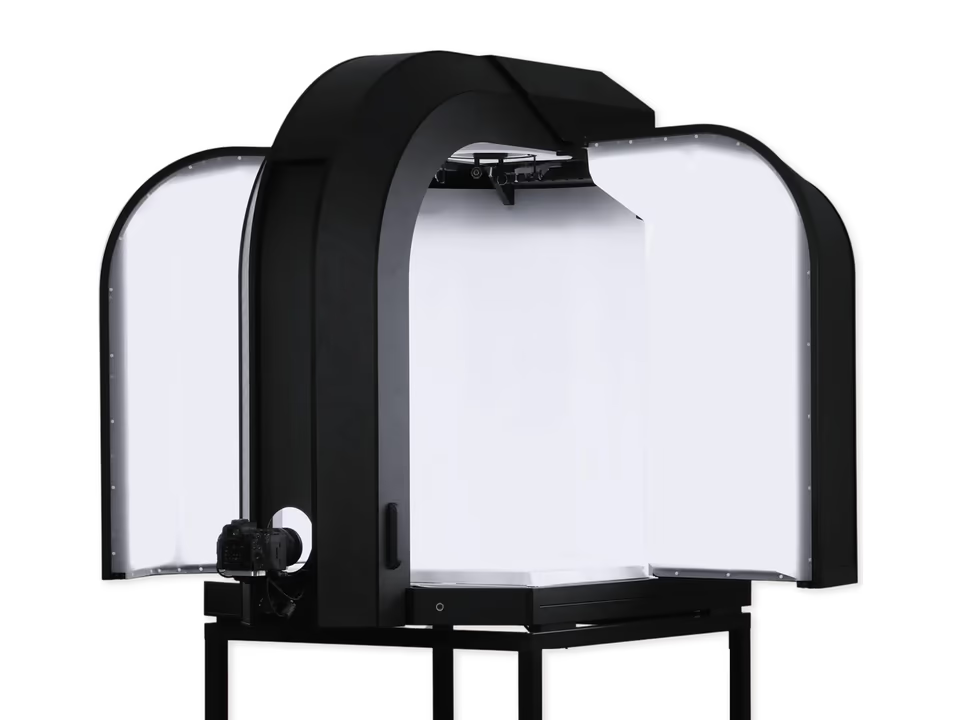
Orbitvu photo studios: presentation of the range
Orbitvu Station controls the shoot and the processing; settings are reused from one reference to the next and the operator keeps control of the result.
Photographic results
Your products, as you have never seen them.
Consistent photographs on a white background, produced in-house by your team with an Orbitvu studio.
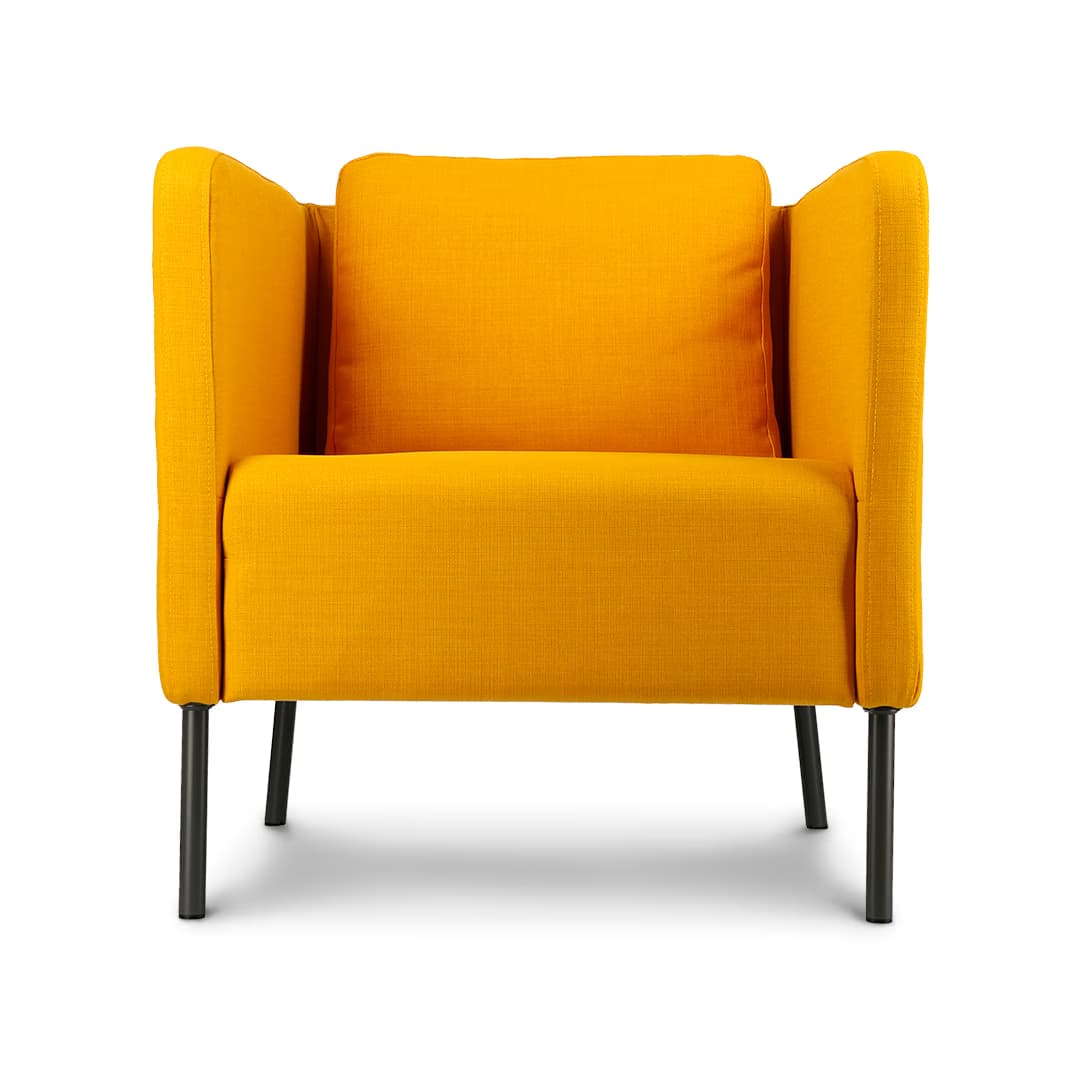
It lets you photograph your products with a reproducible method: each new reference starts from an existing shooting template, and the presentation stays consistent with the catalog.
As an official Orbitvu distributor, PackshotCreator supports you in choosing your equipment. Your team carries out the shoots in-house.
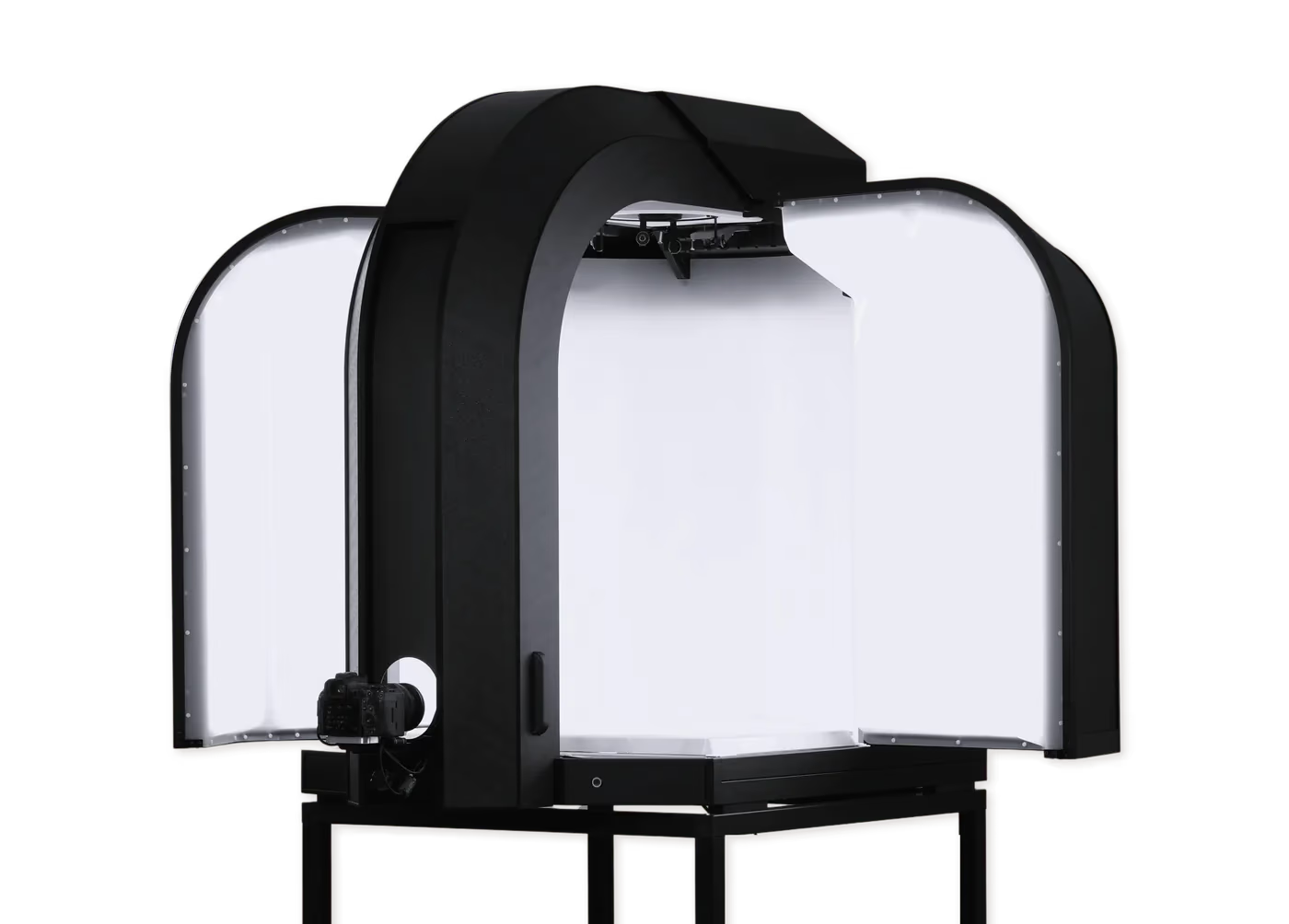
An automated studio is not only for photographing products for a catalog or an online store. The images can also help your teams inspect parts, document equipment or track the condition of a product over successive interventions.
Orbitvu sums it up this way: AI assists, the final choice belongs to the operator.
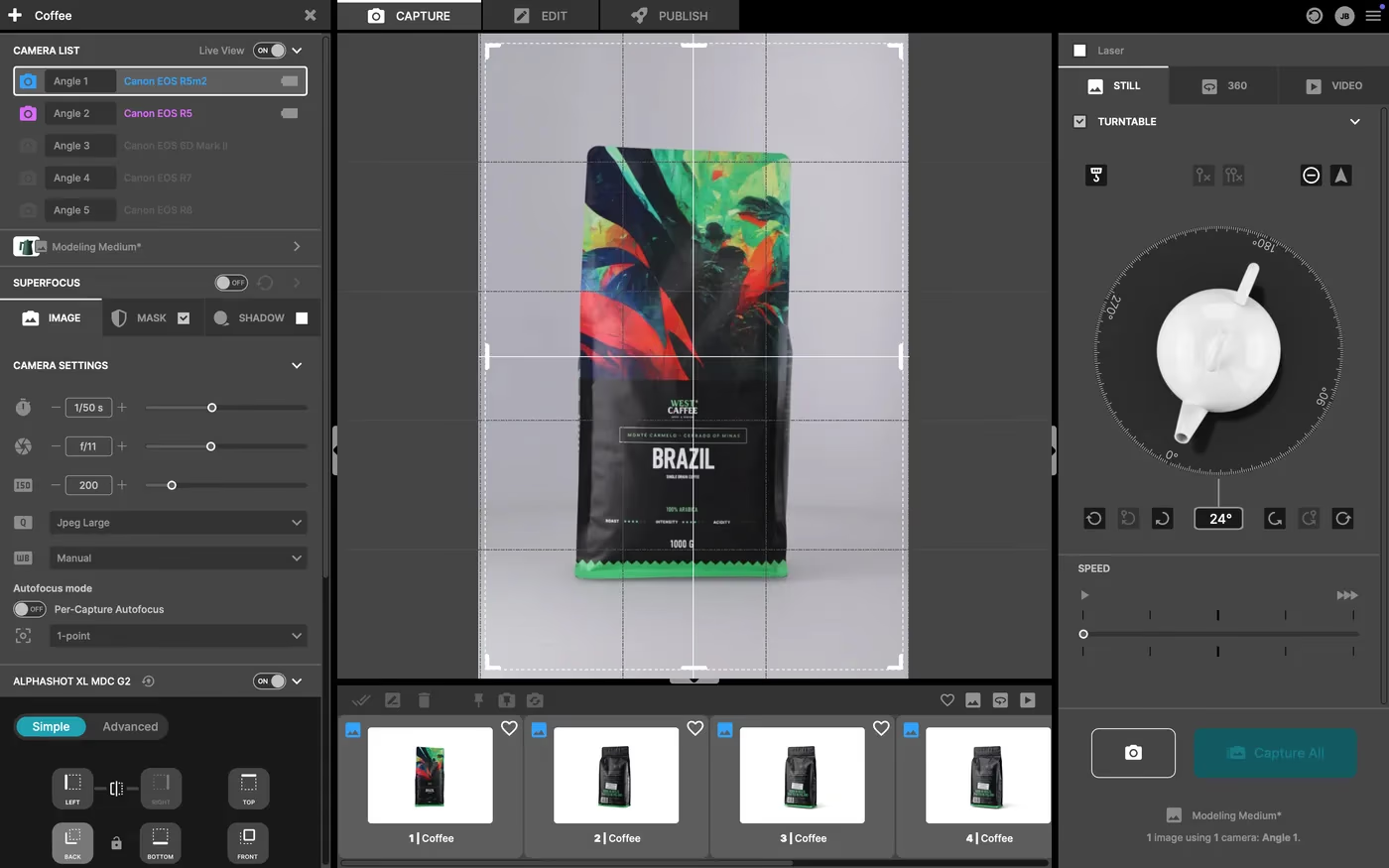
For a product family, the operator saves a first shot as a template: framing, lighting and processing. Comparable references start from this template, adapted to the product if needed, and some corrections apply to a batch of images.
Shiny, transparent or unusual products often require adjusting the template: the adjustment is made once, then serves comparable references.
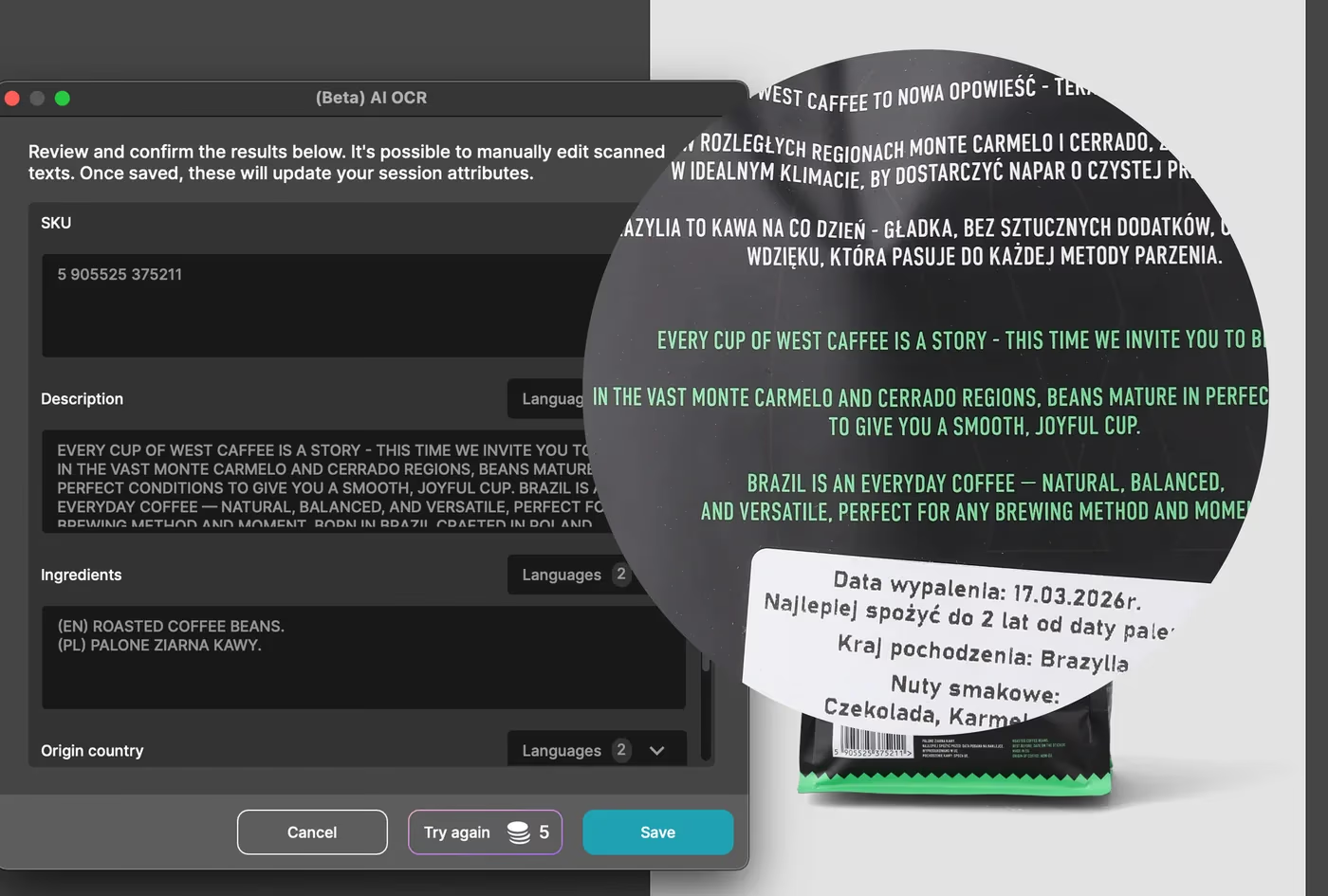
The AI features of Orbitvu Station assist the shoot or the processing of images of real products. Their availability depends on the equipment and on an Orbitvu Station subscription; the operator checks the result.
Depending on the equipment and settings, an Orbitvu studio can produce still photos, sequences, videos or 360° views. Depending on the system used, the products photographed and the organization of production, 40 to 300 products per day can be handled depending on the model (capacity shown on each product page). With the MDC variant of the Alphashot XL G2, the dimensions and weight of the product are measured in the same cycle as the photos, by two lasers and an integrated scale; the standard version does not measure.
Orbitvu Station saves the files on your workstation or in the cloud, and can send them to your e-commerce, web or ERP destinations. Orbitvu cites connections with Shopify, Magento, Shopware and WooCommerce, and with Amazon S3, Azure and Google Storage.
The budget of a project depends on the studio chosen, on delivery and installation invoiced in addition, and on options and training, invoiced separately: Essential Training (4 h, remote) or Master Training (7 h, on site). Also check the compatible camera required and the Orbitvu Station subscription matching the features you want. The delivery time is currently about 12 days, as an indication and without guarantee; the installation time depends on the system and configuration.
From €270/month on lease*
The calculator asks you a few questions about your current production. It then calculates the savings, the time freed up and the return on investment based on your figures.
Calculate my ROIA demonstration can be arranged by video call or in person, by appointment. In person, bring your own products to discuss the shooting constraints.
Request a demonstration* Indicative monthly payment for a 60-month lease financing, excluding VAT, insurance and optional services, subject to review and approval by the financing provider. Offer for business customers only. The total cost of financing exceeds the outright purchase price. Custom quote on request.
You do not need to be a professional photographer, but training on the equipment and good product preparation are important. The operator positions the product, chooses and adjusts a shooting template, then checks the images. AI can assist; it does not approve the result in the operator’s place.
It depends on the model. The Alphashot Pro G2 accepts objects up to 35 × 35 × 40 cm and 10 kg, the Alphashot XL G2 up to 60 × 40 × 70 cm and 25 kg. Dedicated studios exist for fashion, furniture, bicycles and very large objects. Product compatibility must be checked in the up-to-date technical data sheets.
Yes, depending on the model. Orbitvu Station produces still photos, 360° views and video. The machine pages, including the one for the Alphashot 360, specify what each model allows.
A Canon camera listed in the official Orbitvu compatibility guide, to be checked at the date of your project. On October 8, 2026, the listed models belonged to the EOS R range; the EOS 6D and 5D Mark III were not supported. The camera connects to the workstation via USB.
The budget includes the machine, delivery and installation invoiced in addition, training invoiced separately if it is useful to you, the compatible camera required and the software subscription matching the features chosen. The delivery time is currently about 12 days, as an indication and without guarantee. The details depend on the project.
Yes. A demonstration is possible by video call or in person, by appointment. In person, you can bring your own products to discuss their constraints and the suitable solutions, without presuming the result of the shoot.
With the ROI calculator: it starts from your current production and calculates the savings, the time freed up and the return on investment with your figures. In everyday use, the return on investment is generally between 6 and 12 months depending on volume, without guarantee.
Describe your products and your current organization. We can arrange a demonstration by video call or in person, by appointment.
Opt for an automated in-house photo studio. Lower your costs, save time, and create quality visuals with ease.
Boost your e-commerce with Orbitvu photo studios! Automate your packshots, 360° animations and product visuals for perfect professional images.
Discover 3 essential best practices for organizing a successful internal photo studio in 2025 and maximizing the quality and efficiency of your visuals.
What factors should be taken into consideration when investing in a second-hand packshot photo studio? Let's see the key elements.
Is your old PackshotCreator studio still running? Latest-generation Orbitvu studios, built-in AI, support in France: migrate without stopping production.
12 machines
Need help choosing?
Our experts are here to advise you and help you find the solution suited to your needs.