
The studio captures the real object
Lighting, Canon camera and turntable under control: photos, 360° and video, with the same settings from one piece to the next.
Orbitvu video: the Alphashot Micro Pro v2 in a session.The studio photographs the real object; Orbitvu Station processes and publishes; Orbitvu AI assists certain steps, on the real photo. You approve every result.
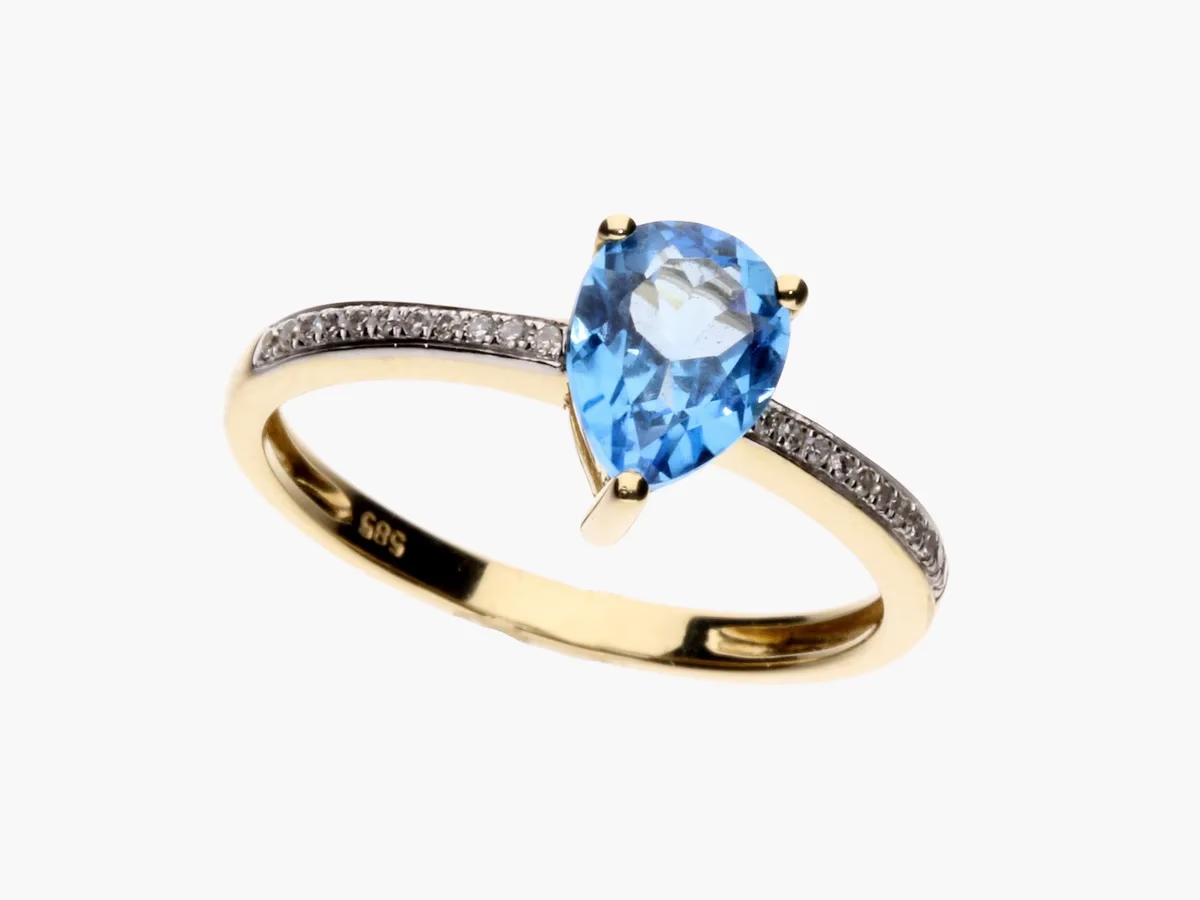
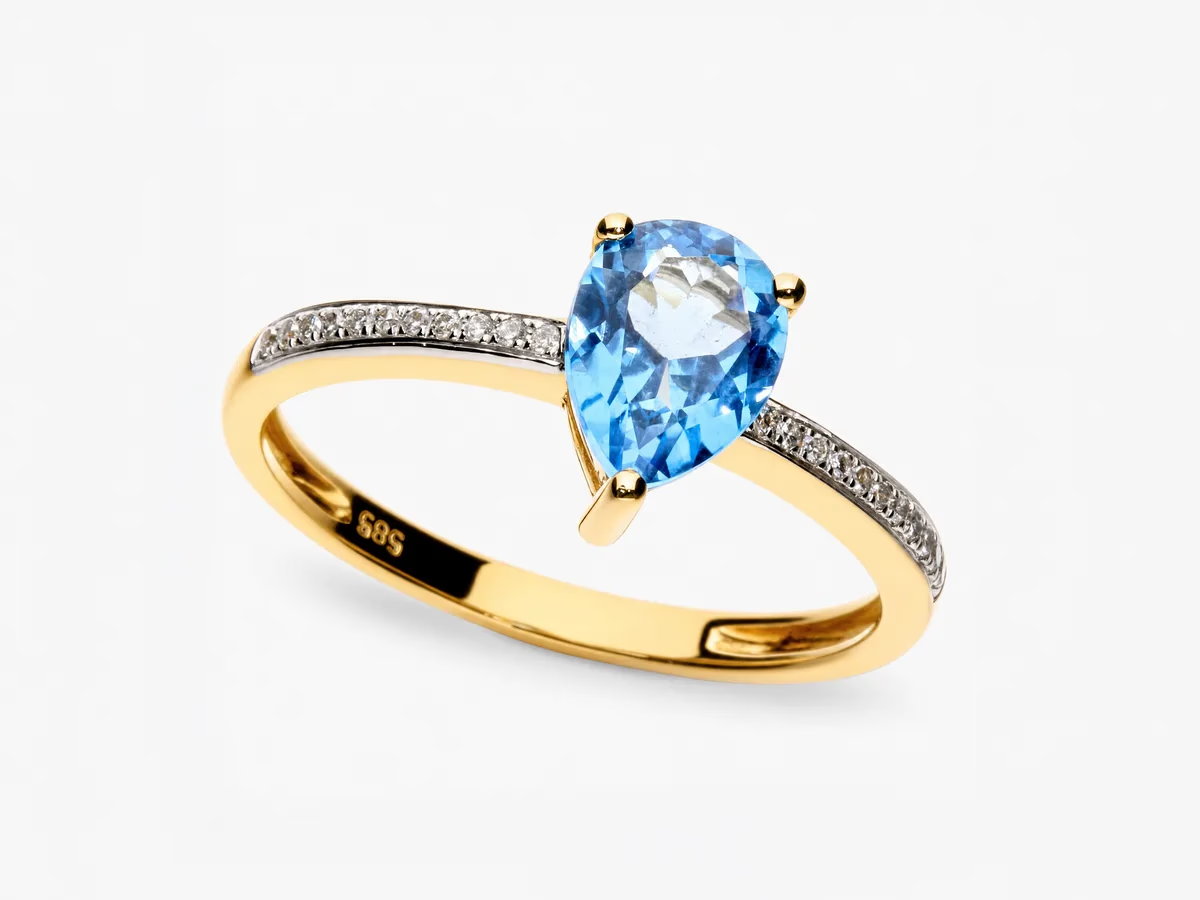 Orbitvu AIAI Retoucher: the same photo, before and afterOrbitvu example on another piece, machine not specified · 3 AI demos below
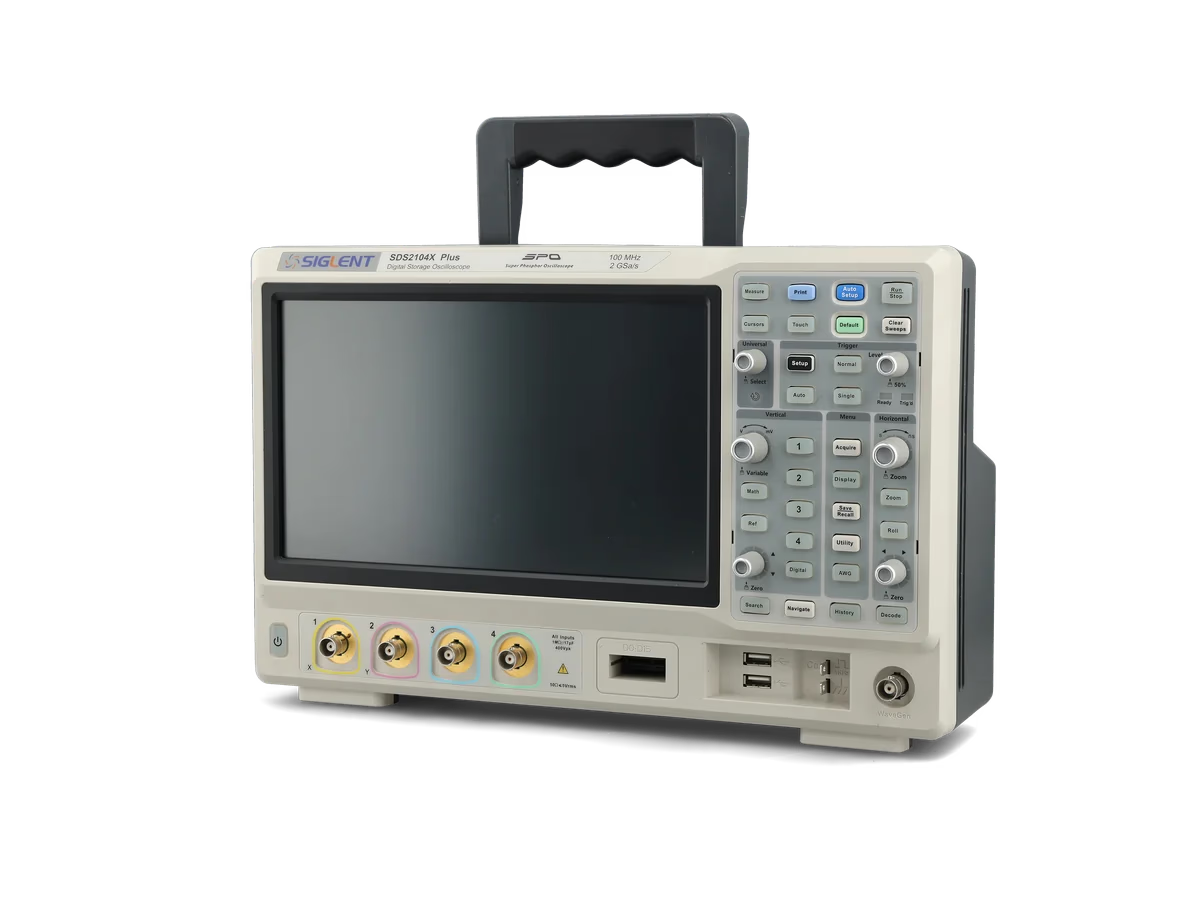
 The studio · Alphashot Micro Pro v283 × 54 × 72 cm · 47 kg
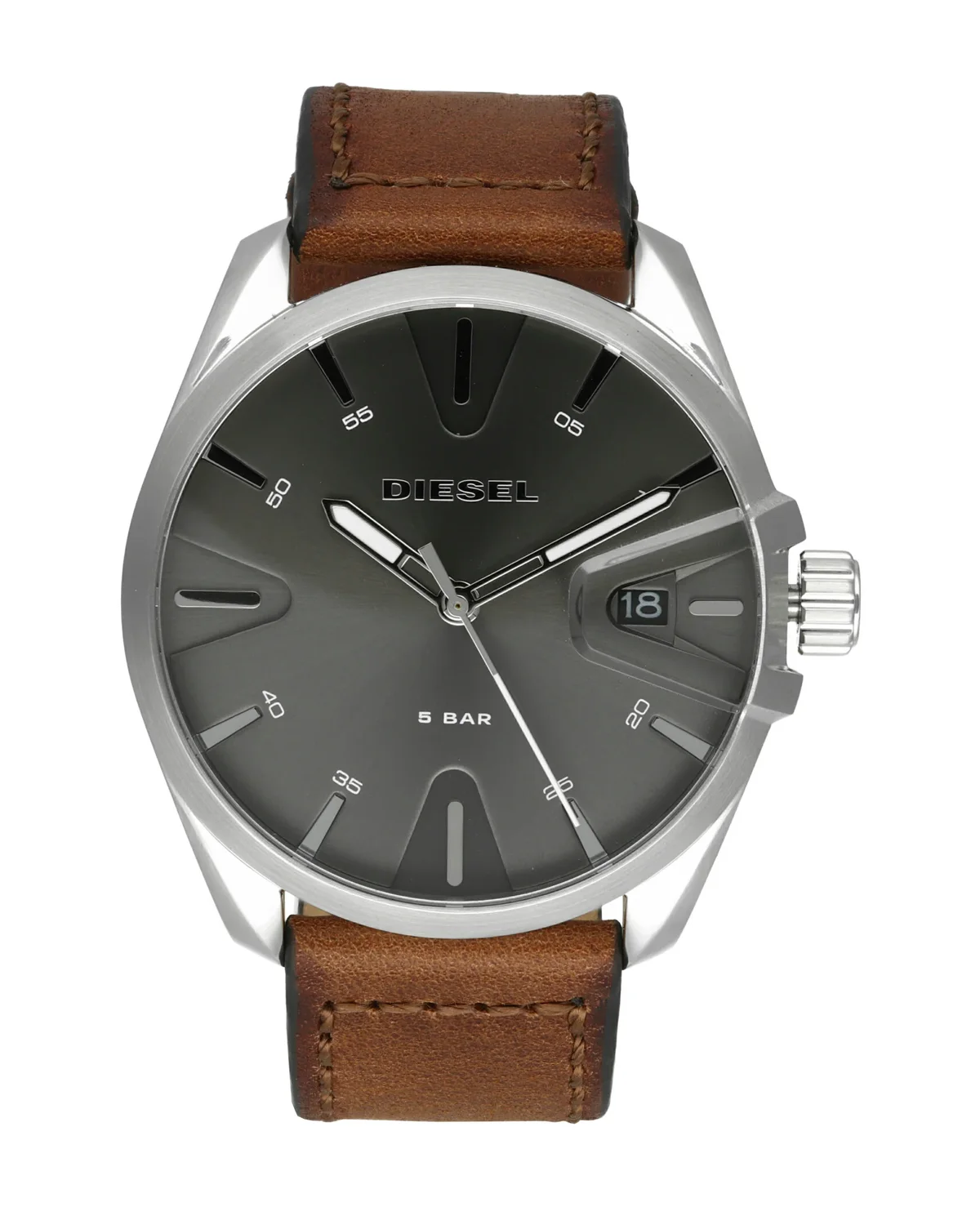
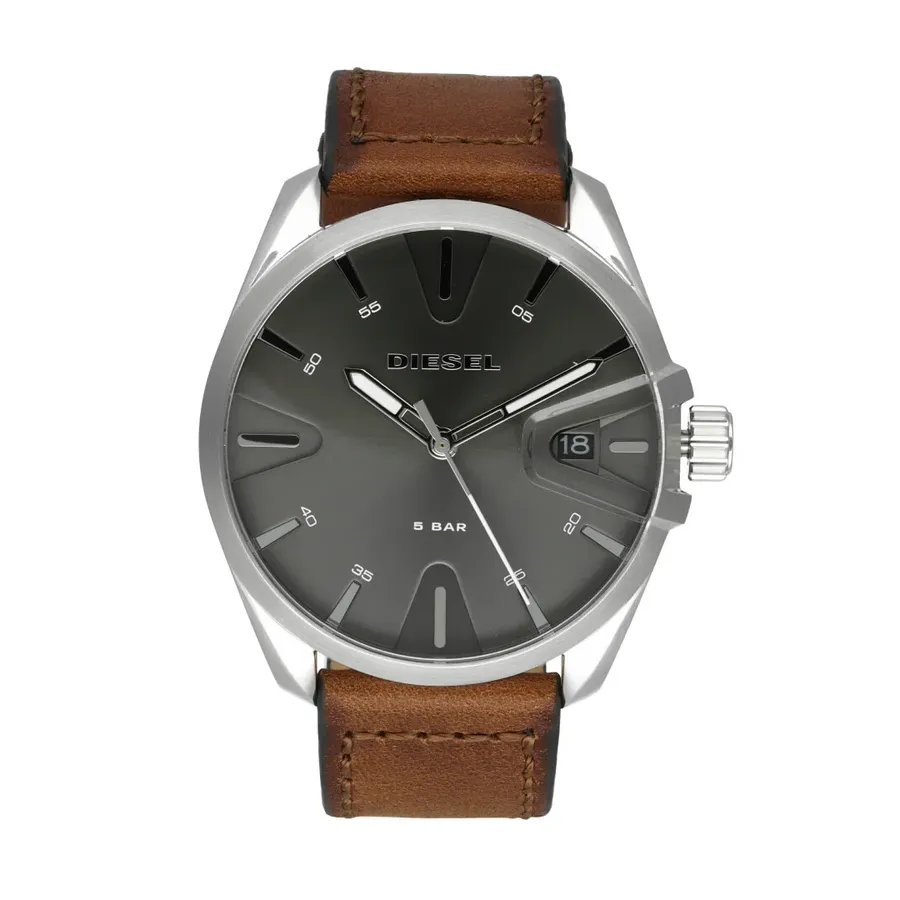 Result · 360° watch
 Profile
 3,840 px detail
 Back
 Crown
Watch: 360° presentation published by Orbitvu on the Alphashot Micro Pro v2 page, 40 views, images up to 3,840 px. The presentation itself does not name the machine used for the shoot.
Three distinct layers. The studio captures the object; Orbitvu Station processes and publishes; Orbitvu AI assists certain steps, on the photo taken in the studio. Every example is a media file published by Orbitvu.
Lighting, Canon camera and turntable under control: photos, 360° and video, with the same settings from one piece to the next.
Orbitvu video: the Alphashot Micro Pro v2 in a session.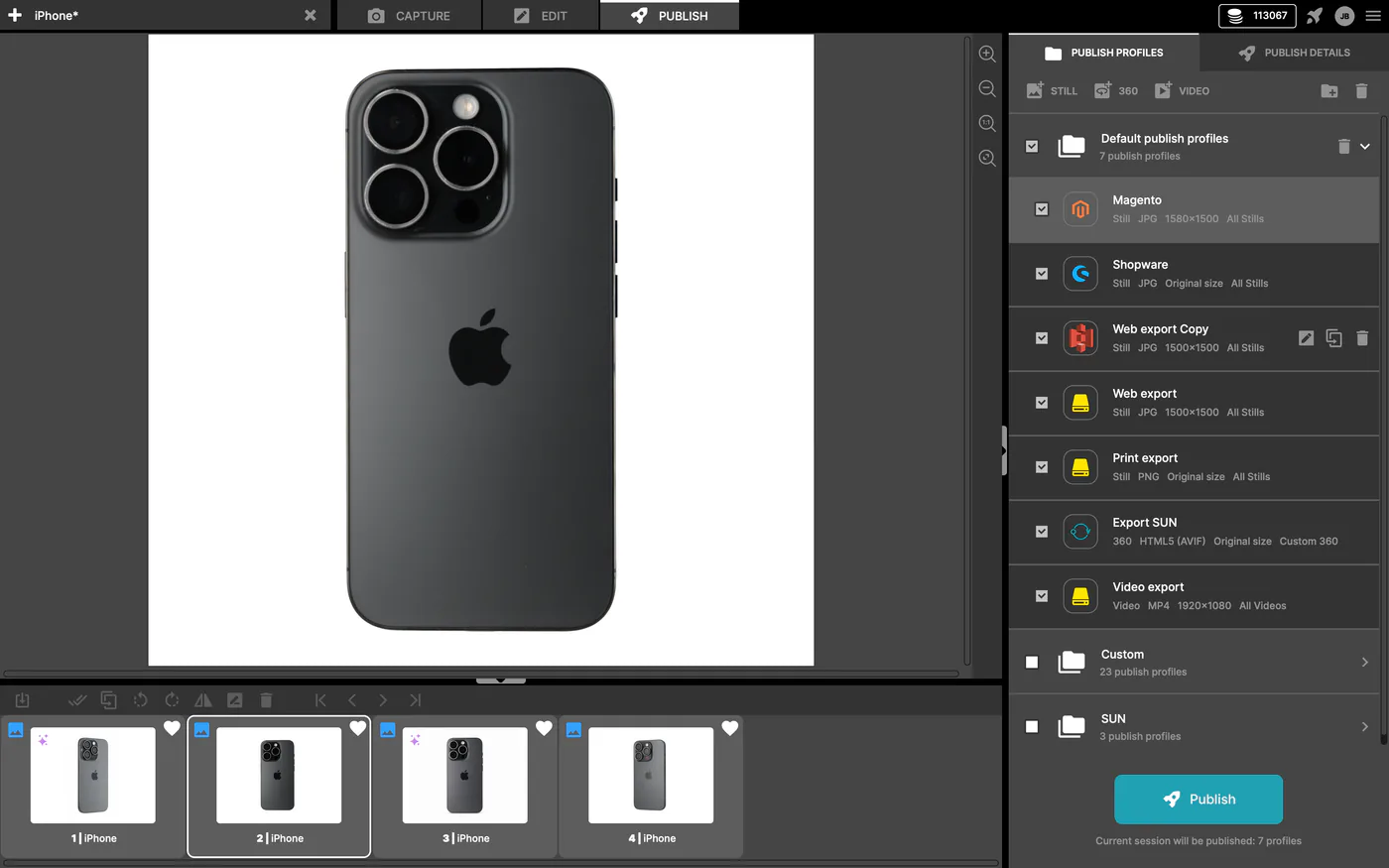
Session templates, automatic post-production, IQ Mask background removal, batch publishing to the store, the PIM or the DAM.
Orbitvu Station screenshot published by Orbitvu.BeforeAfter · AI Retoucher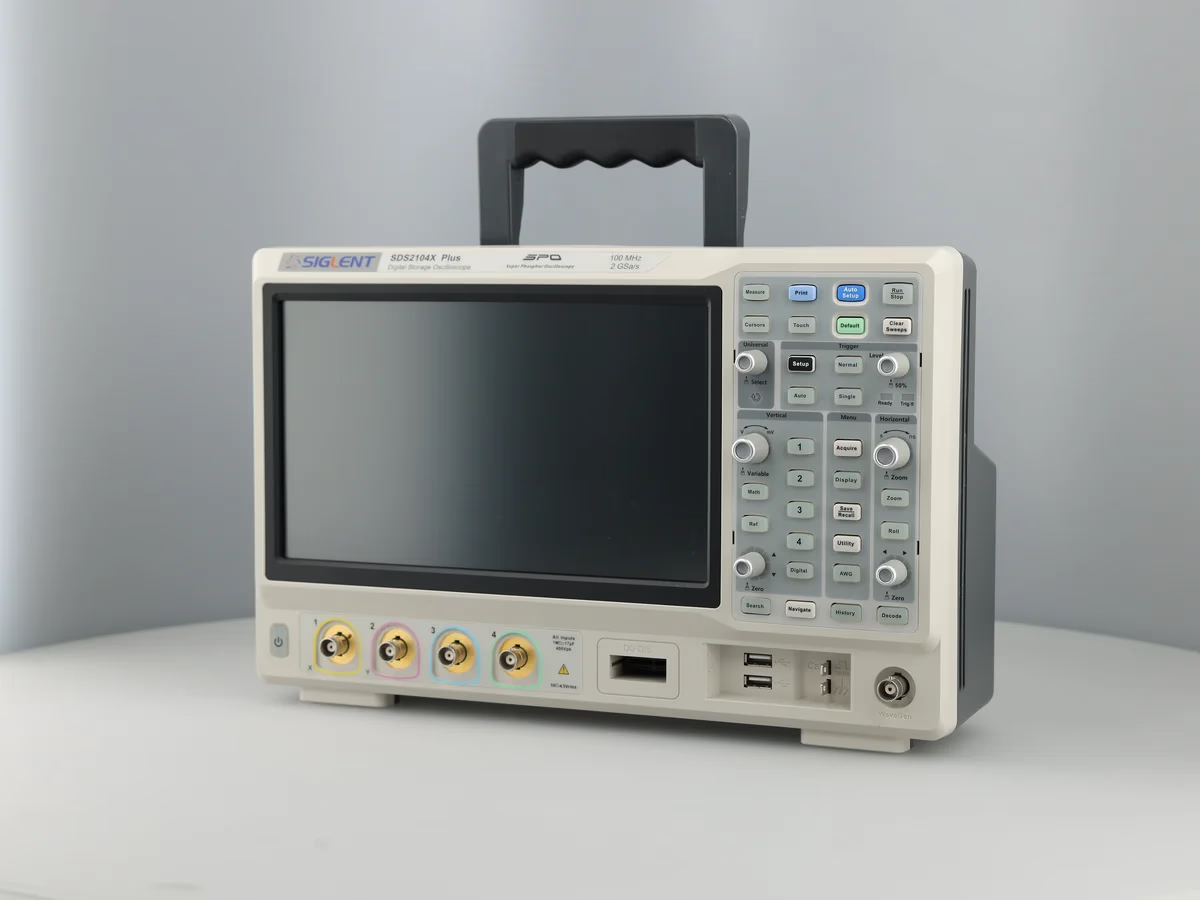
 BeforeAfter · AI Masking
 Lighting A
 Lighting B
The same photo before and after: AI retouches, removes the background or suggests lighting; it does not create the product. The operator checks every result.
Each tile is a result published by Orbitvu, with the machine page where it is published. AI functions carry the purple badge; everything else comes from automated shooting and Orbitvu Station.
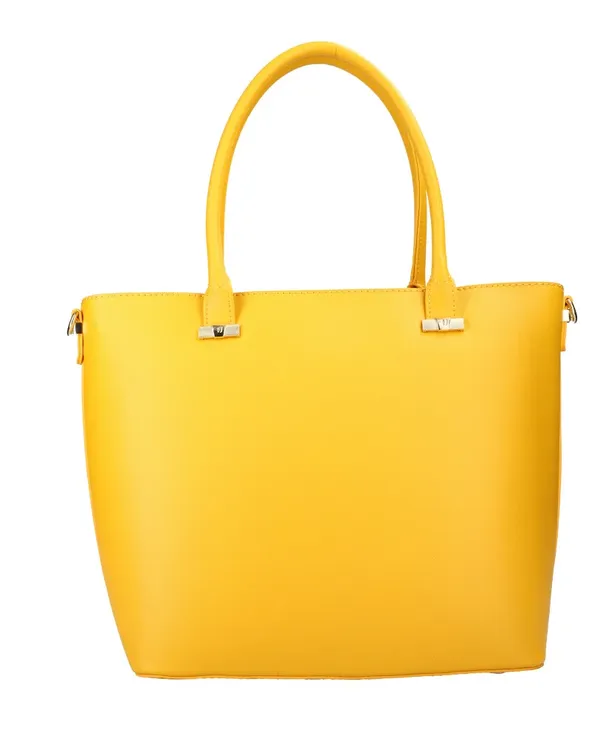
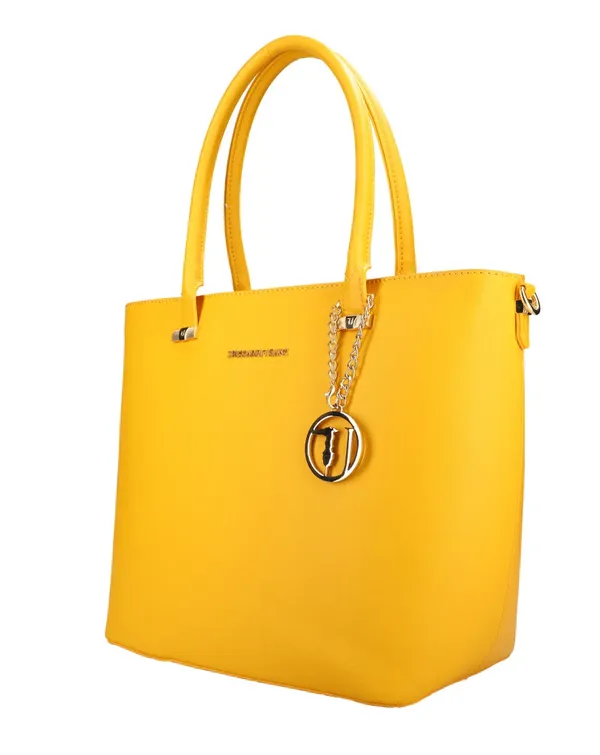 AB
Scroll through the 11 formats or tap a format above.
Only formats for which Orbitvu has published a media file appear here. The machines are those of the pages where Orbitvu publishes the media; “Orbitvu Station” means the machine is not specified. The 360° views rotate in the site's viewer, fed by the images of Orbitvu's presentations.
Polished metal, faceted stones, engravings a few millimeters deep: every stray reflection and every scratch shows on the product page.
According to Orbitvu, the Alphashot Micro Pro v2 (objects up to 1 kg) produces still photos, 360° views and video, with backlit LED doors and black, white or glass turntables. AI retouching goes through AI Retoucher, a tool of the Orbitvu Station subscription; Orbitvu does not specify the machine used for its retouched jewelry examples.
Catalog packshots, 360° views to embed on the product page (HTML5), video for social media, close-ups of settings and hallmarks.
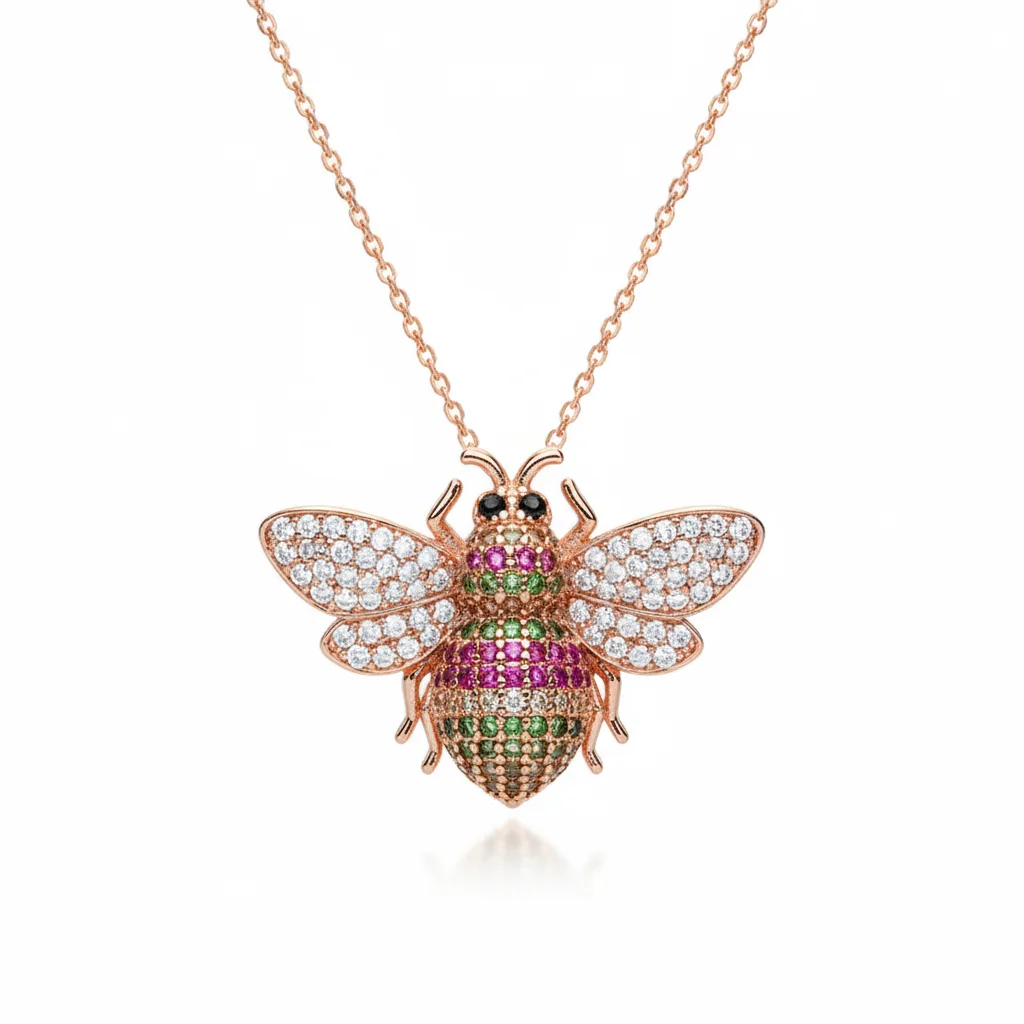 Packshot
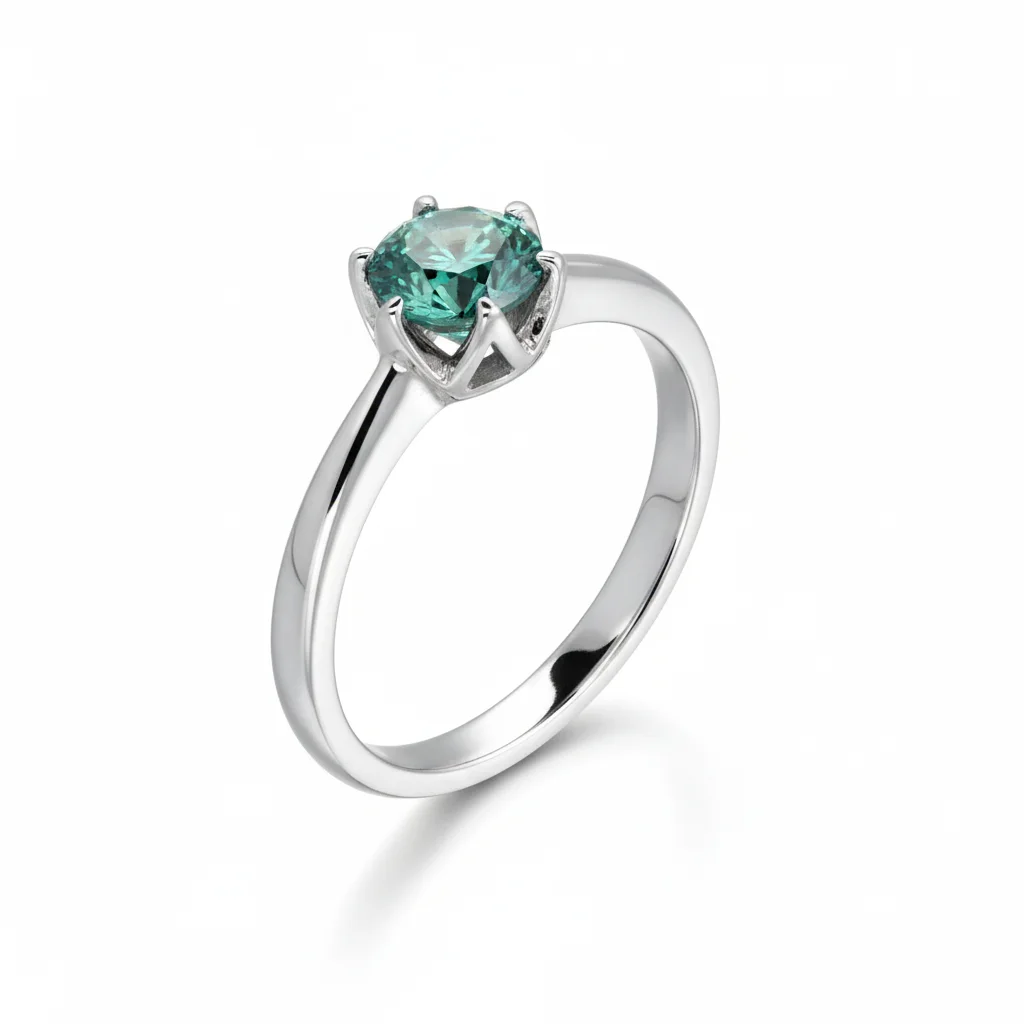 Packshot
Videos and packshots: media published by Orbitvu on the Alphashot Micro Pro v2 page. “Placing in the studio” and “In a session” are two excerpts from the Micro Pro v2 presentation video, chosen without overlaid text.
BeforeAfter · AI Retoucher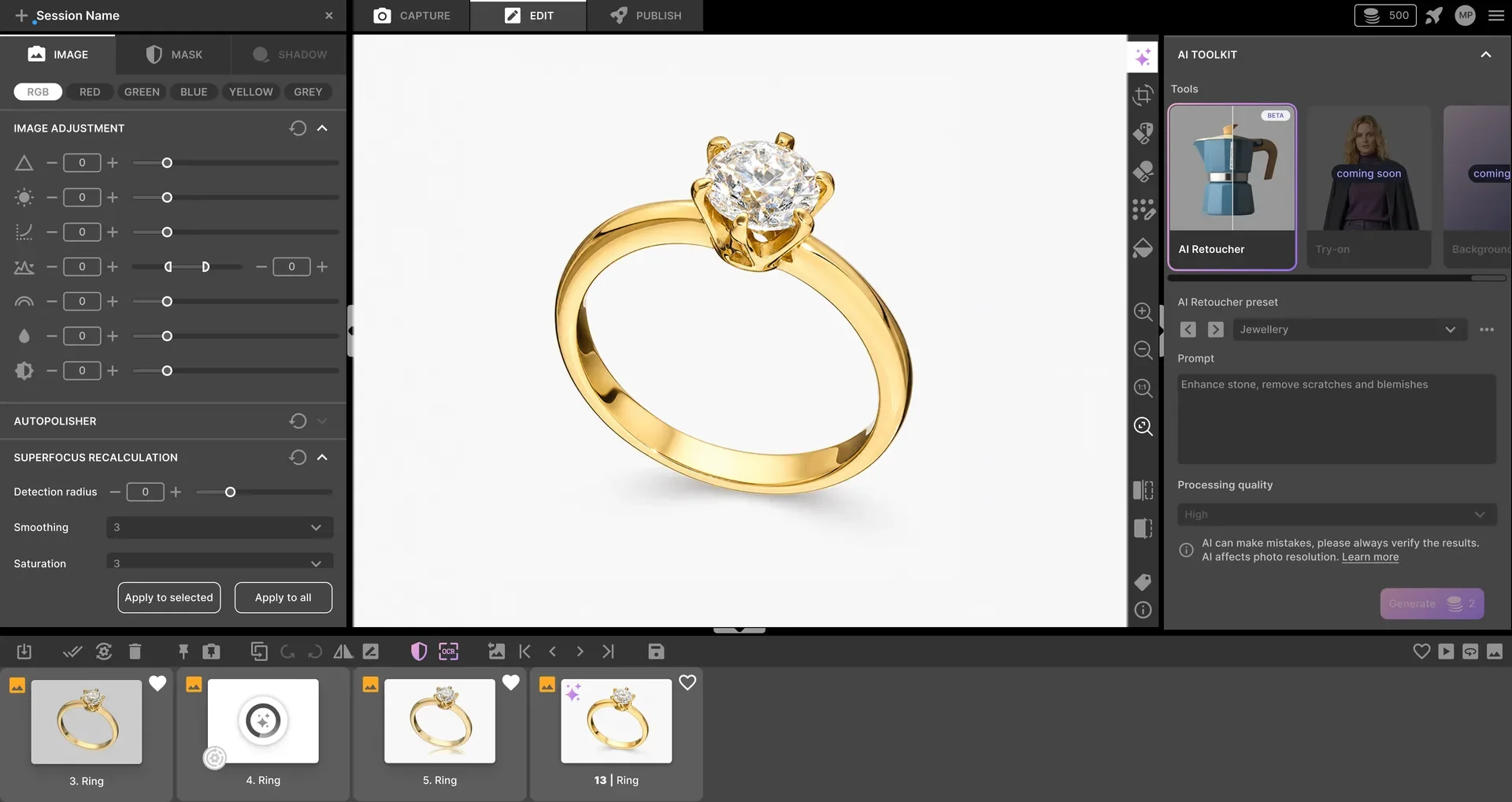
A topaz ring before and after AI Retoucher (Orbitvu example), then the interface: “Jewellery” preset, instruction “Enhance stone, remove scratches and blemishes”, on another ring. Machine not specified by Orbitvu. Check the result before publishing.
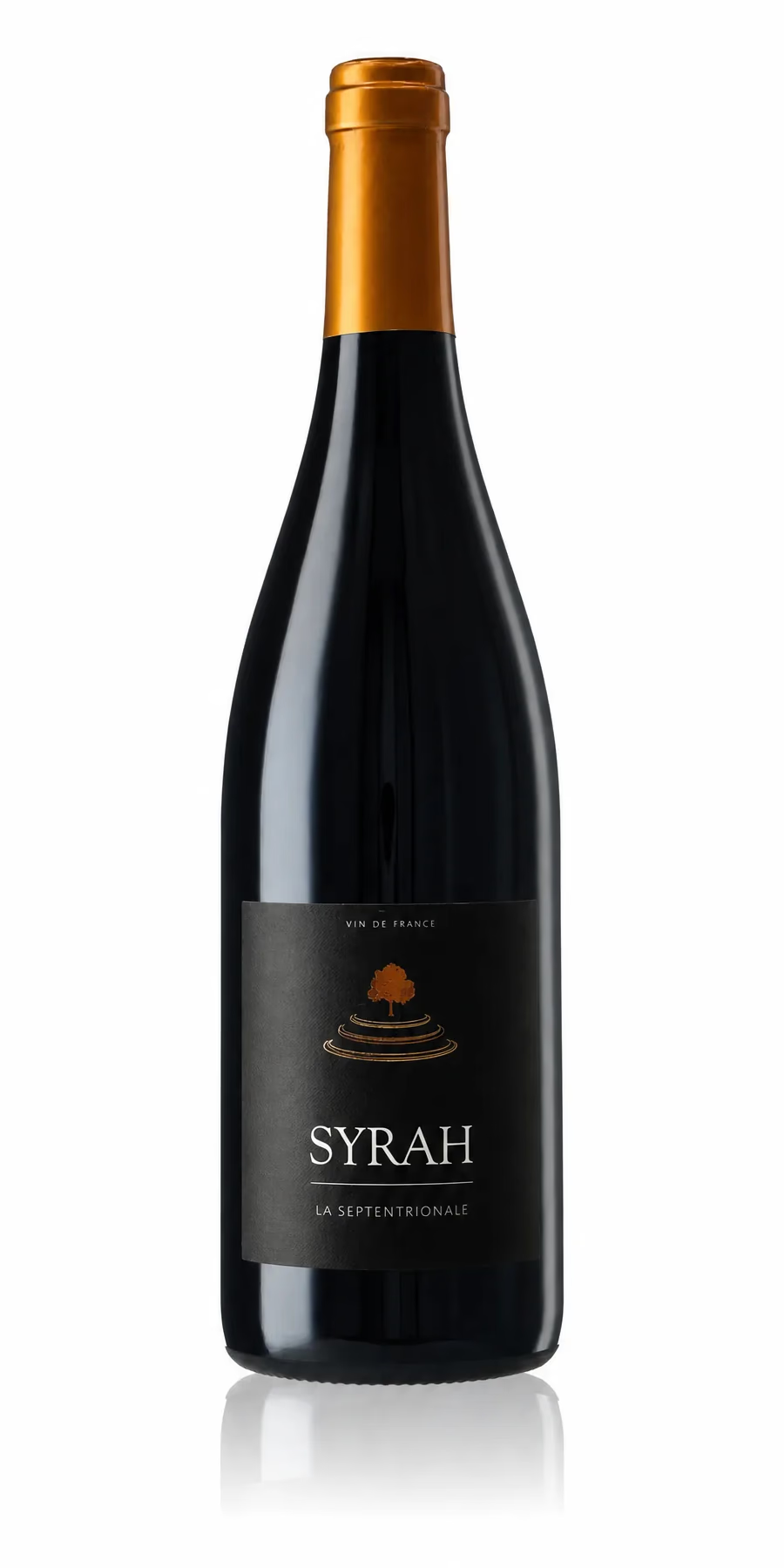
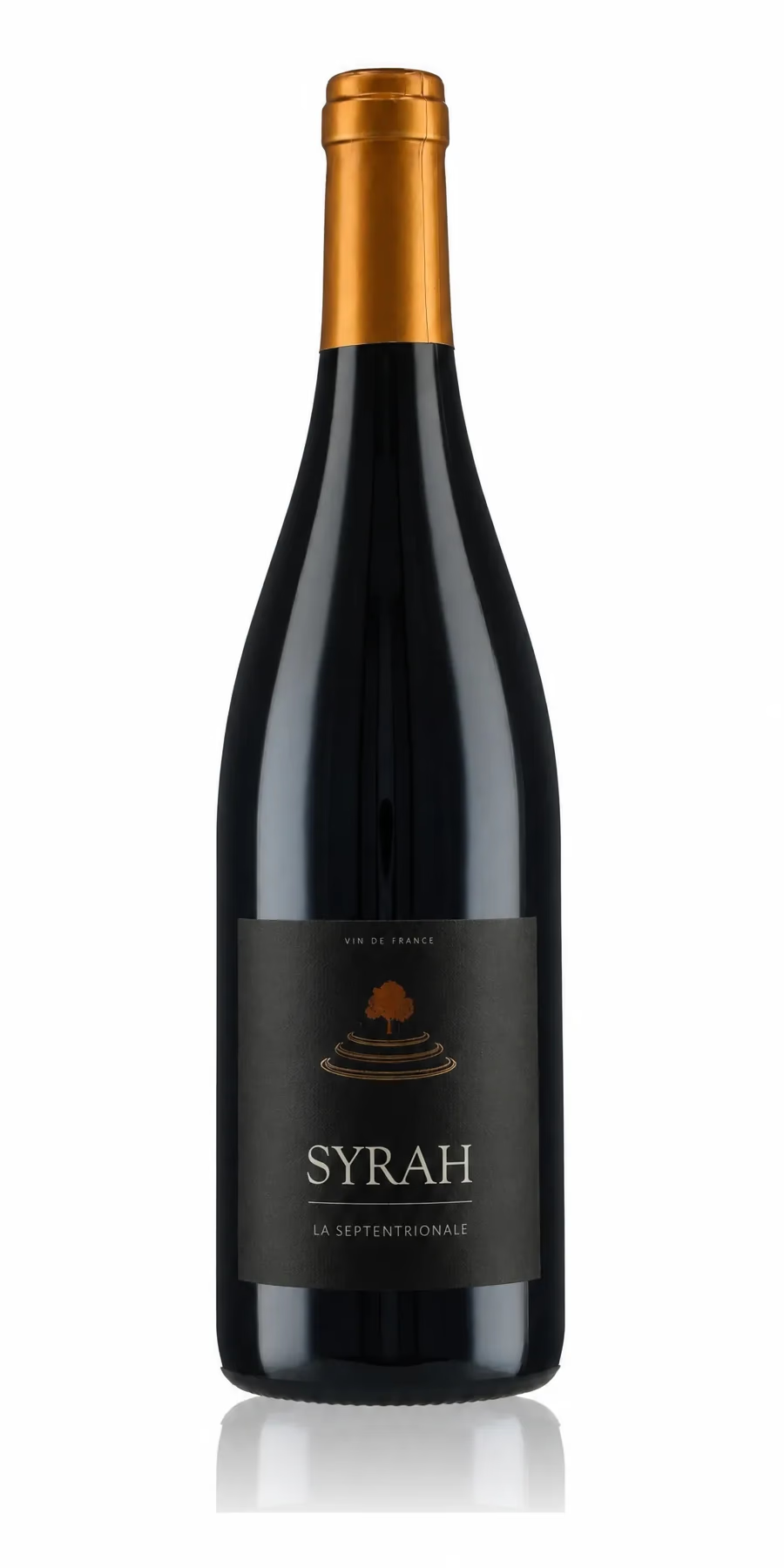
Dark glass, metal capsule, textured label: light makes or breaks the image of a bottle, and the whole range has to look alike.
Shooting: the bottle is centered by the turntable lasers. AI: AI Photo Assistant recognizes the product and suggests several lighting setups; the operator chooses. The settings are saved to be repeated on the next references.
Consistent packshots from one bottle to the next, on a white background, ready for the store and the catalogs.
AI Photo Assistant: Alphashot Pro G2 and Alphashot XL G2 only, according to Orbitvu.
2 · Lighting A2 · Lighting BA single bottle, Syrah “La Septentrionale”: turntable video, without AI, then two lighting setups suggested by AI Photo Assistant (Orbitvu media). The lighting finally chosen is not published.
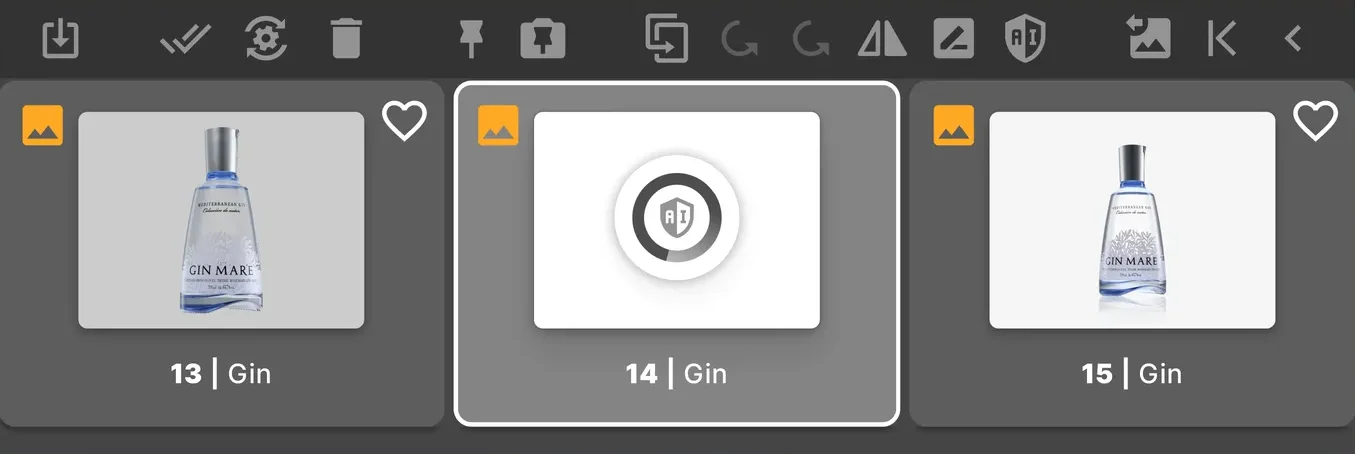
Another bottle, outside the Syrah workflow. A gin bottle cut out by AI Masking, in the Orbitvu Station thumbnails. Another method, without AI: a white background without cutout, set in Orbitvu Station.
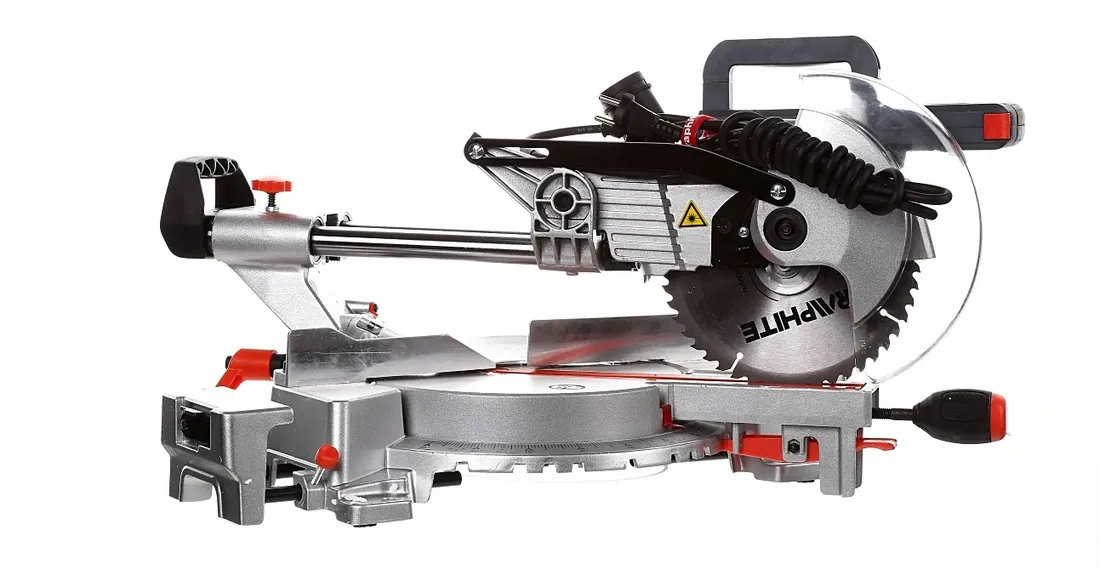
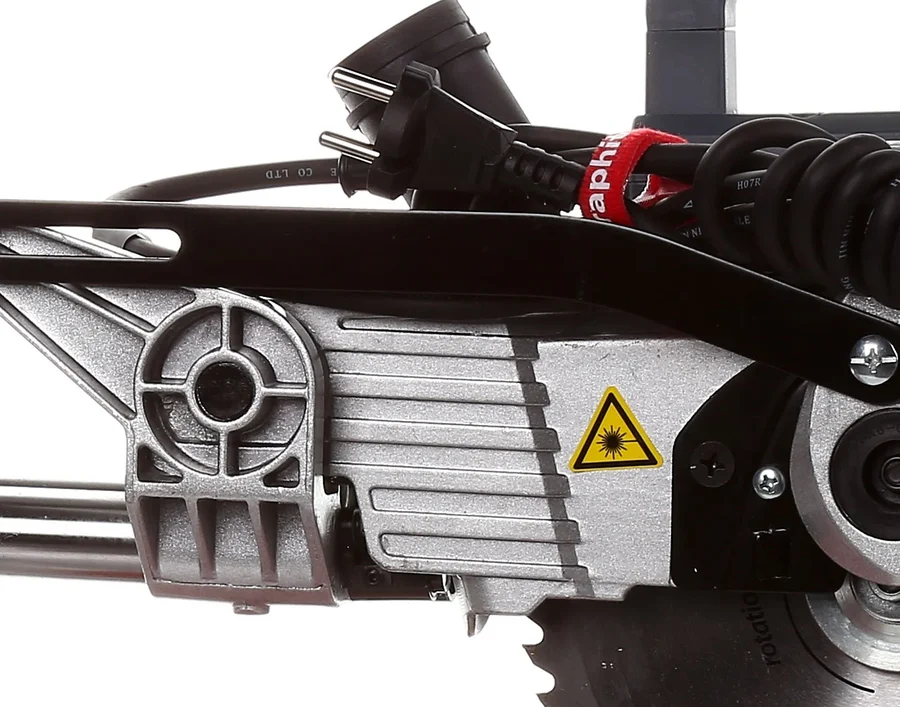 Detail · 5,172 px imageBeforeAI Masking
Saw: 360° presentation from Orbitvu's Industrial page, machine not specified. Oscilloscope: Orbitvu AI Masking example, another part.
Thousands of references to photograph, measure and describe for the ERP, the PIM or the parts catalog, with labels to copy out.
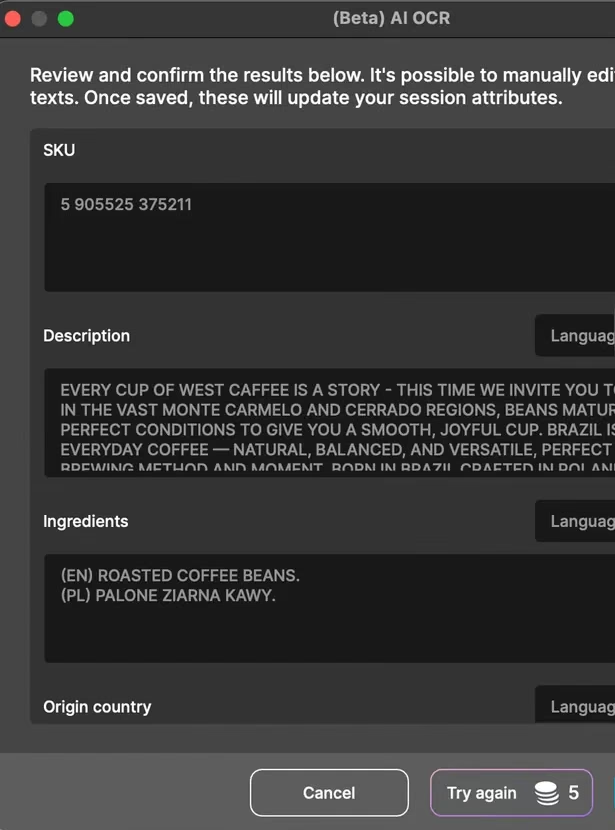
According to Orbitvu, the Alphashot XL G2 MDC records in one cycle multiple views per template, 360°, dimensions with two lasers and weight with a scale (25 kg, ± 5 g), and AI OCR reads the label text.
Cutout images, 360°, dimensions, weight and label data, each with its source (measurement, AI OCR or manual entry), sent to the PIM, the ERP or the store.
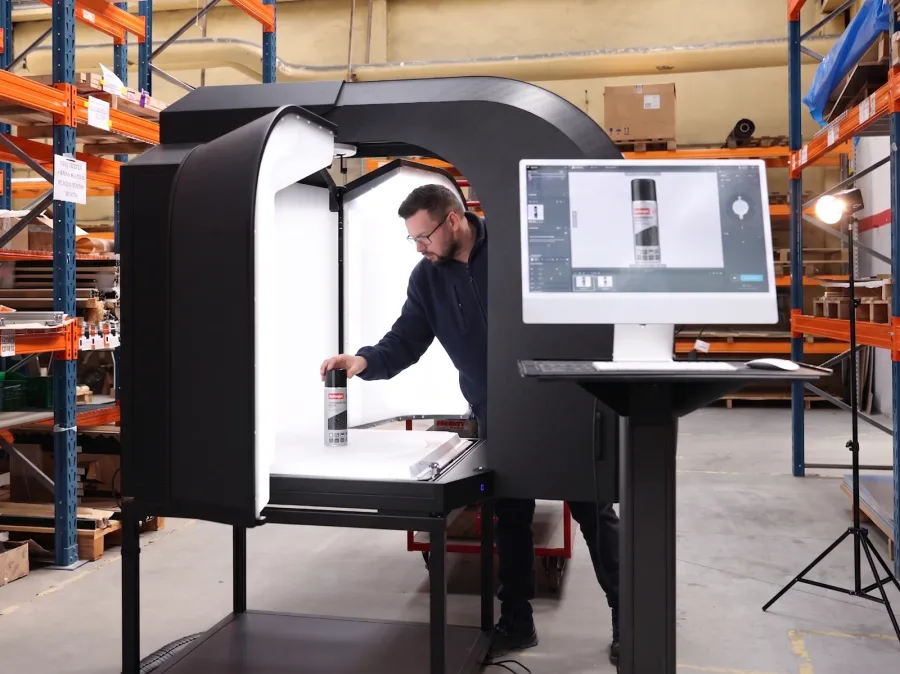
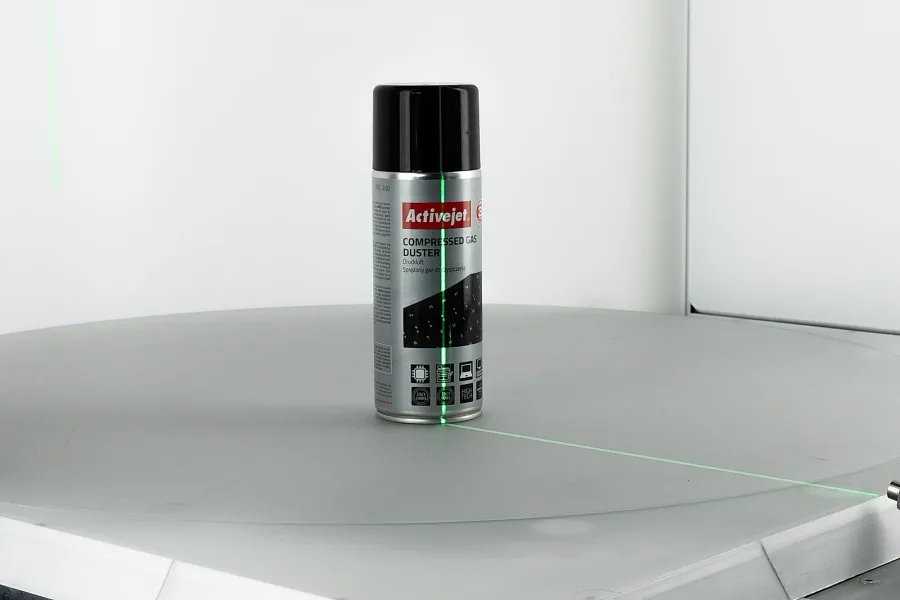
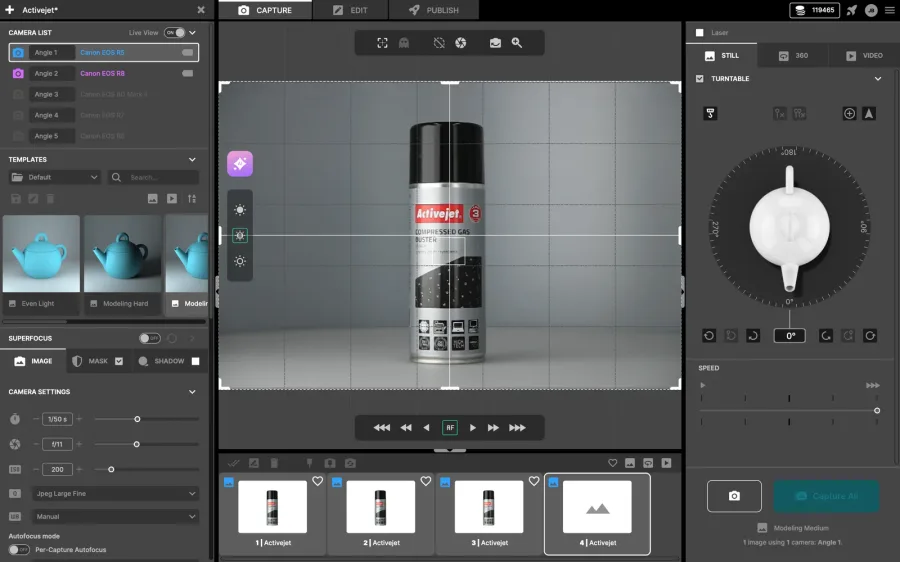
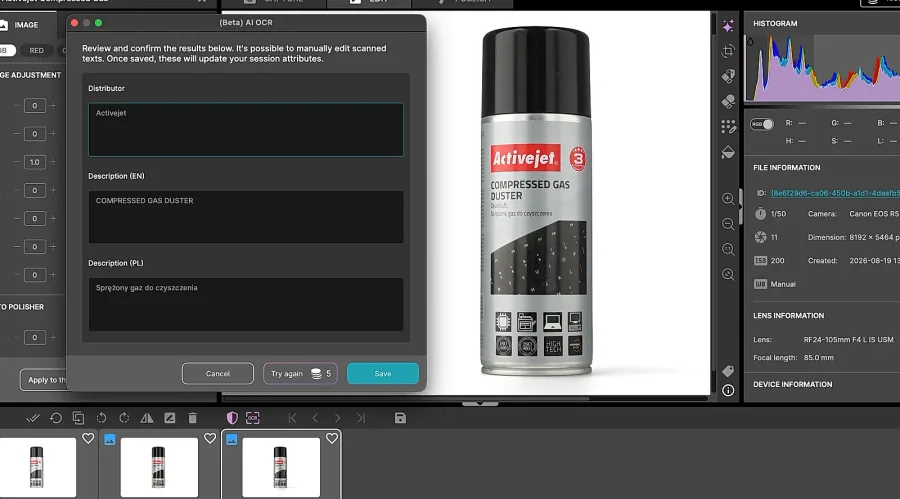
The same aerosol can, from placement to publishing: images of the five steps on Orbitvu's Industrial page. The machine is not named on the images; measuring and weighing belong to the MDC version of the Alphashot XL G2.
Orbitvu AI does not create the product: it works on the photo taken in the studio. The purple steps belong to AI; the others to automated shooting, the software and the operator.
Placed once, centered by laser on studios equipped with lasers.
ShootingLighting, Canon camera and turntable under control: photos, 360°, video.
ShootingSession templates, automatic post-production, IQ Mask background removal.
SoftwareSuggested lighting, background removal, guided retouching, label reading.
AIThe operator chooses, compares, corrects the fields, then approves.
OperatorPublishing profiles: store, PIM, DAM, storage.
Software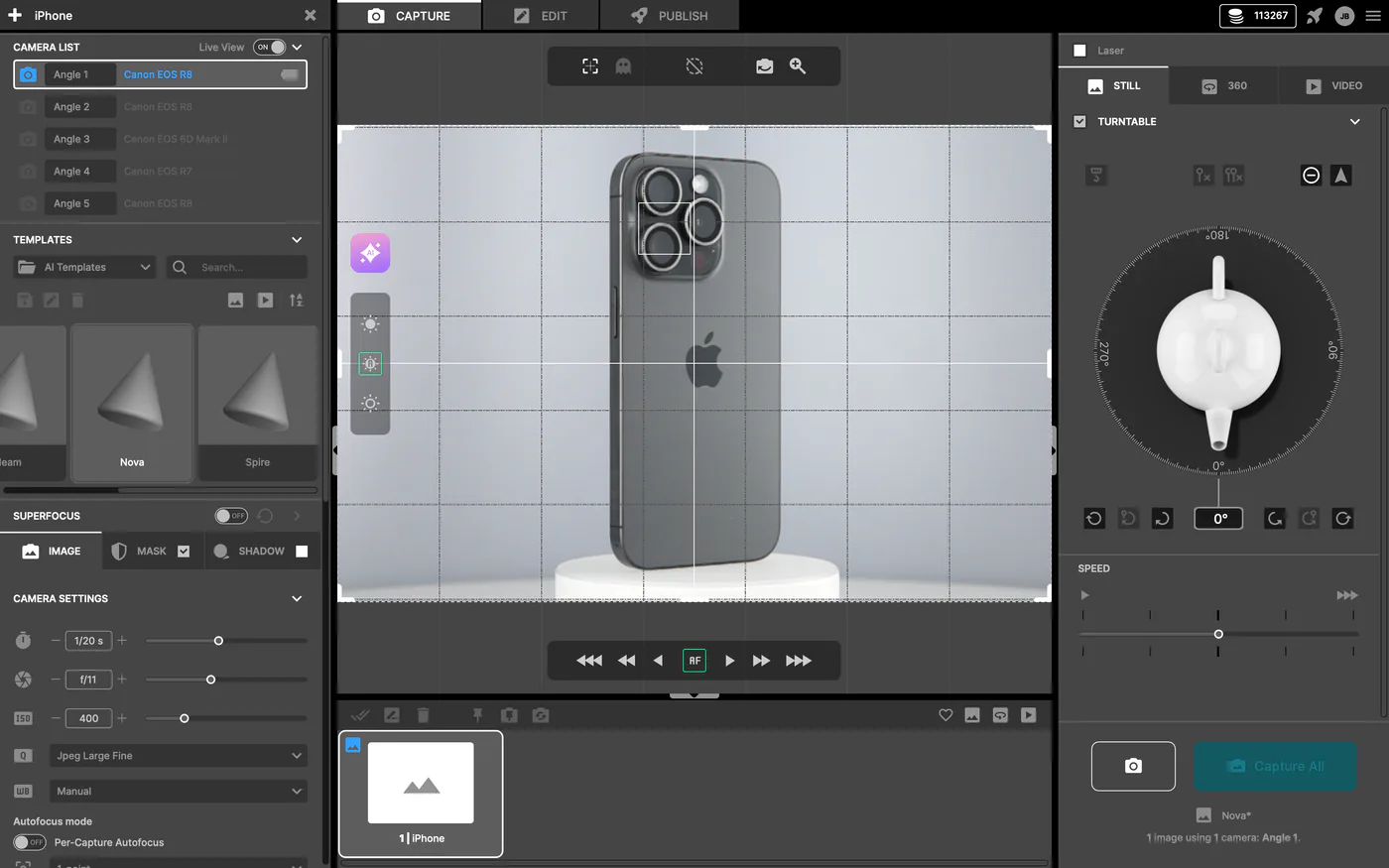
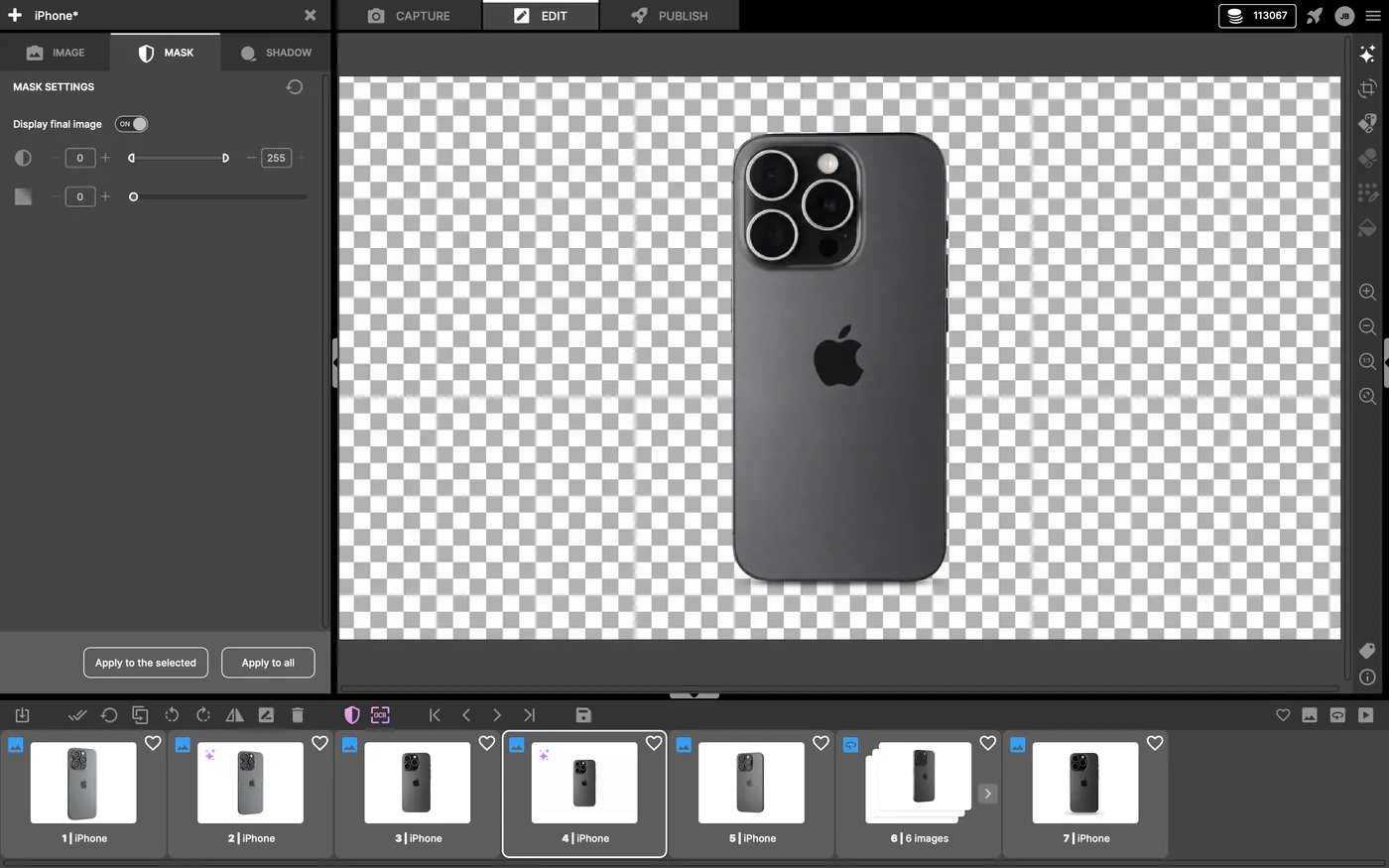
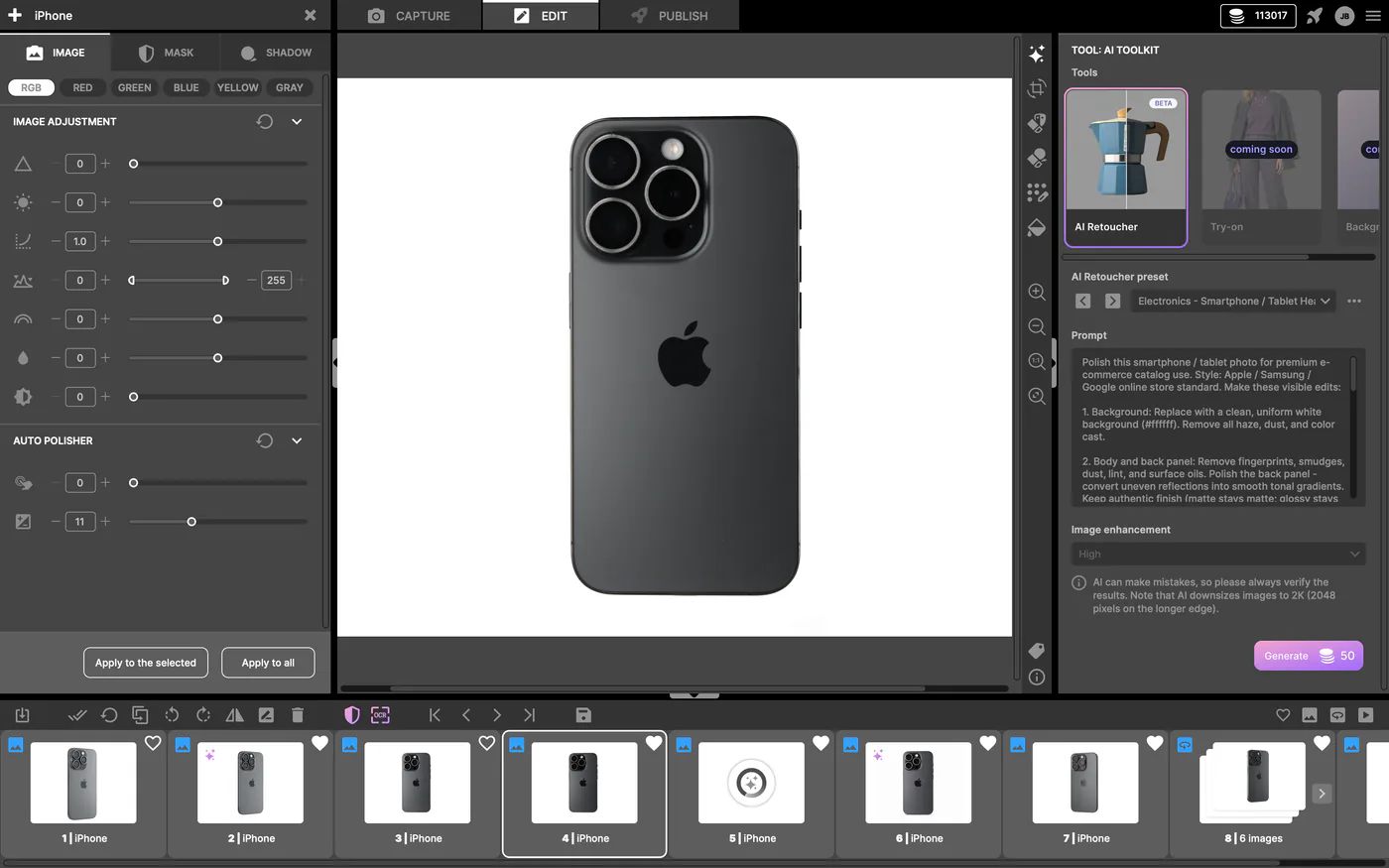
The same smartphone from start to finish: Orbitvu Station screenshots published by Orbitvu (Orbitvu Station page). Machine used for the session not specified.
Recognizes the product type and suggests several lighting setups; the operator chooses and saves.
Removes the background on the high-definition image, natural shadow kept.
Reflections, blemishes, colors, shadow, according to a preset and a written instruction.
Product references, descriptions, ingredients, barcodes stored in the metadata.
Without AI, but in the same session: measuring dimensions and weighing on the Alphashot XL G2 MDC; 360° views and video; IQ Mask background removal; publishing. Orbitvu Station Enterprise plan: AI Mask, AI Retoucher, AI OCR, 4,500 credits per month; 30-day trial.
Orbitvu sources, consulted on October 19, 2026: Software AI, Orbitvu Station (subscription), Alphashot Pro G2 and Alphashot XL G2 pages; release note 26.2.
Three real studios, with the proportions and capacities published by Orbitvu. The AI available depends on the machine and on the Orbitvu Station subscription.
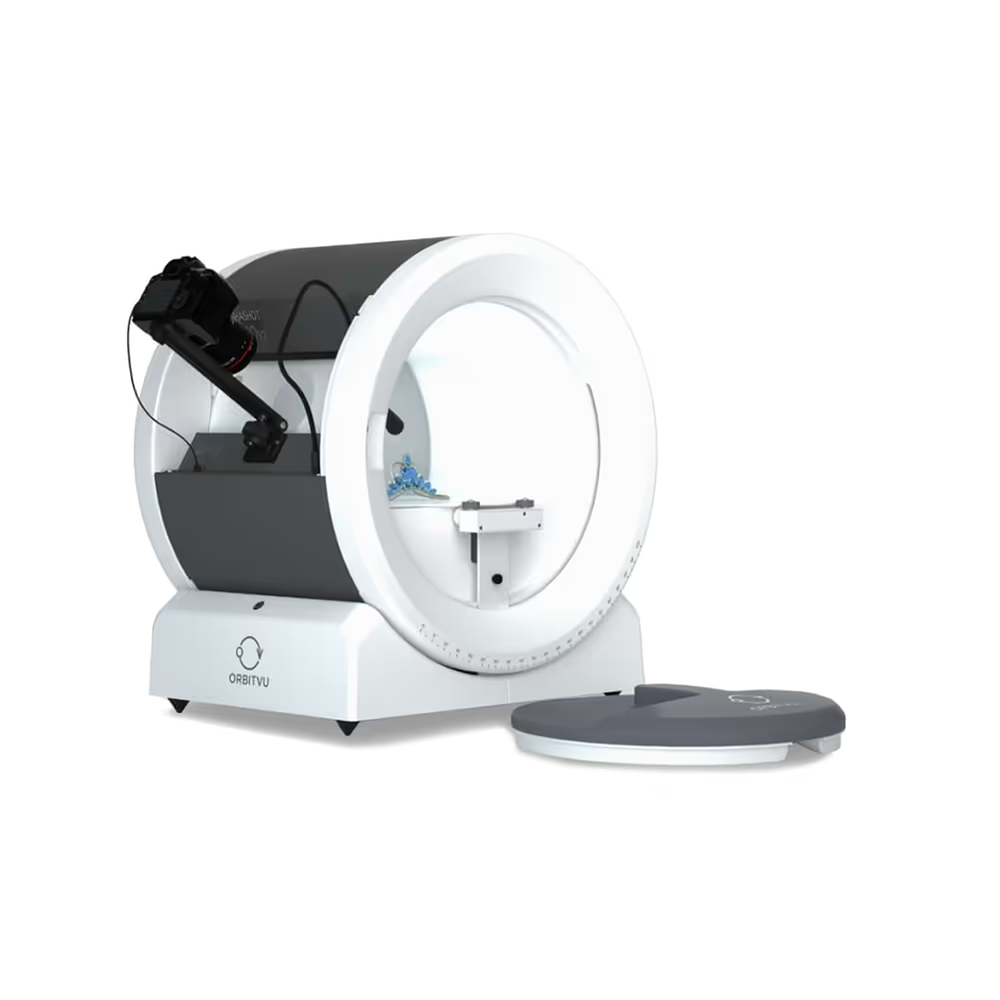
Jewelry, watches, small reflective objects.
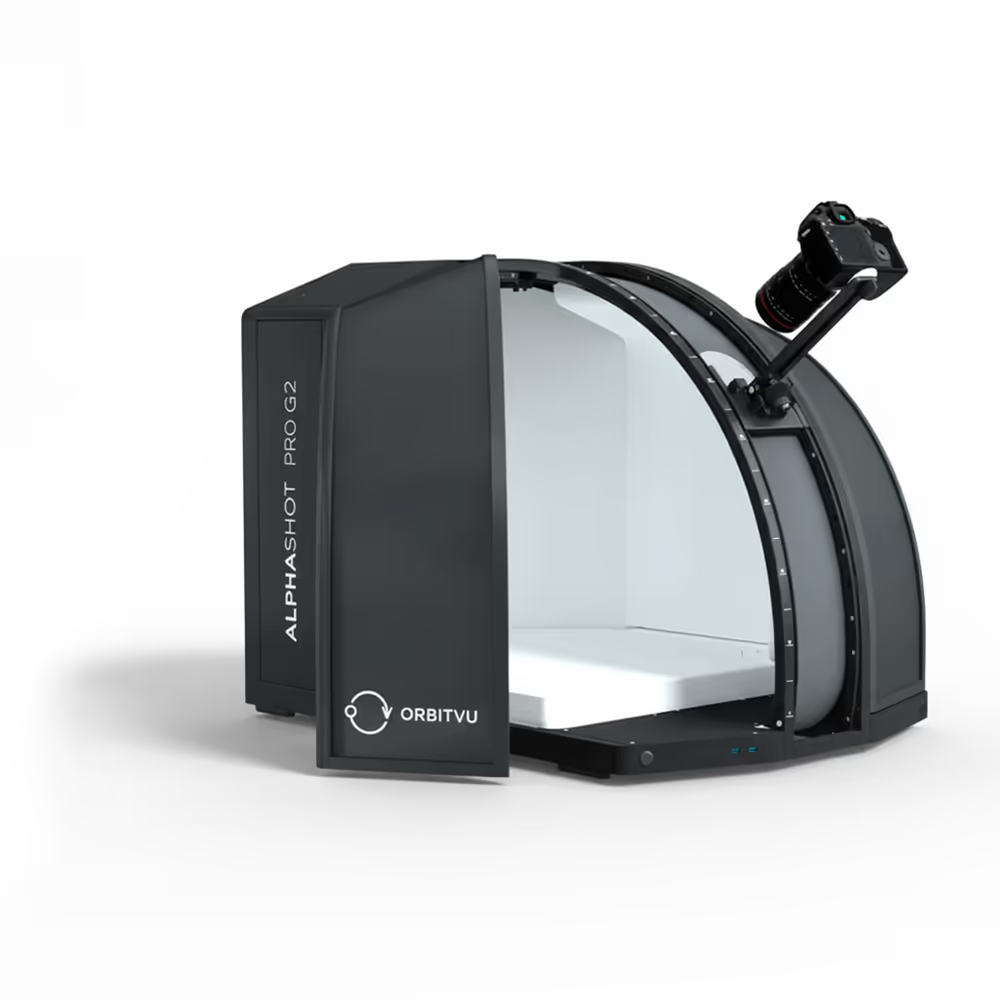
Small and medium objects, cosmetics, fashion, bottles.
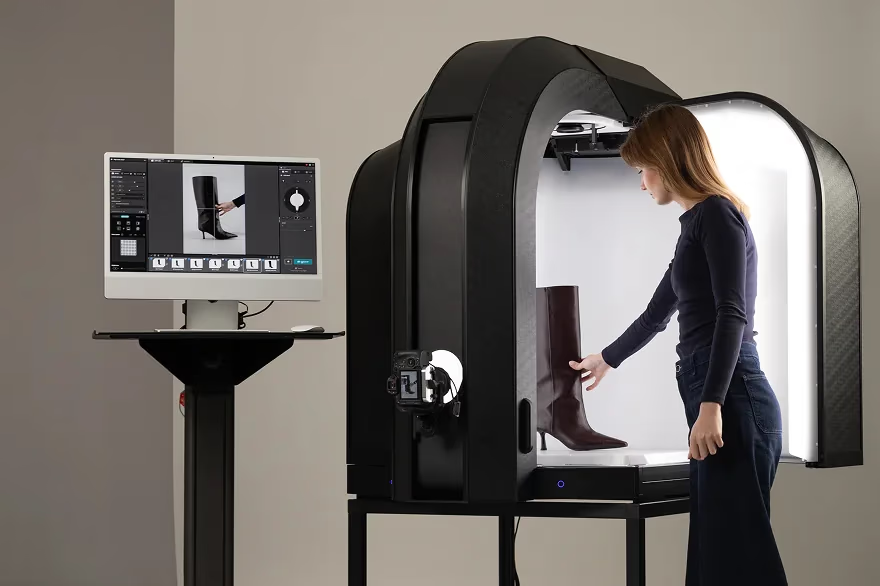
Objects up to cabin-luggage size, industrial parts.
Footprint, weight and capacities: Orbitvu product sheets.
A 30-minute demonstration with an advisor, by video call or in person, by appointment. In person, you can test your most difficult products.
Book my demoAn image generator creates a new visual from a written instruction or an existing image, without a shoot. Orbitvu Station starts from the photo of the product taken in the studio: the AI suggests the lighting, then removes the background, retouches and reads labels. Its automatic retouching uses generative AI, applied to that photo.
AI Masking works on the background. AI Retoucher retouches the photo taken in the studio: reflections, blemishes, colors, shadow. Every result is checked before publishing, and the text read by AI OCR remains editable before saving.
In Orbitvu Station, AI retouching goes through AI Retoucher, on the photo taken in the studio. A written instruction guides the result; saved as a preset, it can be reused on the following series. Every retouched image is checked before publishing.
Not for Orbitvu Station, which also works on its own with a Canon camera. AI Photo Assistant requires an Alphashot Pro G2 or Alphashot XL G2 studio.
Orbitvu Station's AI tools are reserved for subscriptions. The Enterprise plan includes AI Masking, AI Retoucher and AI OCR, 4,500 credits per month, the API, an offline mode and priority support. We explain the access conditions during the demonstration.
A background removal with AI Masking uses 5 credits per image since Orbitvu Station version 26.2.
Yes: the trial lasts 30 days, with full access and no credit card. It requires a free Orbitvu Cloud account and a Canon camera.
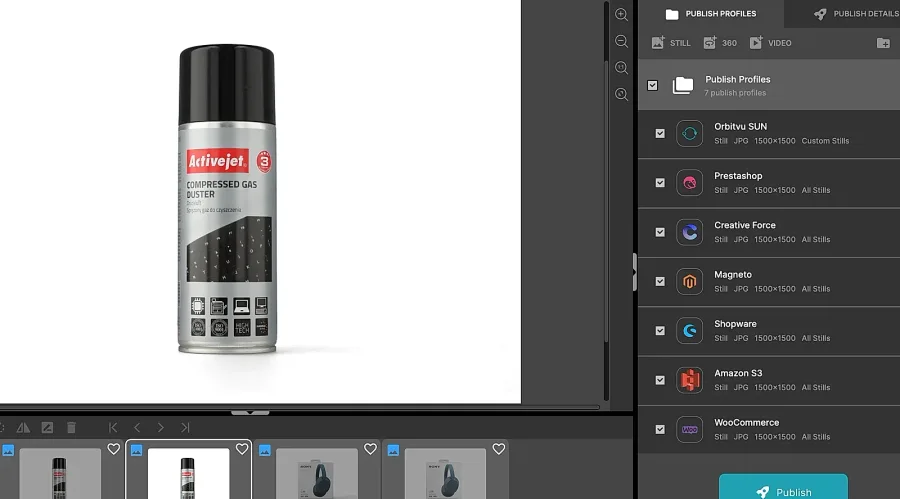
Orbitvu Station's publishing profiles send the files, in the format each destination expects, to a Shopify, Magento, Shopware, PrestaShop or WooCommerce store, to a PIM or a DAM, or to local or cloud storage (Amazon S3, Azure, Google Cloud Storage).
The studios driven by Orbitvu Station, from jewelry to furniture.
The same shooting cycle for the image, the measurements and the label data.
What a brand must disclose on an image retouched or generated by AI.
🎯 Create interactive 360° animations in 3 minutes with Orbitvu. Clipping, light, integrated AI: everything is automated.
Cut-outs, colour, dust, scratches, shadows, textures: what to check so that an AI-retouched product photo stays faithful to the product you sell.
