
Converting the colors of your products
Generate all your colors in a few clicks thanks to Orbitvu. Save time and harmonize your e-commerce visuals. 💻
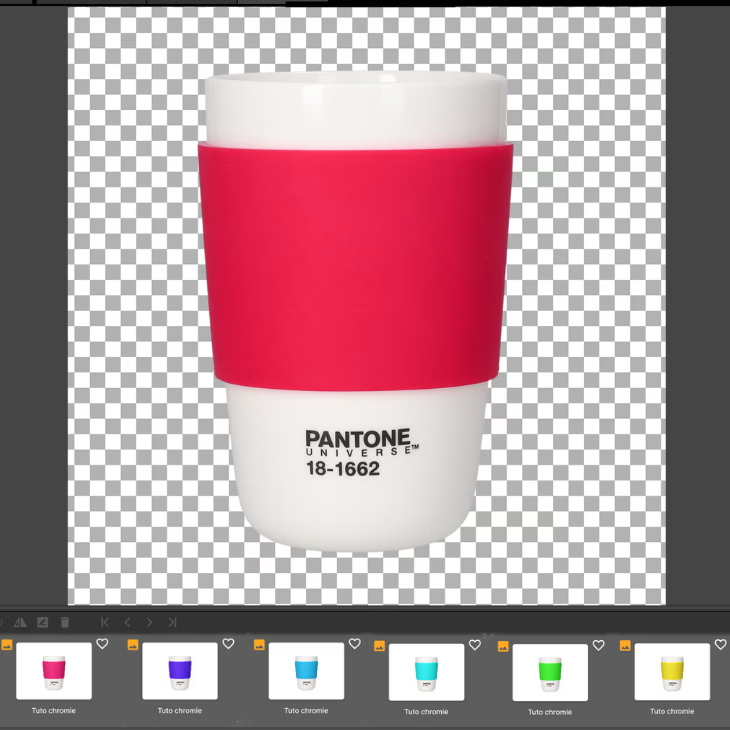
🎨 Change the colors of a product without redoing the whole photo shoot, it is possible. Thanks to the functionality of color conversion integrated into the software Orbitvu Station, all you have to do is Photograph a single variation. The software then allows you to change hue, saturation, and brightness in a few clicks, while maintaining a optimal image quality.
💡 This automated workflow Allows you to save precious time, of reduce production costs and to ensure a homogeneous presentation on all your product sheets.
📊 Whether for online catalogs, of advertising campaigns Or digital showcases, this technology helps you enhance your products while keeping a quick and easy process, accessible even without technical expertise.
🖼 This tutorial was created with the studio Alphashot Pro G2, one of Premiers automated photo studios assisted by AI.
Place the object in the photo studio
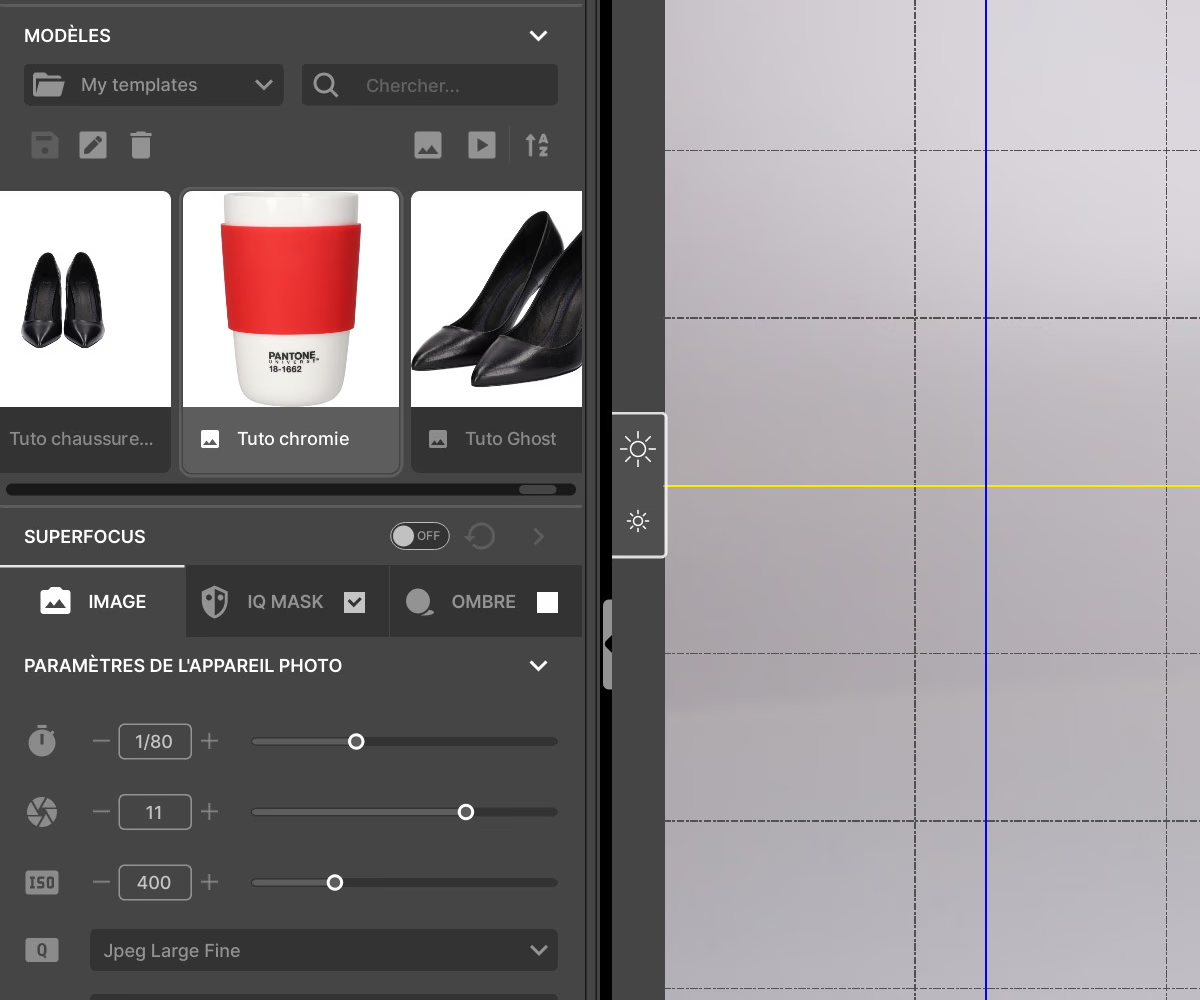
📍 Place your item in the Center of the plateau rotate and choose a default or custom template.
For more details on this stage, we invite you to discover our tutorial on positioning a watch, for example.
Adjust your camera settings
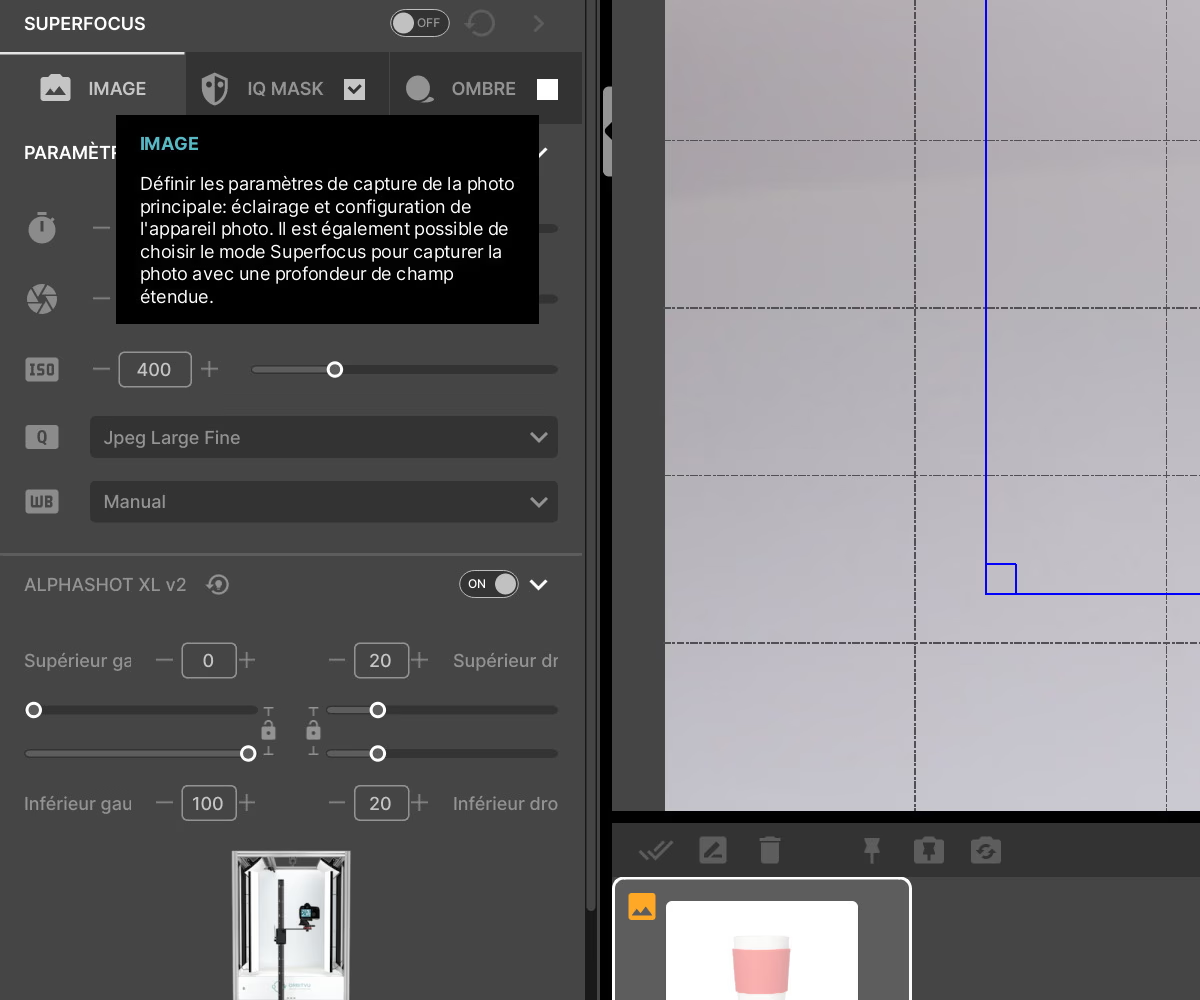
⚙ Adjust your camera's ISOs, aperture, and speed, then adjust the intensity of each LED light source in the studio to get the ideal exposure.
Also, set up the light for theIQ Mask in order to obtain a transparent background.
Choice of angles for the 360° animation
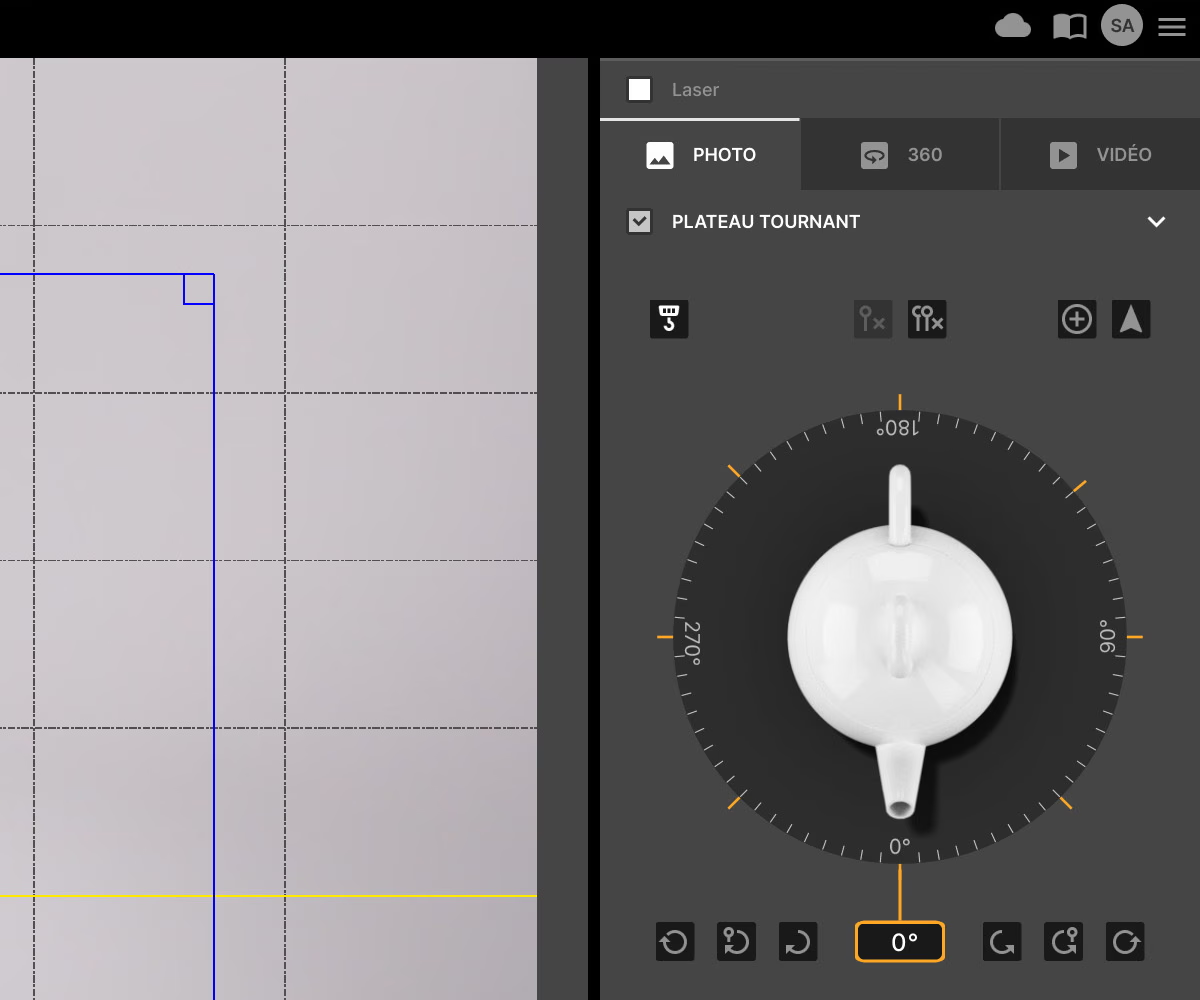
🔄 Choose the direction of rotation, speed, and number of frames that will make up the 360° animation. For an e-commerce website, for example, specializing in shoes, 24 photos are more than enough.
✅ Start recording the animation
Product color change
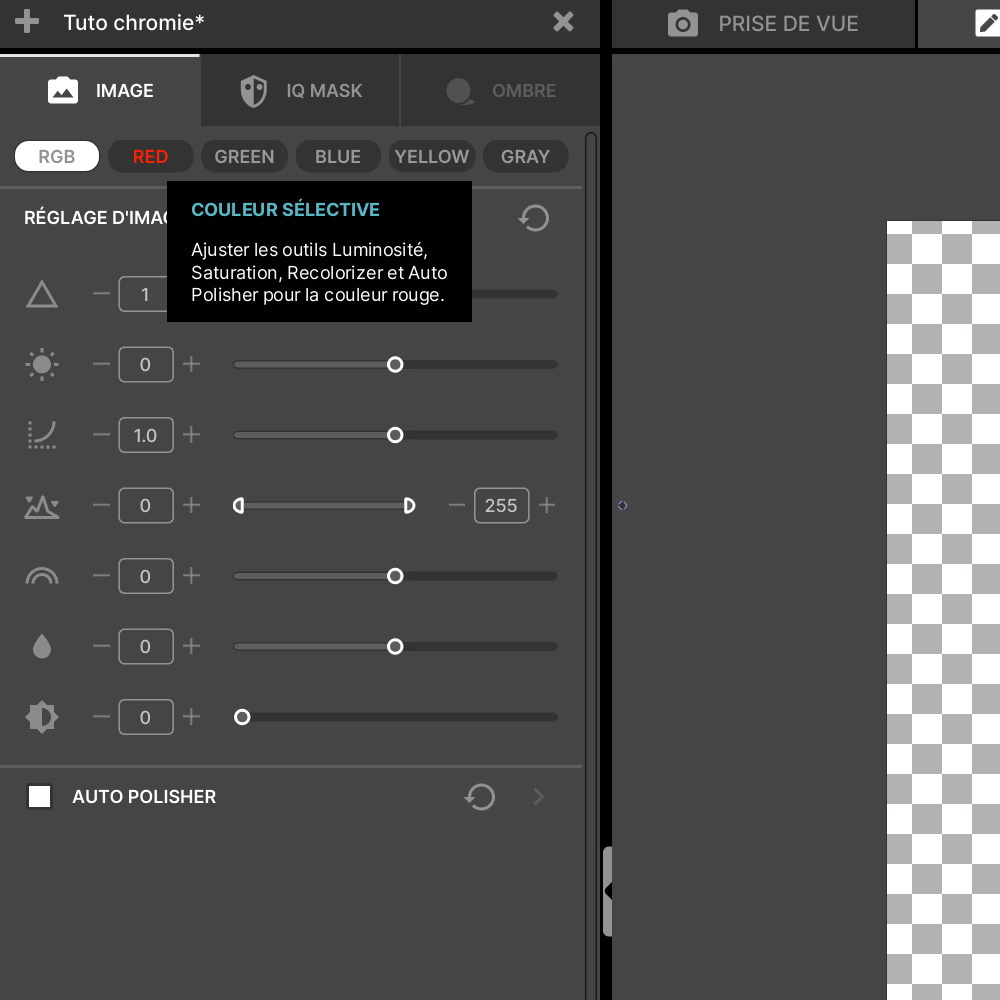
🎨 Once your animation is captured, go to the color settings in the section Edition.
You can adjust color settings to change the appearance of certain areas of the product by adjusting hue, saturation, or brightness.
You also have the option of selecting a specific color to change. For example, in our case, we chose to change the red part of our cup.
✨tip : if you have made a mistake or want to go back, you can click on the”Reinitialize” to return to the original photo.
Declination of colors
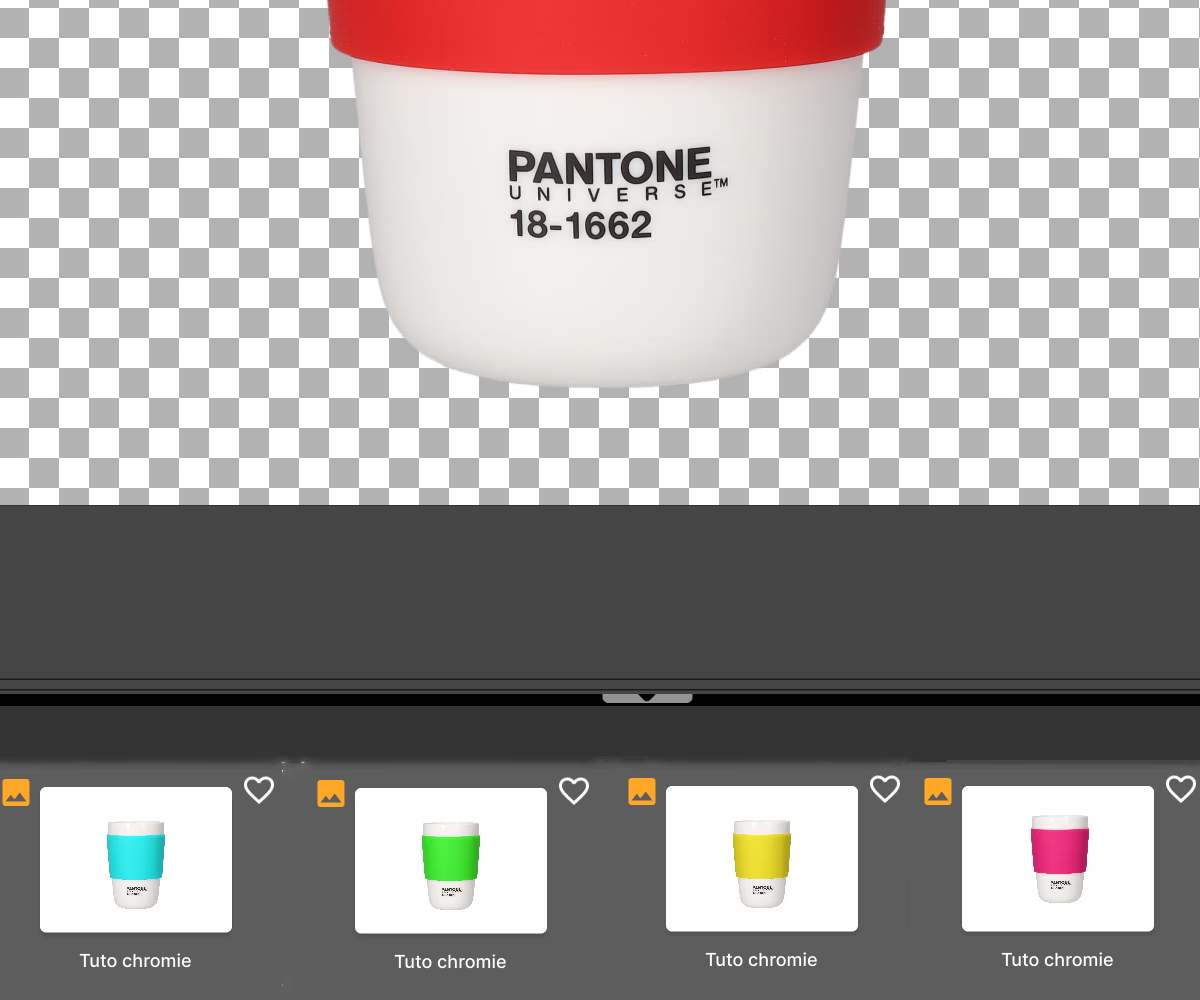
Here is an overview of our changes to the color red, which we transformed into different shades and hues.
📤 Once you have made your changes, you can proceed to export your animation.
Also discover our tutorial on creating 360° shoe animations.
Frequently asked questions
Do color changes affect the visual quality of the animation?
What are the financial advantages of using a variety of colors without retaking a photo?
Does the software automatically detect areas that need to be changed when the color changes?
Is the software suitable for non-professional users?
Is it possible to apply the same color settings to multiple products at once?
Need personalized guidance?
Our PackshotCreator experts are available to help optimize your product photography workflow.
Contact us