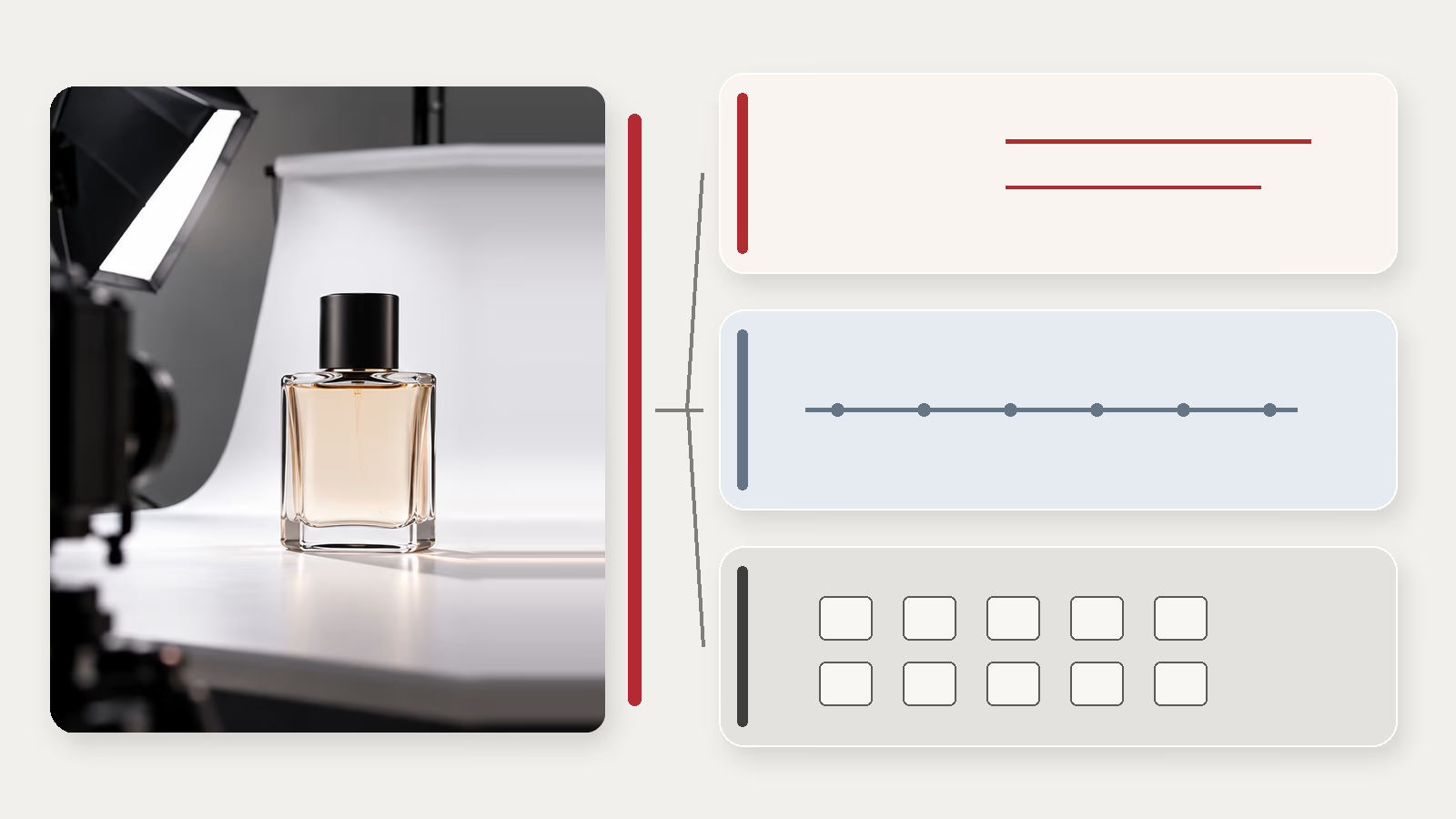
A grey background replaced with a uniform white. A sensor dust spot removed. A hue corrected. A scratch erased from a pre-owned watch. All of these interventions can be carried out with the same AI retouching tools, but they do not alter the photograph in the same way.
For a photo team, the right starting point is simple: what information does the final file give the customer about the product they will receive? The question of transparency under Article 50 of the AI Act comes next, keeping the marking applied by the tool separate from any visible disclosure by the brand. The general framework of Article 50 is covered in a dedicated article on the AI Act obligations for product images; this one focuses on retouching decisions.
Sources consulted on 30 September 2026. This article sets out the rules, guidelines and platform policies available on that date. It is not legal advice. The header image is an AI-generated illustration.
Before you retouch, keep three references
Keep the original photo, the reference of the product actually being sold and a clear list of the changes made. Without these reference points, it becomes difficult to tell whether you have corrected a flaw in the shot or altered the object itself.
The examples of “standard editing” given by the Commission in July 2026 show this: the same tool can prepare an image without changing the product, or alter the object itself. What determines the nature of the result is not the name of the software but what has changed in the file.
Cut-outs: watch what the tool reconstructs
Removing the studio backdrop visible in the original file is expressly cited by the Commission among routine preparation operations. The problem arises when the cut-out goes further: a handle disappears, a fringe is recreated, a transparent area turns opaque or part of the product is reconstructed.
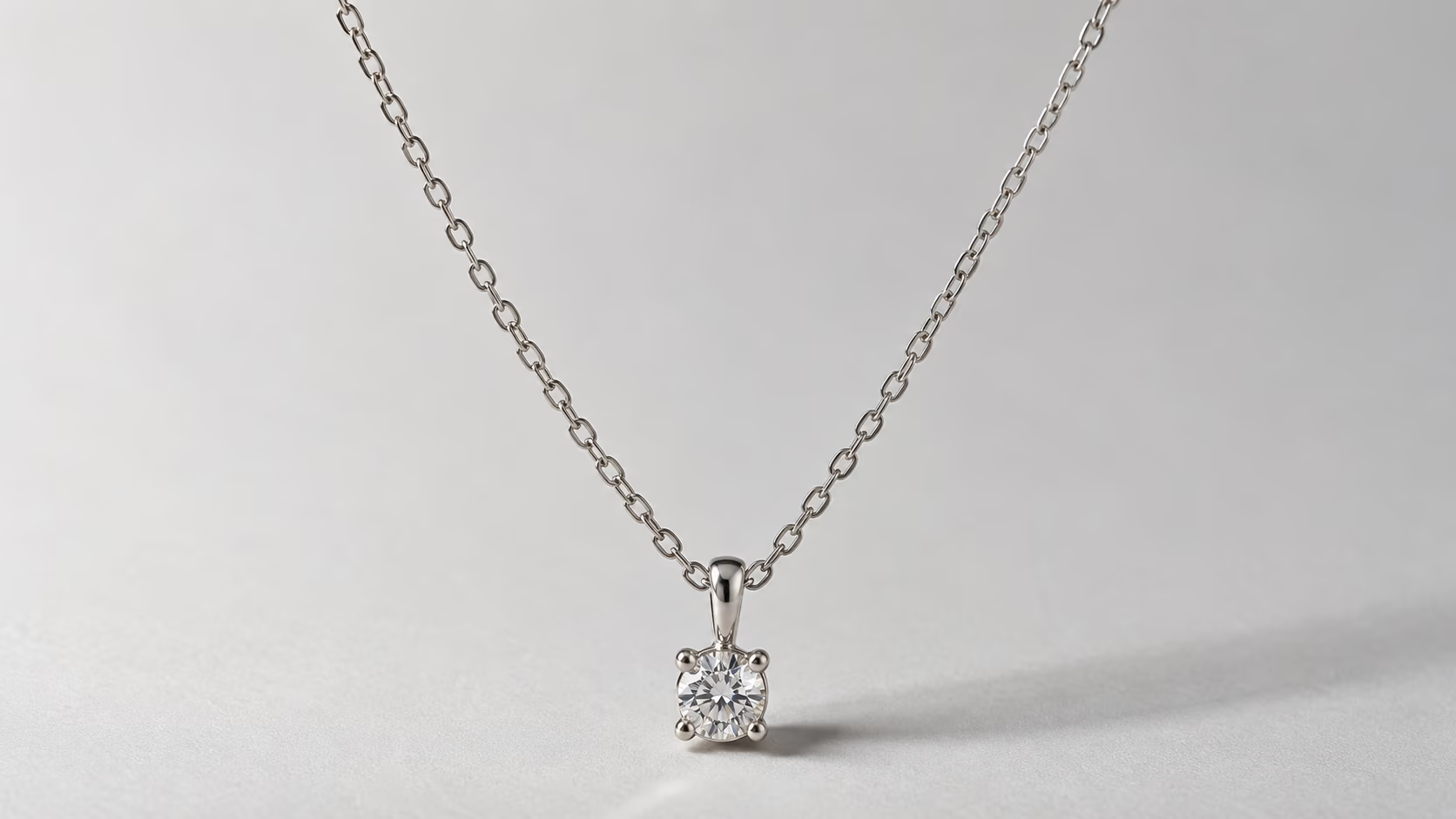
Before approving a batch, check the complex edges first: lace, fibres, clear glass, openwork jewellery, fine chains and thin fabrics. A flawless background does not make up for a distorted product.
Colour: three very different operations
Correcting towards the real colour. If the sensor, the lighting or the processing has introduced a colour cast, the correction aims to get back to the product as photographed. The Commission cites minor colour adjustments as part of standard editing.
Producing the photo of a variant you sell. Recolouring the blue bag red to show the red model in the catalogue is not the same thing as correcting a colour cast. The sources consulted do not explicitly settle how this situation should be classified under the two obligations in Article 50. In operational terms, compare the result with a real reference for the red version: a texture, a seam or a reflection may differ despite the hue chosen.
Inventing a colourway. If the image shows a finish or colour that is not part of the range on offer but is presented as available, the question is not just one of an AI label. The file conveys information that does not match the product offered. Avoid any simplistic formula such as “non-existent colour = automatic deep fake”: the Commission’s examples invite an examination of the transformation, the rendering and the context.
Dust, scratches, wear: ask yourself where the defect lies
Dust on the lens or the sensor belongs to the shot. A fibre temporarily resting on the demonstration sample is not necessarily related to the item that will be delivered. A scratch on a pre-owned item, on the other hand, is a characteristic of the object the customer is buying.
The status of the product therefore changes the retouching decision:
| Situation | Fidelity check before publication |
|---|---|
| Sensor dust | Clean up the artefact without affecting product detail. |
| New unit intended only for the shoot, accidentally marked | Compare the corrected file with the normal condition of the new product reference actually sold. |
| Watch, piece of furniture or collector’s item sold individually | Keep the signs of wear and relevant defects in the commercial presentation. |
| Refurbished product | Check that the retouching does not suggest a better condition than the one that will actually be delivered. |
Erasing a scratch is not given an automatic, universal classification in the texts consulted on the AI Act. Commercial fidelity is the first line of control here.
Shadows and reflections: do not change the product through light
Adding a shadow under a cut-out object can restore its sense of volume. Removing a distracting reflection can make its details easier to read. But a reflection can also carry information: a matt or glossy finish, curvature, the thickness of a glass, the relief of a metal surface.
Examine any intervention likely to change how the customer perceives the product. A very elongated shadow can alter apparent size; a reflection that artificially smooths a material can give it a different quality. The sources consulted do not explicitly settle the status of every AI-generated shadow or reflection: you look at the result, its significance and its context.
Before approving, compare the retouched version with the original photo and with the object. Does the added shadow follow the direction and hardness of the light used for the shot? Does its length change the product’s apparent height or the way it appears to sit? Did the removed reflection hide a scratch, an engraving, a logo or the transparency of a glass? On a matt finish, no glossy reflection should appear.
Texture and material: the risk is often in the detail
Artificial sharpening, smoothing or changes to the material can create an overly regular surface. On a textile, this concerns, for example, the knit, the creases, the weave or the drape; on jewellery, thickness and reflections; on glass, edges and transparency.
This list flags points to check; it is not a generalisation that a given material “always reacts badly” to AI. For each product category, agree with the photo team on the details that must not be invented or erased.
Checking method: compare an area of material in 100% view (one image pixel per screen pixel), before and after processing. Reject any detail absent from the original file, however plausible: fibres, leather grain, engraving, polish. On a textile, check that patterns and stripes stay continuous across the seams.
A sign-off sheet rather than a vague rule
For each retouching batch, record: the original file, the product reference, the transformations, the sensitive areas, the approved final image and the distribution channel (platform metadata requirements are covered in our article on metadata for AI-generated product images). Then keep the question of product fidelity separate from the two transparency questions set out in Article 50.
This is a recommended working method. The sources consulted do not allow us to state that Article 50 requires every brand to keep a detailed retouching log.
Sources
Sources consulted on 30 September 2026: Regulation (EU) 2024/1689; Commission guidelines on Article 50 (content approved on 20 July 2026, formal adoption announced); Commission FAQ; Article L121-2 of the French Consumer Code (Code de la consommation) (in French).